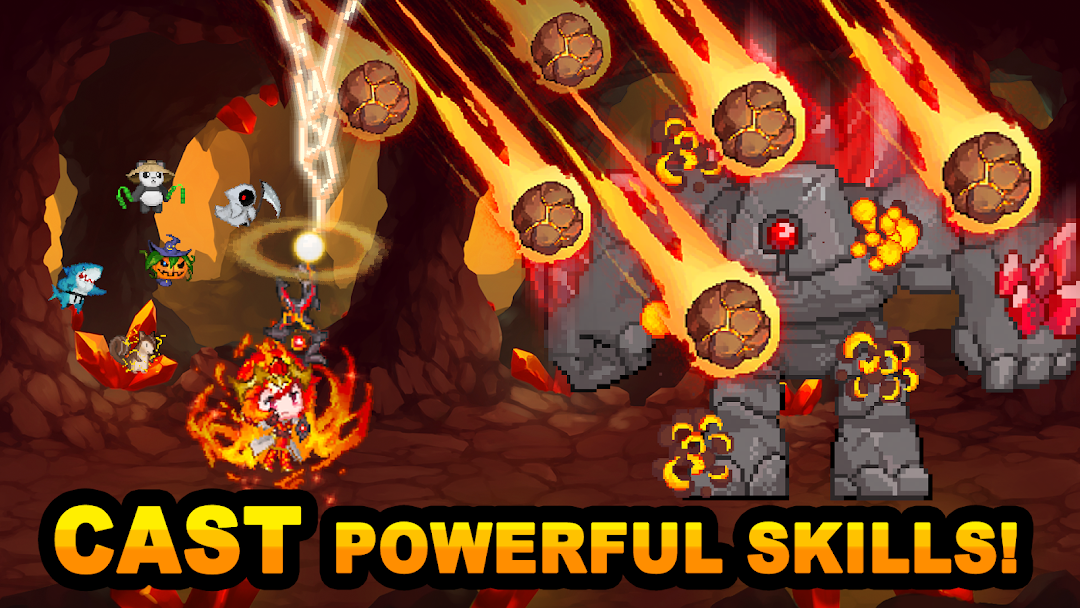
Elementalist : Idle RPG War is a Simulation application developed by omonagames, but with the best Android emulator-LDPlayer, you can download and play Elementalist : Idle RPG War on your computer.
Running Elementalist : Idle RPG War on your computer allows you to browse clearly on a large screen, and controlling the application with a mouse and keyboard is much faster than using touchscreen, all while never having to worry about device battery issues.
With multi-instance and synchronization features, you can even run multiple applications and accounts on your PC.
And file sharing makes sharing images, videos, and files incredibly easy.
Download Elementalist : Idle RPG War and run it on your PC. Enjoy the large screen and high-definition quality on your PC!
💠 Raising the Elementalist : The Ultimate Idle Shooting RPG 💠Dive into a magical world where you can harness mighty spirits and battle against the mischievous daughter of the Demon King!
💠 Game Features 💠
Immersive Idle Gameplay: Experience the perfect blend of casual play and immersive strategy, growing stronger even when you're away!
Summon Diverse Spirits: From the slippery slime to the fiery ifrit, form unbeatable teams and customize your battle strategy.
Take the Reins in Raid Battles: Don't just watch—take direct control in challenging raid boss fights and showcase your prowess.
Climb the Ranks: Rise to the top and show the world your power in both combat strength and stage progression.
💠 How to Play 💠
Effortless Progression: Just turn on the game and watch your power grow as you earn gold in auto battles.
Power Up: Use the gold you've earned to enhance both your magical staff and your spirits, making them unstoppable.
Face Mighty Foes: Engage in epic battles against powerful monsters and bosses that challenge your strategy.
Boss Raids: For the fiercest enemies, step in, take direct control, and lead your team to victory.
Global Leaderboards: Keep an eye on the rankings, push your limits, and see how you stack up against players worldwide.
Endless Challenges: Keep pushing your boundaries, striving for the pinnacle of power and prestige.
💠 Contact Us 💠
e-mail: omonagames@gmail.com