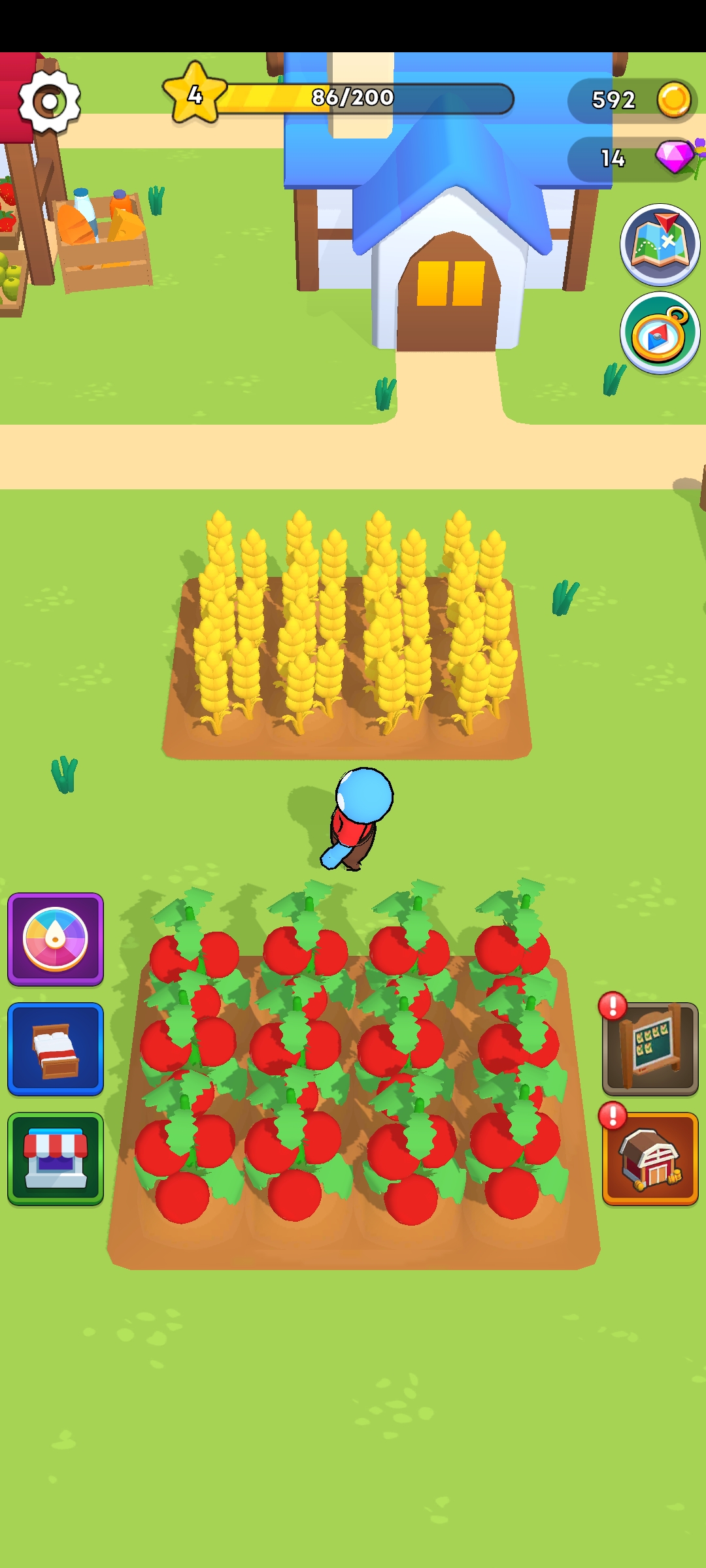
Harvest Homestead is a Simulation application developed by Master Flower Lin, but with the best Android emulator-LDPlayer, you can download and play Harvest Homestead on your computer.
Running Harvest Homestead on your computer allows you to browse clearly on a large screen, and controlling the application with a mouse and keyboard is much faster than using touchscreen, all while never having to worry about device battery issues.
With multi-instance and synchronization features, you can even run multiple applications and accounts on your PC.
And file sharing makes sharing images, videos, and files incredibly easy.
Download Harvest Homestead and run it on your PC. Enjoy the large screen and high-definition quality on your PC!
Manage crops, raise farm animals, process goods, and enjoy decorating your own house in this immersive farm simulation gameHarvest Homestead is a captivating farm simulation game that offers a delightful experience of managing your own virtual farm.
Immerse yourself in the world of agriculture as you sow and harvest crops, care for adorable farm animals, and transform raw produce into valuable goods.
With its engaging gameplay and charming visuals, Harvest Homestead brings the joy of rural living to your fingertips.
Key Features:
1.Farming and Animal Care: Cultivate a variety of crops, from grains to vegetables, and raise a range of farm animals, including cows, chickens, and pigs.
Experience the satisfaction of tending to your fields and nurturing your animals.
2.Processing and Crafting: Take your harvested crops and animal products to the processing facilities to create delicious food items, beverages, and valuable artisanal goods.
Master the art of crafting and expand your product offerings.
3.Customize and Decorate: Unleash your creativity and design your dream farm. Personalize your own house with a wide selection of furniture, decorations, and landscaping options.
Create a picturesque farm that reflects your unique style and make it a cozy retreat.