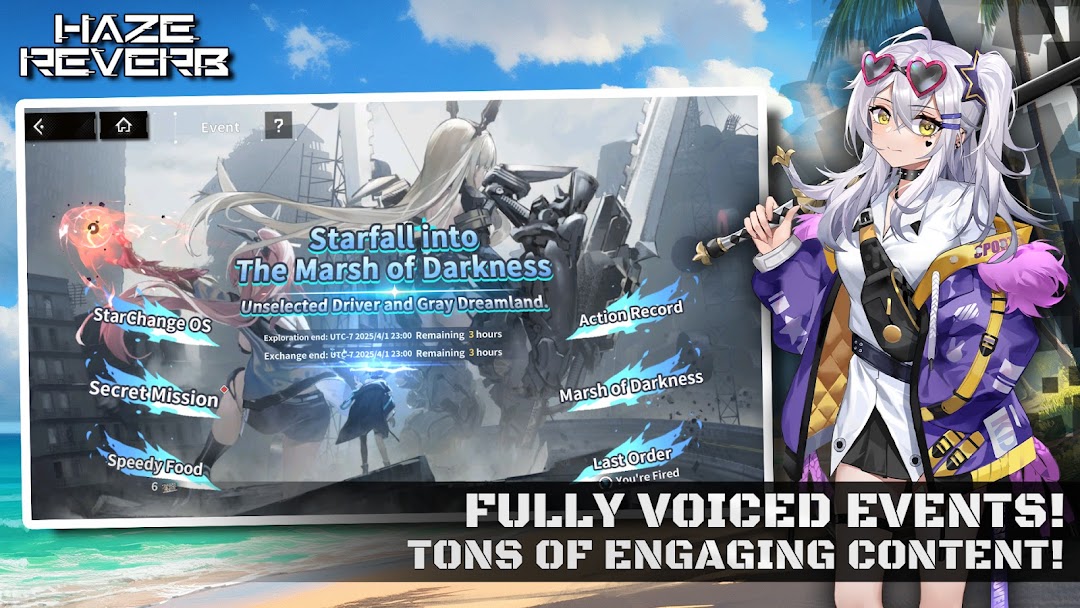
Haze Reverb is a Simulation application developed by GENMUGAME CO., LTD., but with the best Android emulator-LDPlayer, you can download and play Haze Reverb on your computer.
Running Haze Reverb on your computer allows you to browse clearly on a large screen, and controlling the application with a mouse and keyboard is much faster than using touchscreen, all while never having to worry about device battery issues.
With multi-instance and synchronization features, you can even run multiple applications and accounts on your PC.
And file sharing makes sharing images, videos, and files incredibly easy.
Download Haze Reverb and run it on your PC. Enjoy the large screen and high-definition quality on your PC!
This is a world trapped in an endless cycle of collapse.After a sudden invasion by extraterrestrial beings known as "Sin," humanity is on the brink of extinction. As the only one blessed with "Synesthesia," you must lead girls with the power of Gigantification and fight to save the world!
▼Anime Game: Haze Reverb!
Dive into a anime crafted for young heroes! Victory in the anime game with cute character and gacha system, and build special memories with anime girls!
▼9 vs. 9 Tactical Combat
Command your squad in intense, turn-based battles! Strategize with up to 9 allies on the battlefield. Master positioning, action sequences, and unleash powerful skills to claim victory with the ultimate strategy!
▼Fully Voiced Storytelling
Immerse yourself in an epic adventure with fully voiced main stories and events! Watch the characters come alive, transcending their virtual forms to become your true companions.
▼Build Your Dream Squad
Team up with a diverse cast of unique characters! Choose your favorite Giantesses, train them to their fullest potential, and build an unstoppable squad!
◆World Setting
After a cataclysmic attack by the extraterrestrial beings "Sin," human civilization teeters on the edge of collapse.
In response, the Unified Human Front establishes "The Eternal Shield," AEGIS, to defend what's left.
Through advanced science, technologies like "Gigantification" and "Transformation Cores" are developed, allowing elite soldiers—known as Drivers—to don A.V.G (Advanced Vision Gear) and transform into Giantesses to battle "Sin".
As someone who has lost all memories yet mysteriously harbors the powers of "Sin," you are the key to humanity's survival…