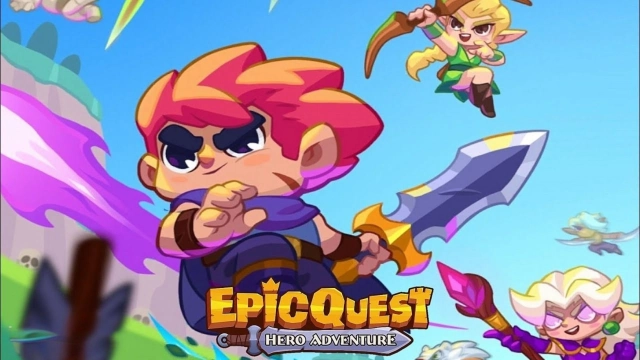
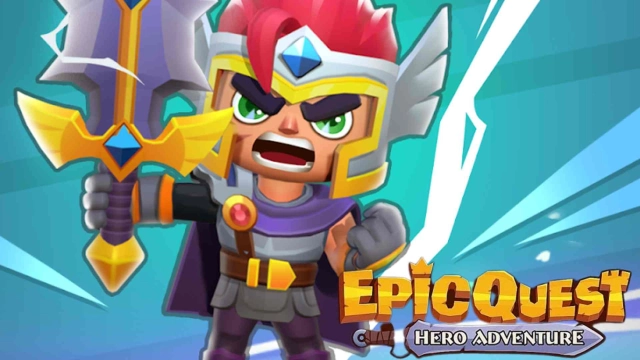
Epic Trio: Roguelike Clash is a Action game developed by INWAVE GLOBAL, and LDPlayer is the best platform for playing Epic Trio: Roguelike Clash on PC, offering powerful features to immerse you in the game.
When playing Epic Trio: Roguelike Clash on computer, you can adjust frame rate settings for smooth gameplay and stunning visuals.
LDPlayer also provides pre-configured keyboard mapping for convenient control of the entire game. Continuous optimization of keyboard mapping enhances key sensitivity and skill accuracy. Additionally, LDPlayer offers special buttons like shoot, hide mouse, and continuous key press for an enhanced gaming experience.
If you prefer using a gamepad, the automatic gamepad detection allows you to customize controls with just a few clicks, enabling you to freely maneuver your hero. Start downloading and playing Epic Trio: Roguelike Clash on your computer now!
⚔️ Epic Trio: Roguelike Clash is an action roguelike RPG where every run feels risky, rewarding, and impossible to predict. Step into a dangerous fantasy world, lead a hero's team into battle, and discover how far smart choices, sharp timing, and the right squad can take you.🗺️ A Roguelike RPG Built for Adventure
Each dungeon run throws new threats, new rewards, and new decisions your way. One moment you are cutting through waves of enemies, the next you are chasing loot, adapting your build, and pushing deeper into the unknown. If you love a fast, replayable dungeon crawler with the heart of a true fantasy RPG, this journey is made for you.
🛡️ Win with Squad Strategy, Not Just Power
This is not a lone hero's adventure. Victory comes from building the right hero squad, combining roles, and creating strong team synergy in battle. Mix offense, defense, and support. Chain abilities. Discover powerful skill combos. In Epic Trio: Roguelike Clash, the thrill comes from watching your squad click at the perfect moment.
✨ Summon, Upgrade, Adapt
Grow stronger through hero collection, summon hero progression, and meaningful upgrades. Improve your gear, sharpen your abilities, and shape a team that can survive longer and hit harder. Every choice matters, and every upgrade opens new ways to fight.
👑 Boss Fights That Test Everything
The deeper you go, the tougher it gets. Brutal enemies and intense boss fights will challenge your positioning, timing, and strategy. To survive, you will need more than power. You will need a squad that works as one.
🌌 A Fantasy Adventure Worth Chasing
Behind every battle is a world full of danger, mystery, and reward. From dark stages to high-pressure encounters, Epic Trio blends action RPG combat, roguelike RPG replayability, and the excitement of a true fantasy adventure into one unforgettable run.
📥 Download Epic Trio: Roguelike Clash now and build a hero squad that can battle, adapt, and conquer every dungeon ahead.