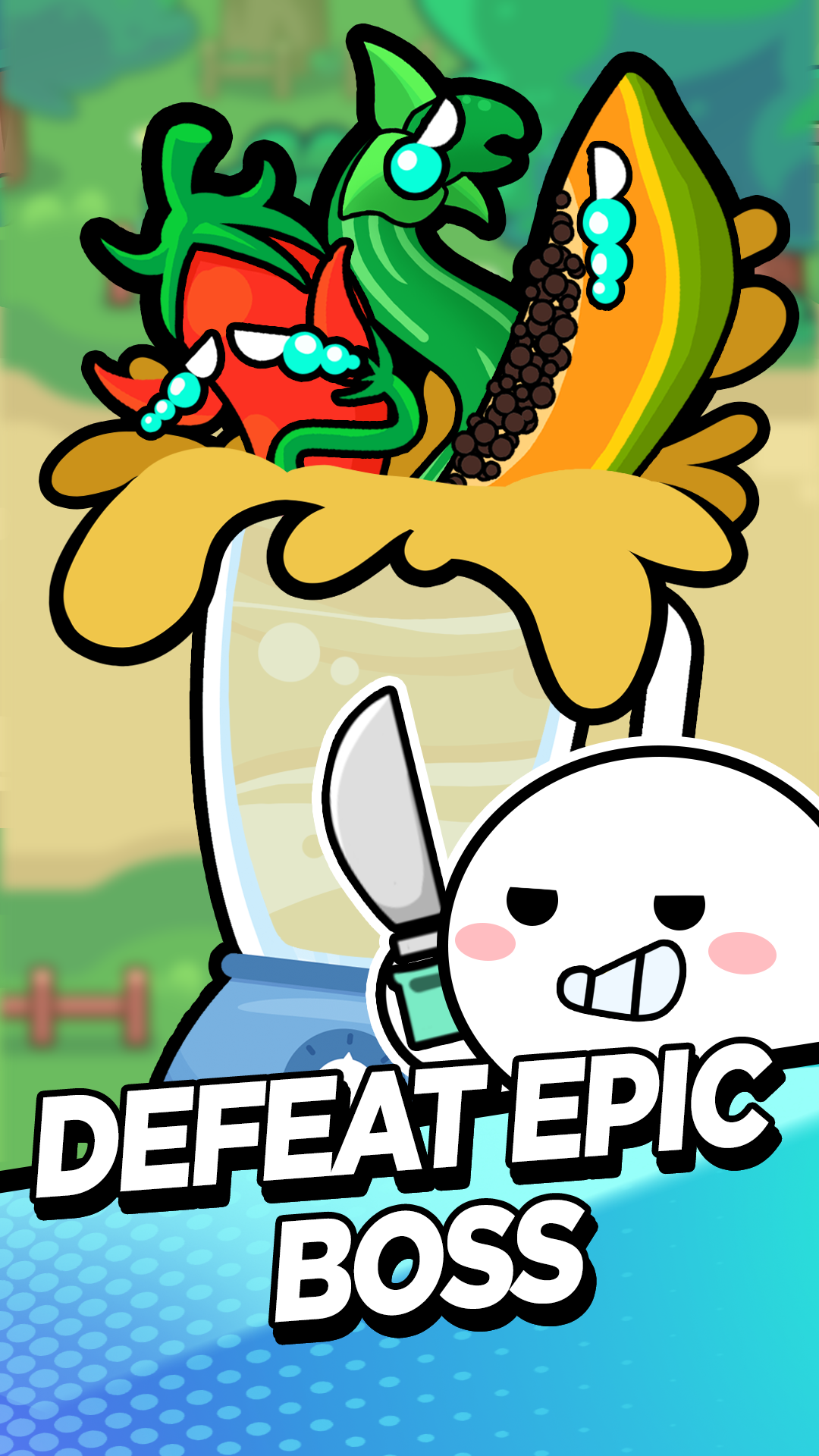


Hero vs Fruit is a Arcade application developed by MGIF, but with the best Android emulator-LDPlayer, you can download and play Hero vs Fruit on your computer.
Running Hero vs Fruit on your computer allows you to browse clearly on a large screen, and controlling the application with a mouse and keyboard is much faster than using touchscreen, all while never having to worry about device battery issues.
With multi-instance and synchronization features, you can even run multiple applications and accounts on your PC.
And file sharing makes sharing images, videos, and files incredibly easy.
Download Hero vs Fruit and run it on your PC. Enjoy the large screen and high-definition quality on your PC!
In this Hero vs Fruit, players take on the role of a tiny. The goal is to grow the garden into a thriving ecosystem, attracting and nurturing various insects.Gameplay:
Fruit Cultivation: Players start with a basic hero. By tapping or clicking, they can speed up the growth process and harvest fruits.
Insect Attraction: As the garden flourishes, it becomes a magnet for insects. Different types of fruits attract specific insects, such as butterflies, bees, ladybugs, and beetles.
Evolution: As the garden and insect population grow, players can unlock new pet varieties.
Challenges: Occasional pests or environmental hazards can threaten the garden. Players must defend their garden from these threats and maintain its balance.
Features:
- Idle Gameplay: The game can be played passively, with automatic hero growth. However, players can actively intervene to speed up progress or handle challenges.
- Collect resources, such as gold, experience points, and equipment, to upgrade your characters and progress through the game.
- Gacha mechanics: idle quest allow you to randomly acquire new characters and equipment.
- Progression systems: Hero vs Fruit typically have a variety of progression systems, such as character levels, equipment upgrades, and skills, that you can use to make your characters stronger.
This idle game concept offers a unique blend of casual gameplay, nature-inspired visuals, and strategic elements. By combining the appeal of fruit cultivation and insect observation, it can create a captivating and rewarding experience for players of all ages.
If you're looking for a mobile game that you can play in short bursts or leave idle in the background, hero vs fruit might be the perfect choice for you. With their simple gameplay and addictive progression systems, idle RPGs are a great way to pass the time and relax.