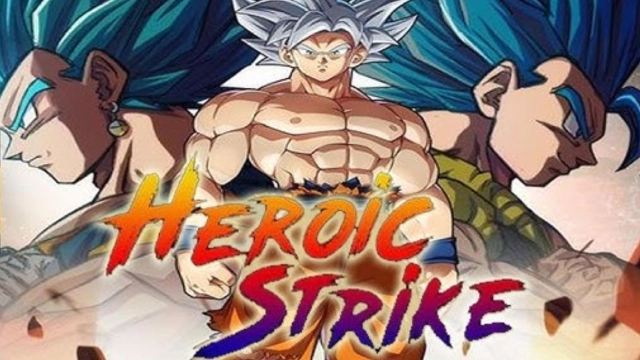
Heroic Strike is a Adventure application developed by ByteFusion, but with the best Android emulator-LDPlayer, you can download and play Heroic Strike on your computer.
Running Heroic Strike on your computer allows you to browse clearly on a large screen, and controlling the application with a mouse and keyboard is much faster than using touchscreen, all while never having to worry about device battery issues.
With multi-instance and synchronization features, you can even run multiple applications and accounts on your PC.
And file sharing makes sharing images, videos, and files incredibly easy.
Download Heroic Strike and run it on your PC. Enjoy the large screen and high-definition quality on your PC!
Enter the world of Heroic Strike, where you collect, upgrade, and lead powerful heroes in tactical card-based combat. With a vast roster of unique characters and a competitive global arena, Heroic Strike delivers an exhilarating experience for players seeking deep strategy and intense action.
A Strategic Hero Battle Experience:** Heroic Strike brings you into an exhilarating world where you collect and command a team of powerful heroes, each represented by unique cards. Engage in strategic battles, outmaneuver your opponents with well-planned tactics, and climb the ranks in this immersive and action-packed card battle game.
Unleash Your Heroes: In Heroic Strike, discover a vast roster of heroes, each with distinct abilities and powers. Assemble your ideal team, combining heroes in powerful combinations to dominate the battlefield and achieve greatness.
A Legendary Adventure: Embark on a thrilling adventure in Heroic Strike, where every battle with your hero cards pushes the story forward. Experience epic confrontations, powerful alliances, and dramatic twists as you lead your heroes through a captivating storyline.
Conquer the Global Arena: Test your skills against players worldwide in Heroic Strike’s real-time PvP arena. Strategize with your hero cards, rise through the ranks, and prove that you have what it takes to become the ultimate champion in this intense card-based hero battle game.