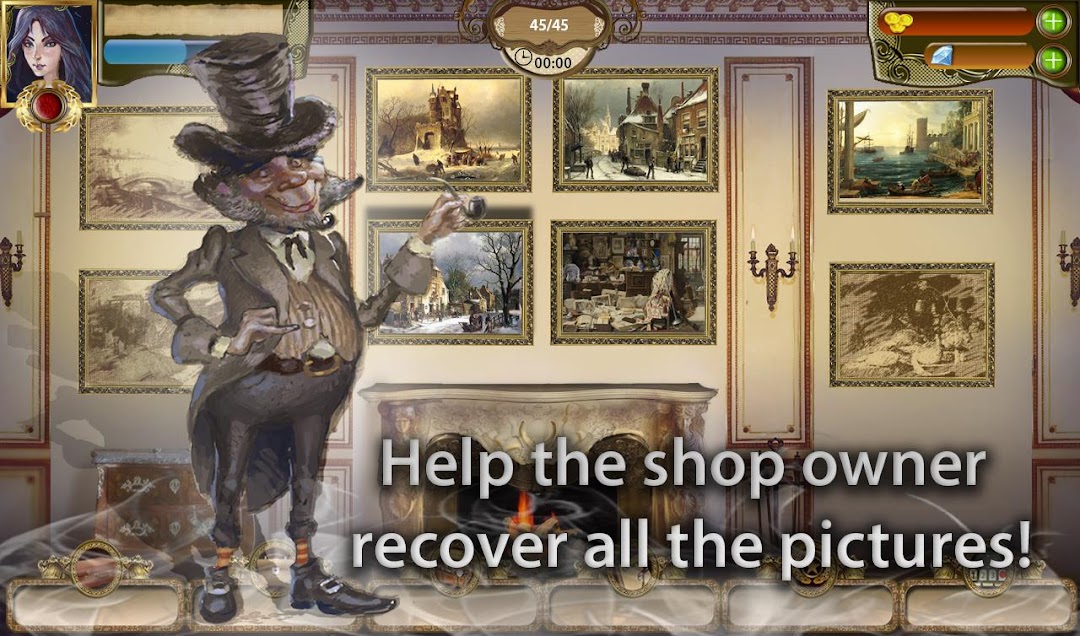


Hidden Object Mystery Pictures is a Adventure application developed by Fox Art Games, but with the best Android emulator-LDPlayer, you can download and play Hidden Object Mystery Pictures on your computer.
Running Hidden Object Mystery Pictures on your computer allows you to browse clearly on a large screen, and controlling the application with a mouse and keyboard is much faster than using touchscreen, all while never having to worry about device battery issues.
With multi-instance and synchronization features, you can even run multiple applications and accounts on your PC.
And file sharing makes sharing images, videos, and files incredibly easy.
Download Hidden Object Mystery Pictures and run it on your PC. Enjoy the large screen and high-definition quality on your PC!
NEW HIDDEN OBJECT GAME!In secret antique shop Mr. Bright unbelievable events are happening: favorite collectible treasures disappear without a trace! But you managed to get into the picture and solve the riddle of the disappearance of jewels ! Trying to find losses you will get acquainted with the famous but unfortunate artist(He is the author of the art work) and with many other mysterious and funny characters. The picture of the true artist - the door to another world! And only you can penetrate the different pictures!
Find hidden objects, understand what is happening, visit the most mystic and mysterious
pictures - portal - all this you can do as soon as you will open a new game in the genre Hidden Objects - "Hidden Object Mystery Pictures"
Official Community VKontakte: https://vk.com/mysterypictures
Visit our official page on facebook: https://www.facebook.com/MysteryPicturesGame/
Video Trailer: https://youtu.be/Qdd0wJBFG2g
Key Features:
• Explore Fascinating worlds of eternal art, look for objects inexplicably trapped in the picture!
• Characters with unique characters waiting to meet with you, many of them hundreds of years ...
• To discover Mystery of the disappearance of things, find out what kind of forces are behind all this mystery!
• Original Quests each has its own history of the subject, cognitive or fairy tale about each the missing part!
• Locate missing daughter of the great painter!
• Use a full arsenal of auxiliary tools: compass, Clock, Dynamite and many other artifacts! "
• All Your story written in the diary. You can read it like a book: a new event - a new chapter of your adventure in «Mistery Pictures"!
• Wait for the update, they will have to wait for new pictures, new characters and mysteries of interesting stories!