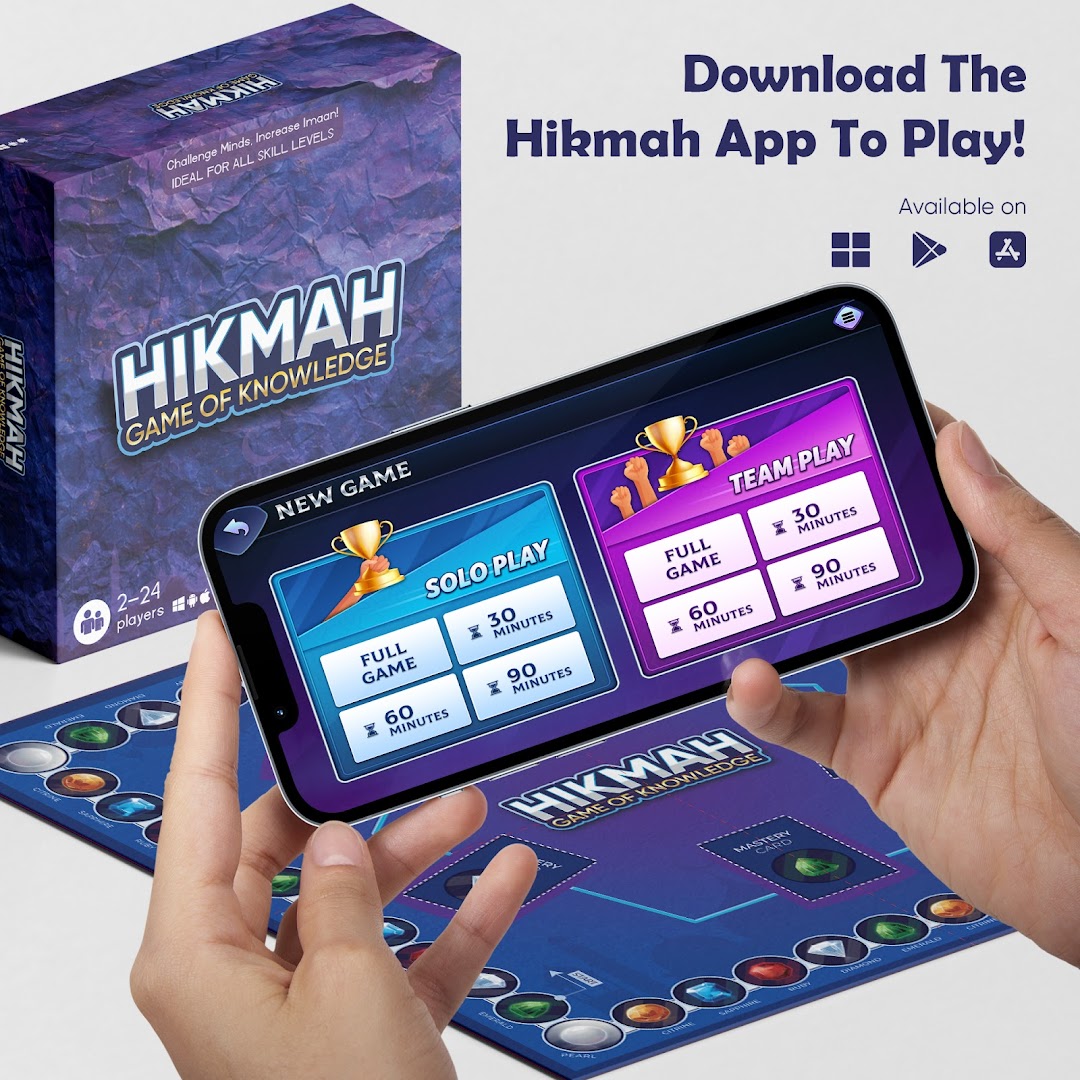
Hikmah: Game Of Knowledge is a Board application developed by Hikmah Games, but with the best Android emulator-LDPlayer, you can download and play Hikmah: Game Of Knowledge on your computer.
Running Hikmah: Game Of Knowledge on your computer allows you to browse clearly on a large screen, and controlling the application with a mouse and keyboard is much faster than using touchscreen, all while never having to worry about device battery issues.
With multi-instance and synchronization features, you can even run multiple applications and accounts on your PC.
And file sharing makes sharing images, videos, and files incredibly easy.
Download Hikmah: Game Of Knowledge and run it on your PC. Enjoy the large screen and high-definition quality on your PC!
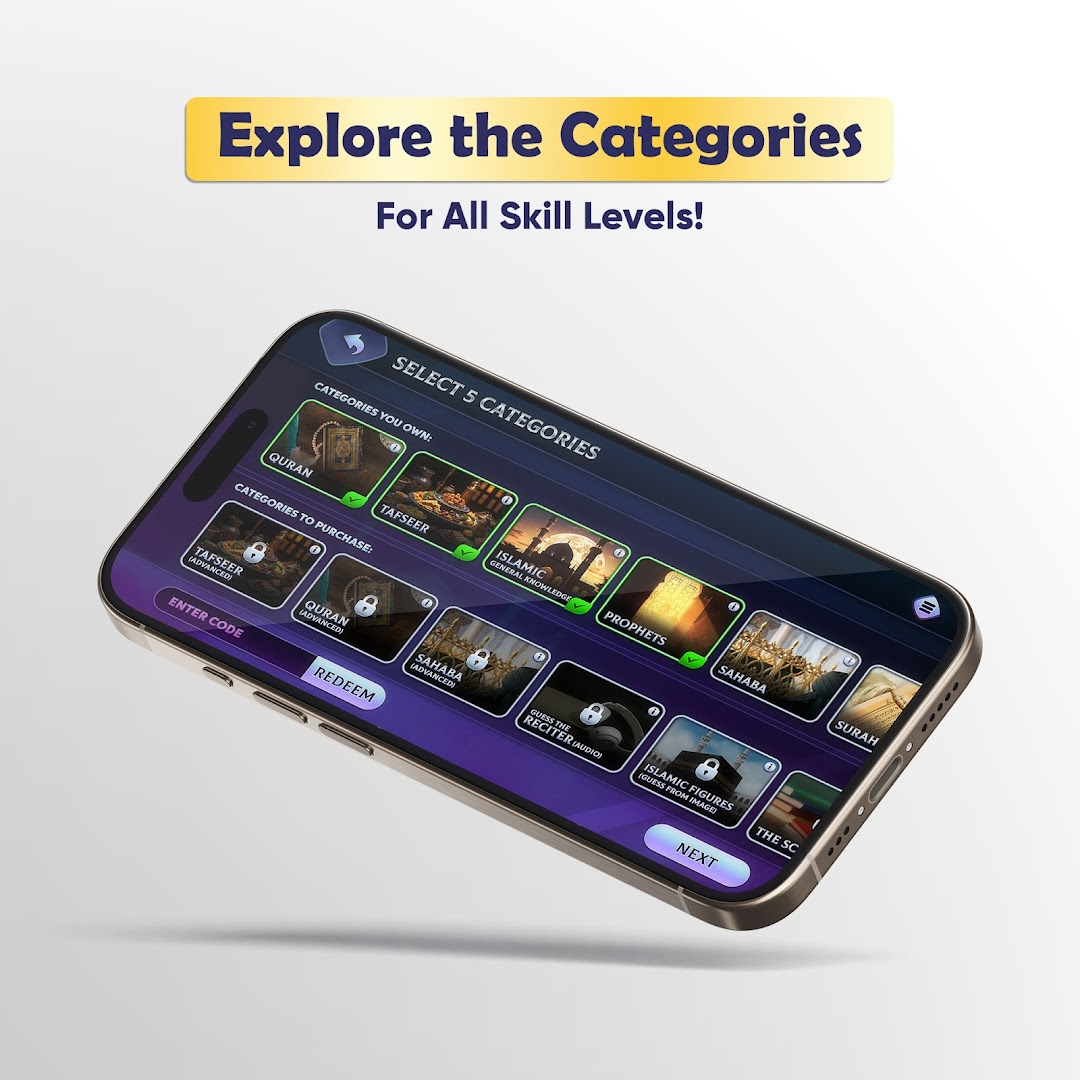
Hikmah: Game of Knowledge is the ultimate Islamic board game that redefines how we learn and engage with Islamic knowledge. Designed for families, friends, and communities, this game is a unique blend of fun, strategy, and education. Whether you're competing in teams or playing solo, Hikmah offers a captivating experience that challenges minds while nurturing Imaan.The gameplay revolves around a beautifully designed circular board featuring vibrant gemstone spaces—Emerald, Diamond, Ruby, Sapphire, Citrine, and Pearl—each linked to specific categories of knowledge. Players advance by answering questions in categories such as:
- Islamic General Knowledge
- Fiqh
- Prophets
- Tafsir
- Islamic Fundamentals
- Guess The Surah
- Guess Who?
- Seerah
Additional purchasable categories, regularly updated, dive into categories based on scholars books such as:
- Talbees Iblees
- The Salah
- Allah's Names
- Characteristics of The Hypocrites
Dynamic Game Modes:
Hikmah offers two exciting game modes to suit different playstyles:
Hikmah Mode: A team-based race to mastery! Players aim to answer 20 questions correctly in three out of five chosen categories. Teams can master categories by answering all questions in a category first, visually represented by placing a mastery card on the board. The first team to master three categories wins. This mode encourages strategy and collaboration as teams compete to claim mastery before others.
Points Mode: Perfect for competitive play! Teams answer as many questions as possible in 1 minute to earn points. The round ends upon an incorrect answer, with each correct answer worth 5 points. Players advance based on the number of points earned, and a leaderboard tracks scores in real-time. The team with the highest points at the end of the game wins.
Pearl Card Challenges:
Adding an extra layer of excitement, Pearl spaces introduce special challenges. These include describing words while avoiding banned terms, answering random category questions, or even hindering opponents' progress. Successfully completing Pearl challenges can earn teams extra turns or other advantages, while breaking the rules results in penalties.
Innovative Features:
Hikmah seamlessly integrates with a dedicated app that enhances gameplay. Players can host games using a unique Hikmah ID included in the game box. The app tracks progress, enforces rules, and adds a digital dimension to the experience. Teams can select lifelines like 50/50, skip question, or +10 seconds, further enriching gameplay.
For families with younger players, Hikmah includes a Child Mixer Mode, allowing kids to contribute by answering additional questions. This mode rewards children with bonus points or progress toward mastery, fostering inclusion and teamwork.
Education Meets Entertainment:
At its core, Hikmah is designed to make learning about Islam enjoyable and interactive. Questions range from easy to challenging, ensuring players of all ages and knowledge levels can participate. Categories are thoughtfully curated, covering essential topics like Aqeedah, Seerah, and Quranic Tafsir, with references to authentic sources such as Ibn Kathir and Tafsir As-Sa'di.