

Home/

Games/

Role Playing/

Horned Monster

Horned Monster
4.05+

Horned Monster

Play on PC with LDPlayer
recommend
How to Download&Play Horned Monster on PC?
Last Updated: 2023-02-01
Horned Monster
Share:
  • Overview

  • FAQ

Use LDPlayer to Play Horned Monster on PC

Play Horned Monster on PC


Horned Monster is an upcoming action-adventure game by DOGAME and is currently under pre-registration. Here you see the fall of gods, Fenrir the wolf demon's death, as well as the time disturbed by the scarlet flame, and this all made a way to the birth of the nine realms. And now the tree of the world has fallen, and it has been distributed for many realms. As a result of the World Tree collapse; now there is a new species here with unique characteristics named: Phantom Beasts. LDPlayer 9 is the best emulator to play Horned Monster on PC.


Contracts with Phantom Beasts and an Adventure to Continue


You will be playing the role of a young man here who comes from the tribe of Harar. There are so many incredible talents that you get here, and a witch doctor gave you a Pale Horn Amulet. Now you are mastering the skills for making better contracts with many Phantom Beasts from this game, and with your thoughts, you can now change their forms through your adventure.


When your adventure continues, the Pale Horn Amulet is also becoming more and more powerful, and it also holds whispering ancient gods around you. You need to find out if the Pale Horn Amulet is a threat o a talisman. With these all, there will be a whole set of strategic battles, beast cultivation as well, and simple operations to go with them.


The Best Quality of the Battles


Horned Monster is a game full of beautiful elements, and those who want to enjoy the game at its best can go with LDPlayer 9. Even in the cultivation, you can do it on several phases at the same time to make it quick, and these all will be there with one and only LDPlayer 9.
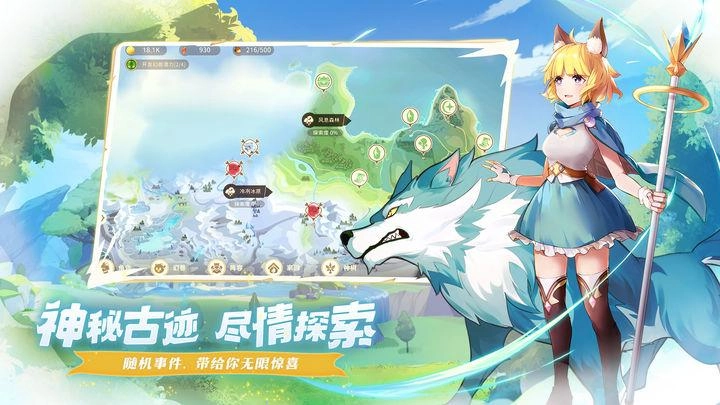
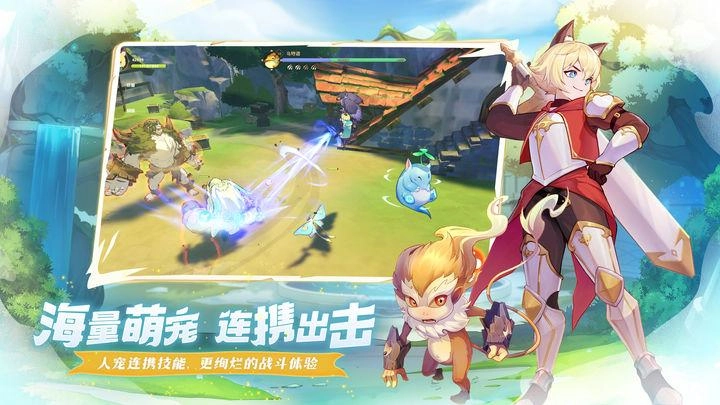
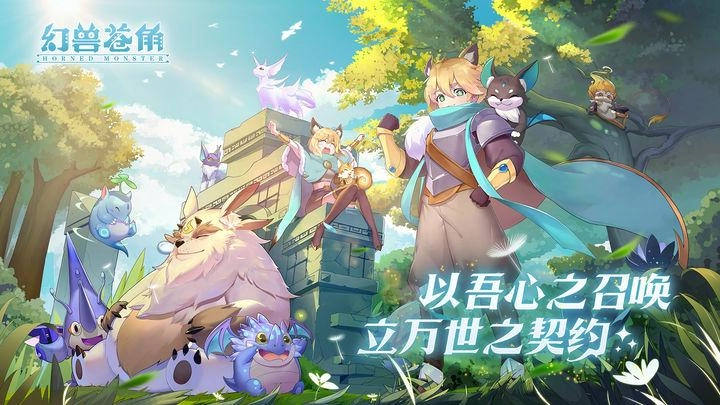
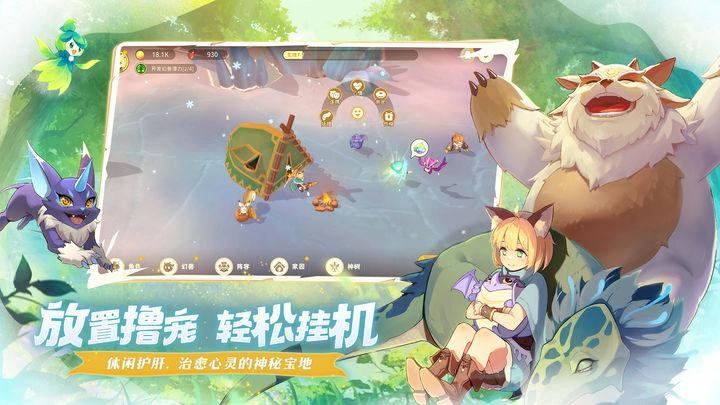
Open up

Screenshots and Videos of Horned Monster PC

Experience a wider field of view, exquisite game graphics, and cooler combat skills and effects by downloading and playing Horned Monster on PC with LDPlayer. Enjoy the ultimate gaming experience with LDPlayer.

Why Play Horned Monster on PC with LDPlayer?

LDPlayer offers unique emulator features including multi-instance support, macros, operation recorder, and other functions not available on mobile devices.

Multi-Instance & Sync

Remote Control

Operation Recorder

Multi-Instance & SyncRemote ControlOperation Recorder

Effortlessly clone multiple instances and initiate synchronization until you draw the desired hero before binding your account, enhancing efficiency in rerolls in Horned Monster.

  • High FPS

    With support for high FPS, Horned Monster's game graphics are smoother, and actions are more seamless, enhancing the visual experience and immersion of playing Horned Monster.
  • Keyboard & Mouse

    In Horned Monster, players frequently perform actions such as character movement, skill selection, and combat, where keyboard and mouse offer more convenient and responsive operation.

How to Download&Play Horned Monster on PC?

  • 1

    Download and install LDPlayer on your computer

  • 2

    Locate the Play Store in LDPlayer's system apps, launch it, and sign in to your Google account

  • 3

    Enter "Horned Monster" into the search bar and search for it

  • 4

    Choose and install Horned Monster from the search results

  • 5

    Once the download and installation are complete, return to the LDPlayer home screen

  • 6

    Click on the game icon on the LDPlayer home screen to start enjoying the exciting game


