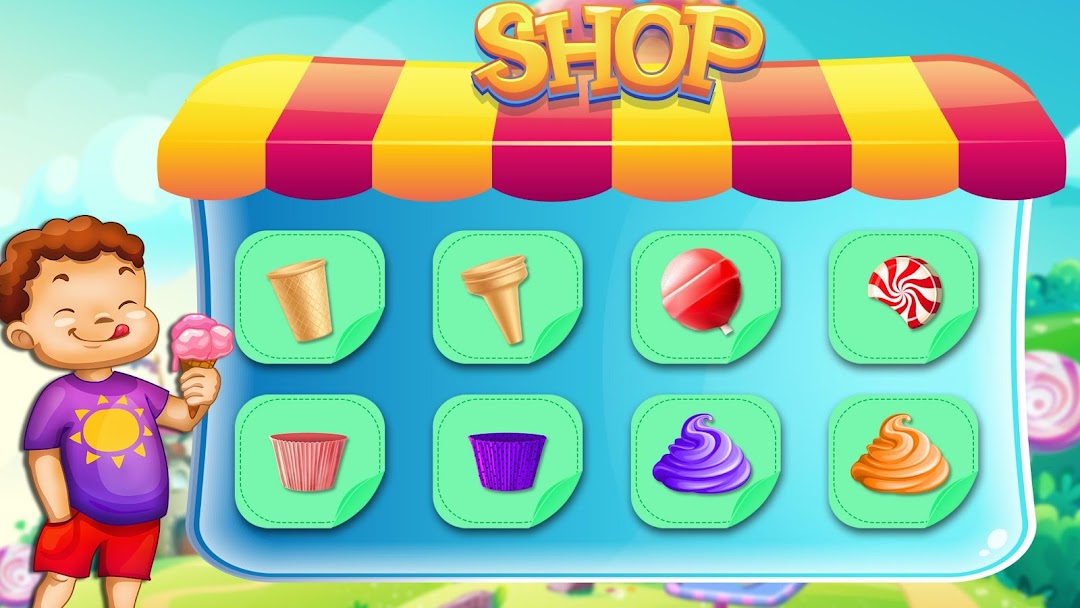
Ice Cream Cone Maker Factory is a Adventure application developed by Kids Games Factory, but with the best Android emulator-LDPlayer, you can download and play Ice Cream Cone Maker Factory on your computer.
Running Ice Cream Cone Maker Factory on your computer allows you to browse clearly on a large screen, and controlling the application with a mouse and keyboard is much faster than using touchscreen, all while never having to worry about device battery issues.
With multi-instance and synchronization features, you can even run multiple applications and accounts on your PC.
And file sharing makes sharing images, videos, and files incredibly easy.
Download Ice Cream Cone Maker Factory and run it on your PC. Enjoy the large screen and high-definition quality on your PC!
Welcome to ice cream cone maker factory a unique time management based ice lollipop, ice candy and sundae maker game. Frozen dessert and icy cone lovers! Get ready to cook, bake and decorate yummy sweet food in factory game and then serve it to customers in time management based game play. Open your popular beach shop and starts making and baking customized ice lolly as per customers order and demand. Clients are waiting in queue for having the most delicious and yummy frozen dessert form popular city ice cream parlor bar. Play this ice cream cone maker factory games with time management learning and creative cooking activities.In this ice cream factory game there are a lot options for designing, making and decoration of sweet dessert. The unique thing in this ice cream shop is that you also have to challenge your master class skills with limited time and multiple customize orders. This is a challenging business with a lot entertaining and exciting tasks. World class chef in the kitchen keep focus to adjust the design and colors to create the same pattern as your customer order. Complete one order and move to the next one before the time runs out! Achieve multiple levels to unlock new ice creams, decorations and machines. This free offline cooking game test your chef abilities to see that you can run a factory or not.
Factory Process
Crazy cookery expert! Open the ice cream bar and starts taking orders from customer on the cash register counter. Move to the factory game for making and cooking ice Popsicle, candy and cupcakes. First choose between cupcake and ice cream cones as per order. Choose the design and pour vanilla cream in cones biscuit. You can choose from multiple flavors like vanilla, strawberry, chocolate and many more. Pour sweet topping like flavored syrup, sprinkles, candies and waffles as per customers demand.
Deliver the completed order on the casher counter and receive cash money. Keep the time limit in mind while cooking in the mania kitchen. Don’t scramble, no need to dash just complete all kitchen activities like virtual chef to satisfy your fever.
Features
- Bake & cook sundae, popsicle and cones.
- A Lot of ice cream making and serving levels.
- Multiple ice cream flavors and toppings.
- Kitchen cooking and time management challenges.
- Factory games play for ice cream maker and design.
- Receive coins on the cashier counter to unlock stuff.
- Best offline games for girls.