Winter Granny Chapter 2 is a Action game developed by Munna Games, and LDPlayer is the best platform for playing Winter Granny Chapter 2 on PC, offering powerful features to immerse you in the game.
When playing Winter Granny Chapter 2 on computer, you can adjust frame rate settings for smooth gameplay and stunning visuals.
LDPlayer also provides pre-configured keyboard mapping for convenient control of the entire game. Continuous optimization of keyboard mapping enhances key sensitivity and skill accuracy. Additionally, LDPlayer offers special buttons like shoot, hide mouse, and continuous key press for an enhanced gaming experience.
If you prefer using a gamepad, the automatic gamepad detection allows you to customize controls with just a few clicks, enabling you to freely maneuver your hero. Start downloading and playing Winter Granny Chapter 2 on your computer now!
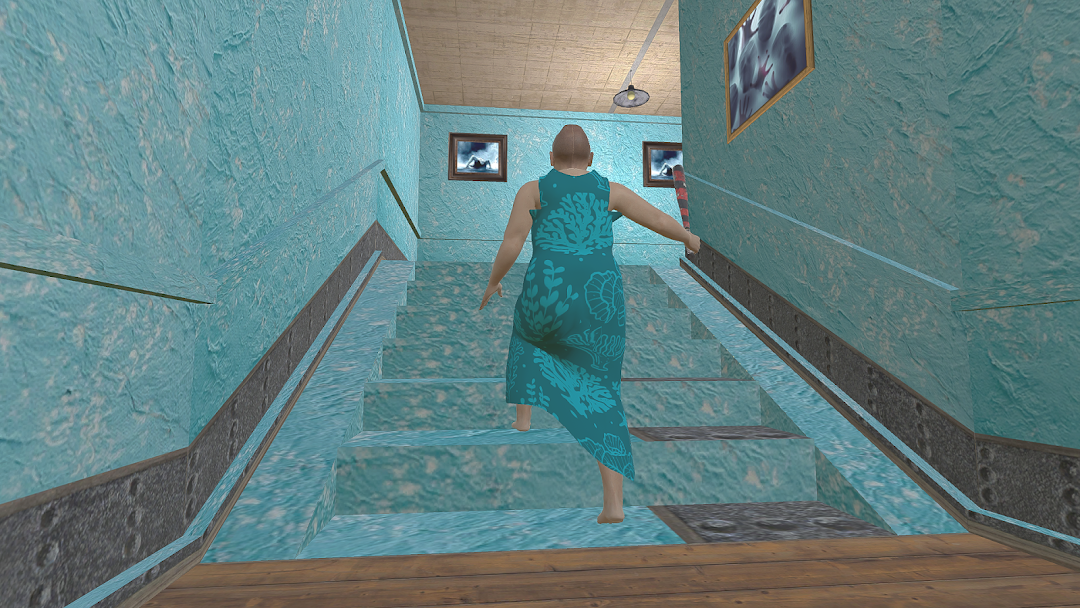
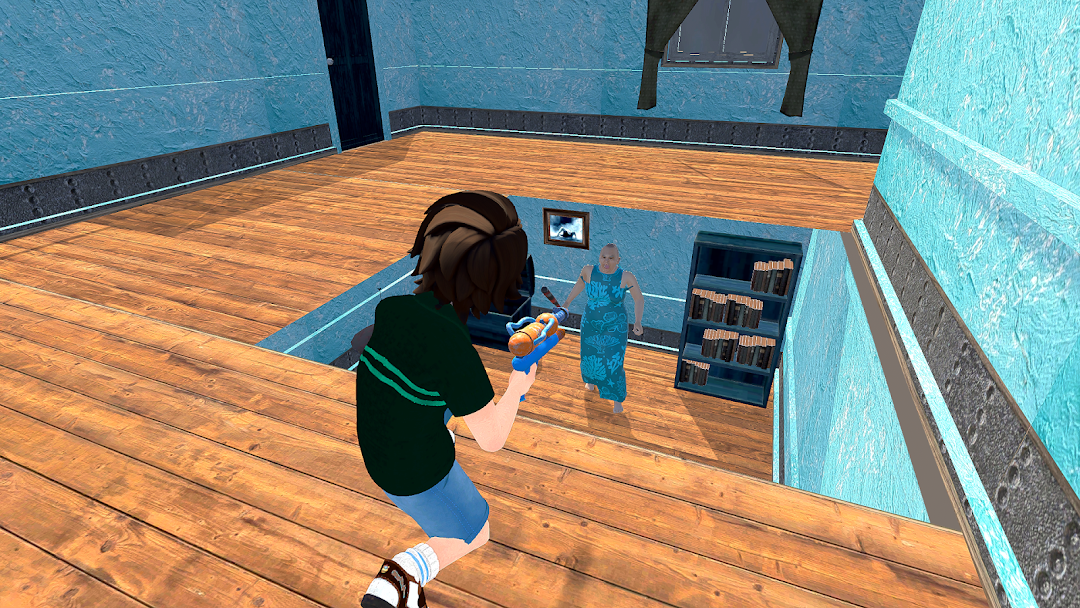
Be Quit and careful because the scary frozen granny grandpa hears everything. If you want action and adventure then ice granny game scary games is for you. Frozen granny grandpa another chapter for thrill frozen granny game.Your missions in this scary game are strange. try to move in escape house without making noise or break things and reach on hidden objects to discover. Now every payer can try on the role of the very insane grandpa and scary granny in horror house. This horror game is full of unpredictable turns of events and mind blowing puzzles with realistic thrilling sounds.
The thrilling great escape awaits in granny horror house. granny will trap you in their house and you have to escape carefully before they caught you and kill you. You need to hide and seek to find secret keys to unlocked the doors, but be carefull because if granny hears you then scary granny start chasing you.
It will be the hardest horror grandpa and granny games. You cannot easily get lost in this scary house of horror granny. Grandpa is always on alert once he noticed you are trying to escape horror house he will immediately cath you and attack on you.
The mansion is full of unpleasant surprises and hidden traps, how you can escape from house? If you love horror games, hide and seek puzzles cannot missout the ice granny grandpa scary games in horror hunted house. The best frozen scary granny horror games 3d. Controls are easy and smooth, horror sounds made this game is full of thrill and adventure.
When you encounter scary grozen granny fear will make you die, run fast to find a way to escape and get out of this horror house.
Good Luck For Ice Granny Scary Games.