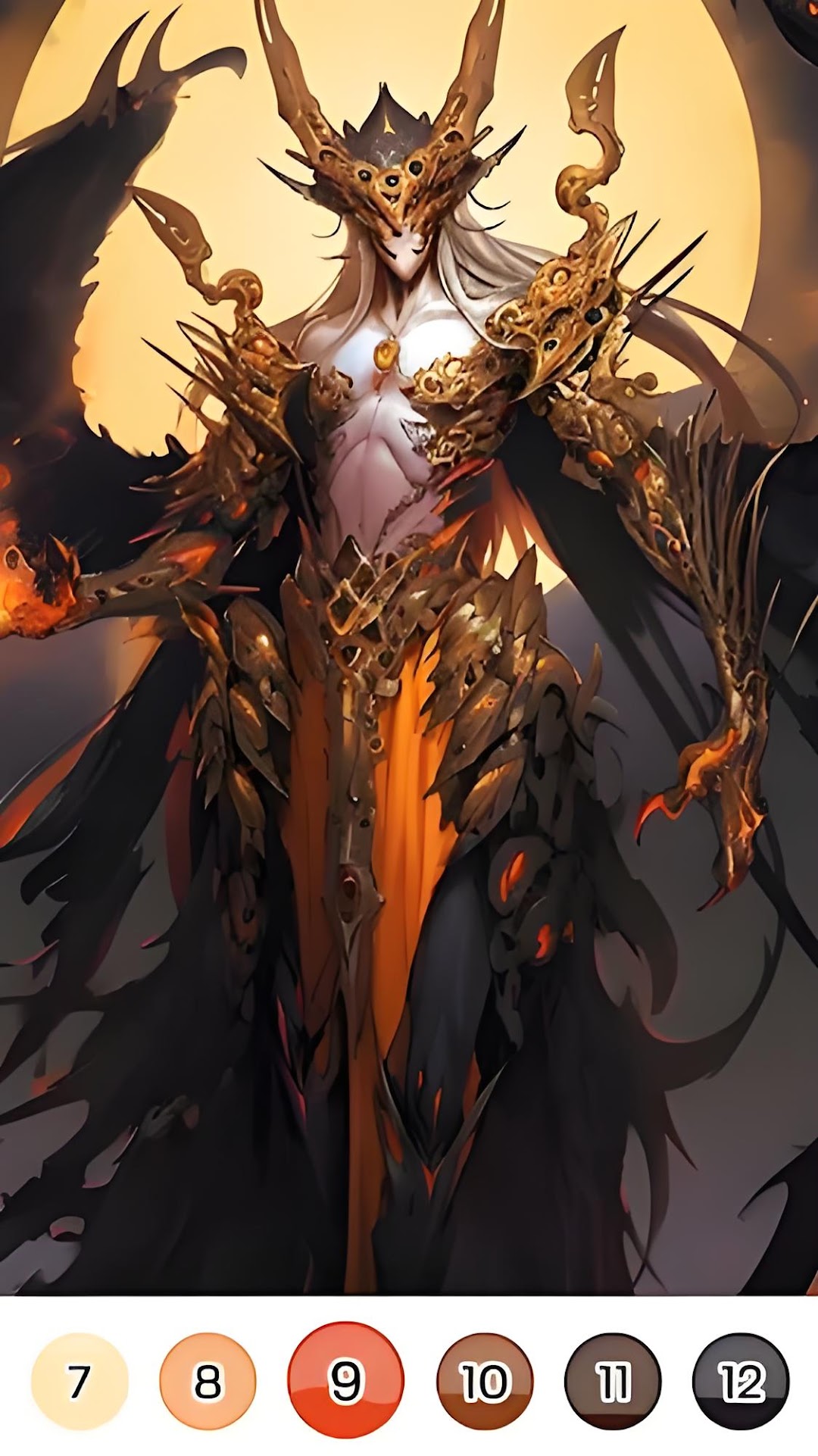
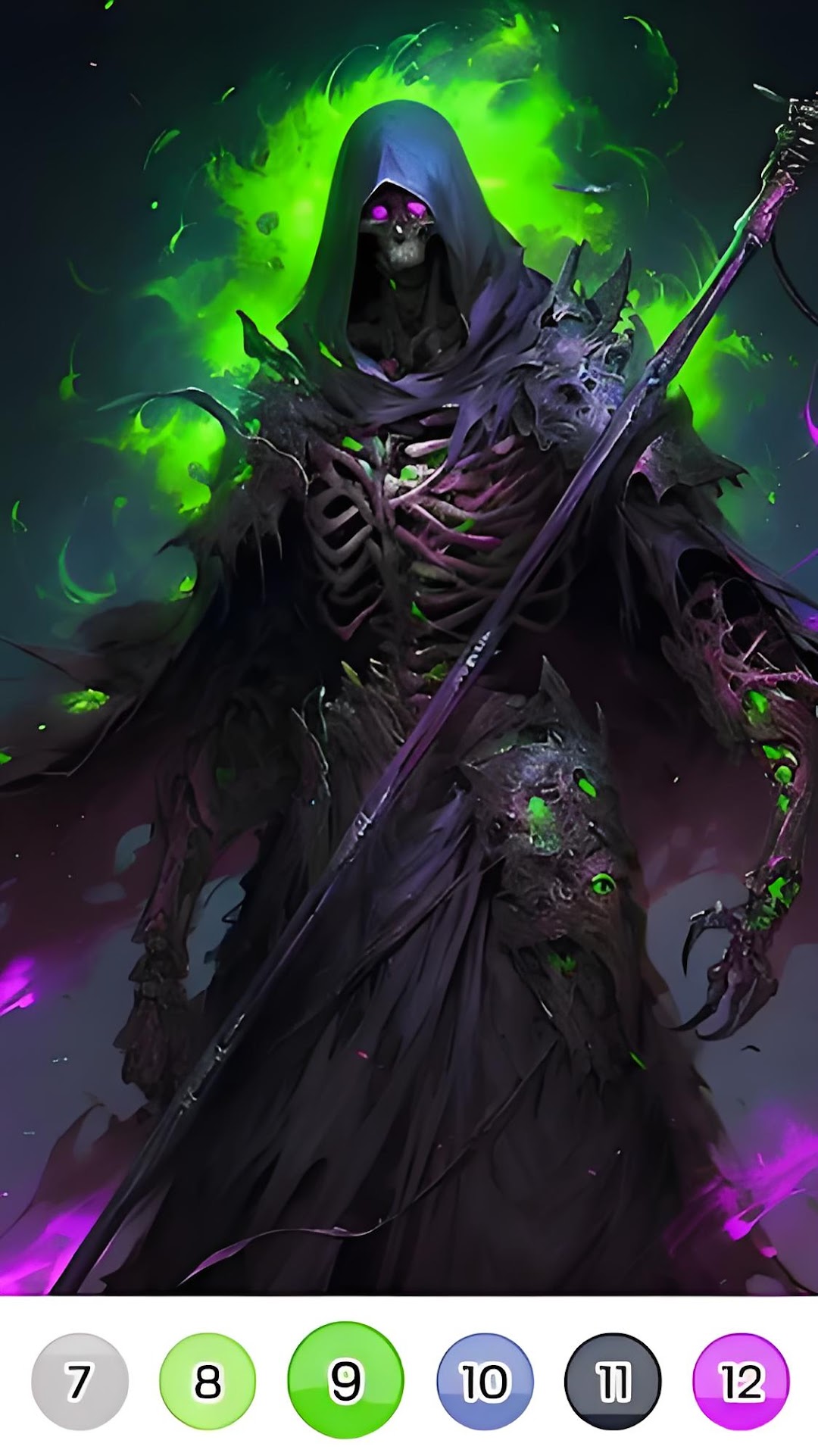
iColor: Color By Number is a Board application developed by AI - Color art & Puzzle Anime, but with the best Android emulator-LDPlayer, you can download and play iColor: Color By Number on your computer.
Running iColor: Color By Number on your computer allows you to browse clearly on a large screen, and controlling the application with a mouse and keyboard is much faster than using touchscreen, all while never having to worry about device battery issues.
With multi-instance and synchronization features, you can even run multiple applications and accounts on your PC.
And file sharing makes sharing images, videos, and files incredibly easy.
Download iColor: Color By Number and run it on your PC. Enjoy the large screen and high-definition quality on your PC!
iColor - a captivating digital coloring game that brings together the worlds of AI art, anime-style illustrations, and popular movies.Immerse yourself in a diverse collection of images spanning various genres, all available for free! With daily updates, there's always something new to discover.
Unwind and relax as you engage in the soothing process of coloring. Let your creativity flow and watch as each picture comes to life with vibrant shades. Whether you're alone or with friends and family, iColor offers a delightful experience that can be shared and enjoyed together.
Key Features:
1️⃣Free to play: Enjoy an extensive library of high-quality images at no cost.
Daily updates: Discover fresh content every day to keep your coloring experience exciting.
2️⃣Relaxing gameplay: Find tranquility in the immersive and calming coloring process.
3️⃣Share with others: Show off your artistic creations and connect with friends and family.
Download iColor now and embark on a colorful journey that combines art, entertainment, and relaxation. Start painting and let your imagination shine through!