IDBS Extreme Road is a Simulation application developed by IDBS Studio, but with the best Android emulator-LDPlayer, you can download and play IDBS Extreme Road on your computer.
Running IDBS Extreme Road on your computer allows you to browse clearly on a large screen, and controlling the application with a mouse and keyboard is much faster than using touchscreen, all while never having to worry about device battery issues.
With multi-instance and synchronization features, you can even run multiple applications and accounts on your PC.
And file sharing makes sharing images, videos, and files incredibly easy.
Download IDBS Extreme Road and run it on your PC. Enjoy the large screen and high-definition quality on your PC!
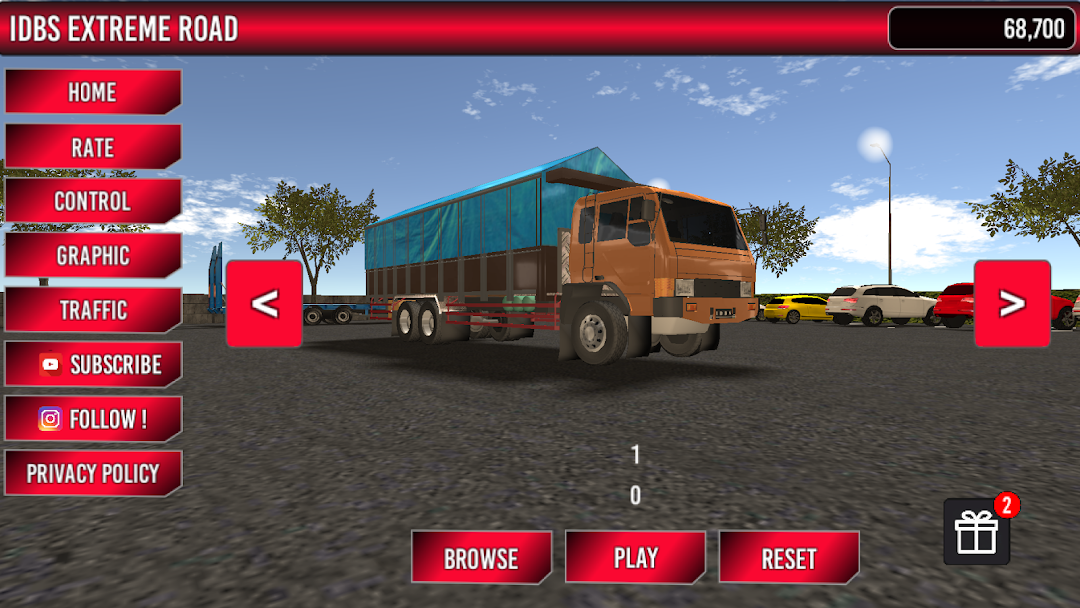
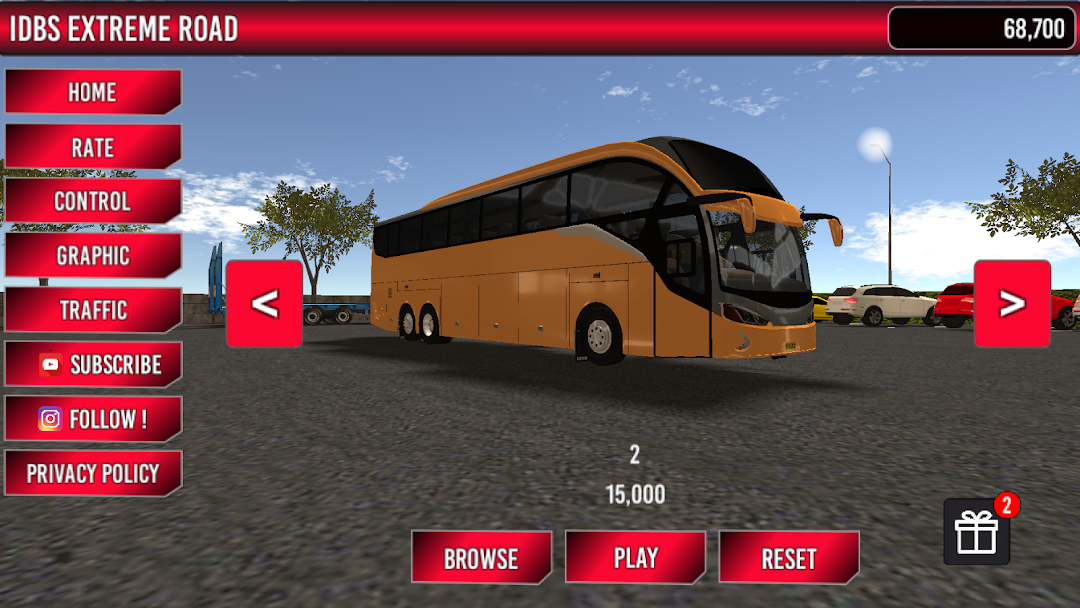
Do you have strong driving skills? Put them to the test in IDBS Extreme Road, an extreme driving simulator that challenges you to conquer dangerous and thrilling roads. Drive through sharp turns, steep climbs, and challenging downhill routes that demand focus and control.Choose from 5 different vehicles, including a Big Truck, Big Bus, Minibus, Small Truck, and the legendary Classic Truck. Explore 8 destination cities with HD graphics, realistic visuals, and stunning environments such as oceans, cliffs, mountains, forests, and busy traffic.
Customize your driving experience with multiple steering control modes, including button controls, tilt steering, and a realistic steering wheel. Enjoy immersive features like turn signals, hazard lights, wipers, handbrake, multiple camera views, and a built-in map system to guide you to your destination.
Complete missions to earn money and points, which can be used to unlock cooler vehicles. The game can be played offline, so you can enjoy the extreme driving experience anytime, anywhere.
Main Features:
• HD 3D graphics with realistic visuals
• 5 unique drivable vehicles
• 8 cities with extreme road challenges
• Day and night modes
• Multiple steering control options
• Map and towing features
• Offline gameplay
Download IDBS Extreme Road now, conquer extreme routes, collect points, and experience the thrill of real extreme driving. Don’t forget to rate and review the game to support future updates! 🚛🔥