Idle MU RPG: AFK Action Game is a Role Playing game developed by H5Play, and LDPlayer is the best platform for playing Idle MU RPG: AFK Action Game on Windows PC, offering powerful features for an immersive experience.
When playing Idle MU RPG: AFK Action Game on PC, as a new player looking to start with a fresh account, the multi-instance and sync features are extremely useful for rerolls. You can use them to run multiple instances and begin the synchronization process. Bind your account until you draw the desired heroes.
In addition, operation recorder is great for games that require you to level up and complete tasks! Run the sync and record your actions, then repeat the main instance's actions in real-time. By doing so, you can run 2 or more accounts simultaneously. You can always get the heroes you want before others by faster rerolls and more efficient summoning! Start downloading and playing Idle MU RPG: AFK Action Game on your computer now!
Dive into Idle MU RPG – the ultimate idle experience for your smartphone!Become an immortal hero, battle epic bosses, and dominate the rankings in this addictive AFK Action RPG. Whether you are actively playing or offline, your hero never stops training!
CORE FEATURES:
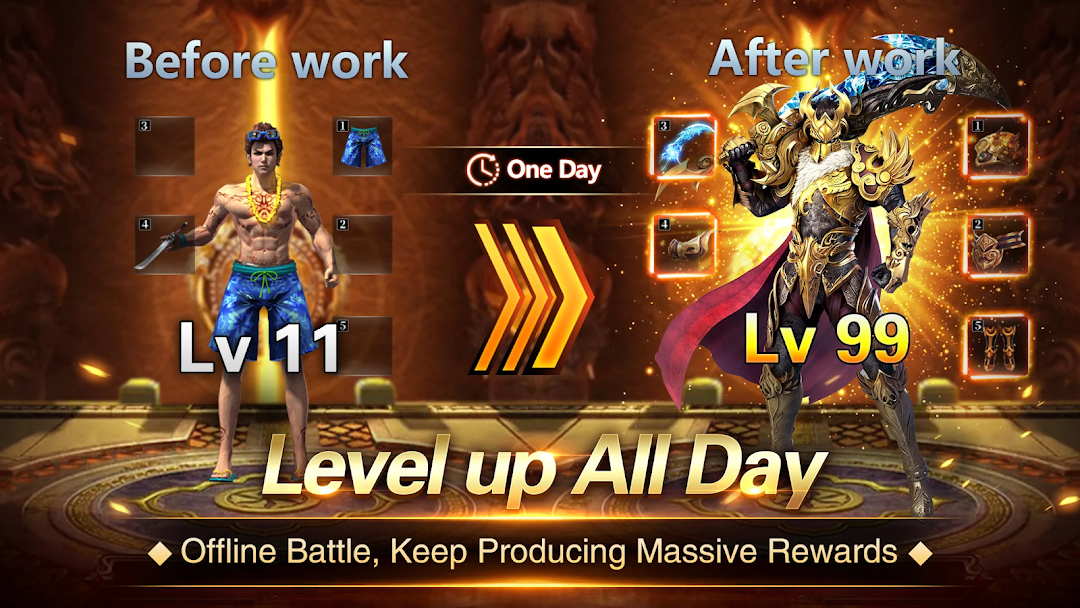
⚔️ Effortless Idle Leveling: Progress never stops. Earn gold, XP, and gear even while you sleep.
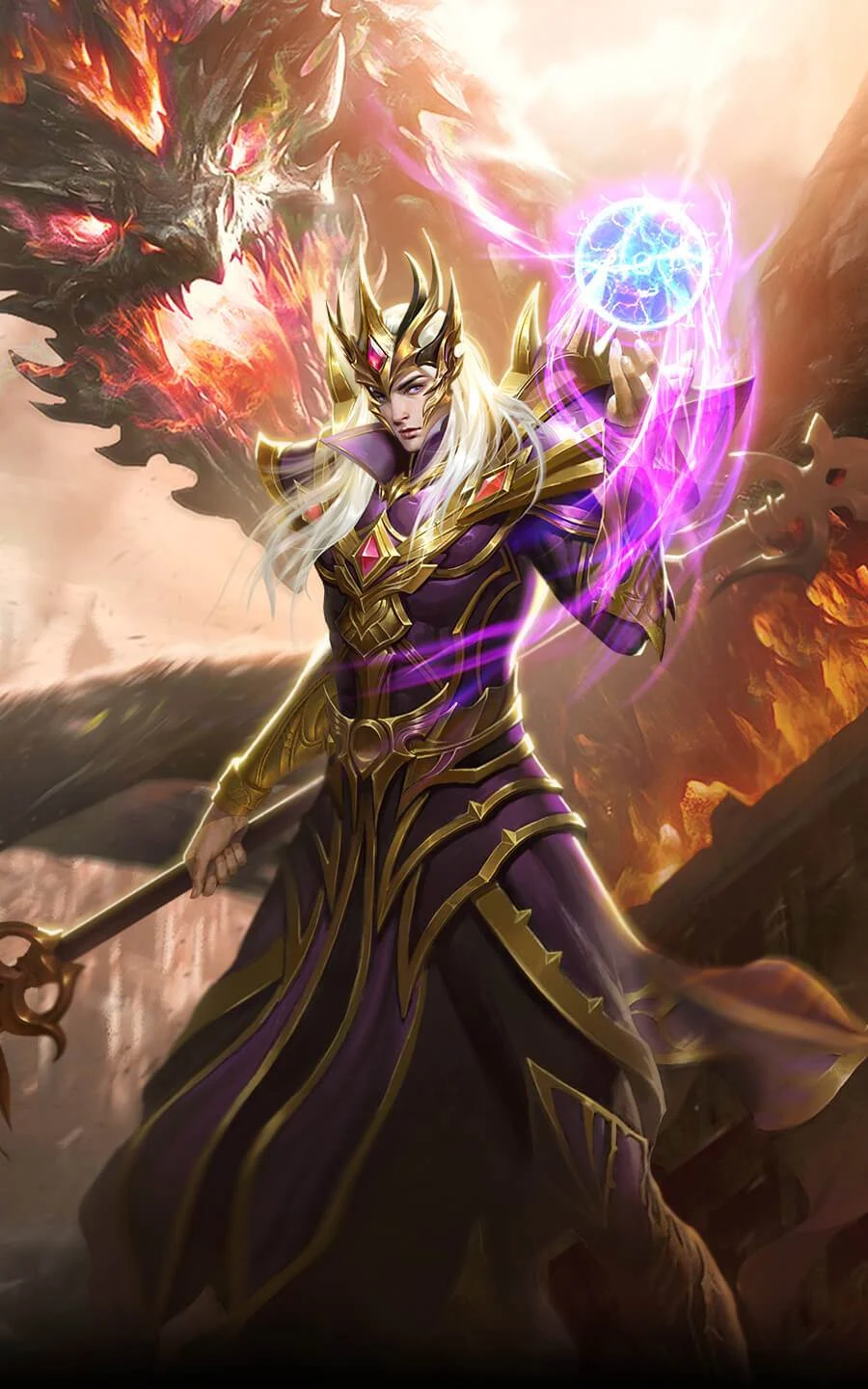
🛡️ Three Legendary Classes: Choose your path as a powerful Warrior, a wise Mage, or a precise Archer.
👹 Epic Boss Battles: Challenge giant foes in dark dungeons and claim legendary loot.
🏆 PVP Arena & Rankings: Compete against players worldwide and prove you are the strongest champion.
✨ Endless Customization: Style your hero with majestic wings, unique costumes, and powerful artifacts.
📅 Daily Events: New challenges and rewards every single day to keep the adventure fresh.
WHY PLAY IDLE MU RPG?
Free-to-Play: Balanced gameplay for everyone.
Lightweight & Fast: Instant entry with no long loading times.
Community First: Join our growing world and chat with others on Discord.
Ready to take the throne? Download Idle MU RPG now and start your journey!
Community & Support:
Join our Discord for exclusive gift codes: https://idle-murpg.com/discord
Visit our Website: https://idle-murpg.com/