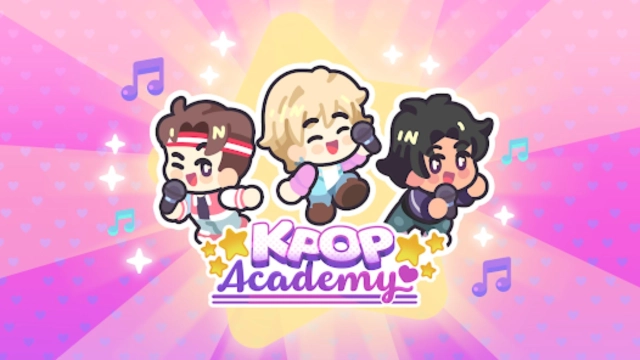
K-Pop Academy is a Simulation application developed by HyperBeard, but with the best Android emulator-LDPlayer, you can download and play K-Pop Academy on your computer.
Running K-Pop Academy on your computer allows you to browse clearly on a large screen, and controlling the application with a mouse and keyboard is much faster than using touchscreen, all while never having to worry about device battery issues.
With multi-instance and synchronization features, you can even run multiple applications and accounts on your PC.
And file sharing makes sharing images, videos, and files incredibly easy.
Download K-Pop Academy and run it on your PC. Enjoy the large screen and high-definition quality on your PC!
🏆 Cutest Idle Music Game Award Winner 🏆Get ready to embark on a dazzling journey in the world of K-Pop Academy, where your dream of building the ultimate K-Pop sensation comes true! Immerse yourself in the charming world of adorable idols, where you take charge of their daily lives and guide them to stardom.
🎤 Build Your Dream K-Pop Supergroup: Create your very own K-pop music group by customizing every aspect of your idols, from their clothing and hairstyles to the trendiest accessories. Create your own idols or recreate your favorite, and watch as your idols transform into the next big K-pop sensation right in the palm of your hand!
🏠 Make a Home for Your Idols: Design and decorate a cozy home for your idols, making it the perfect haven for their creativity to flourish. Turn your pocket-sized space into a warm and adorable sanctuary where love and camaraderie thrive.
🍲 Cook, Rehearse, and Conquer: Take care of your idols' daily lives by cooking their favorite meals, helping them rehearse for performances, and nurturing their talents. Strengthen the bond between your idols and become their guiding star on the path to greatness.
🎶 Conquer the Stage: Put together breathtaking concerts and witness your idols steal the show! The stage is set for them to shine, and the applause from fans will fill their hearts with love. Become the ultimate K-pop phenomenon as you guide your idols to stardom!
🎮 Mini-Games: K-Pop Academy is not just about managing the K-pop lifestyle – dive into entertaining mini-games that unlock exciting rewards! Whether it's testing your rhythm or challenging your strategic skills, these games add an extra layer of fun to your idol adventure.
🏳️🌈 LGBTQ+ Friendly: At K-Pop Academy, diversity and inclusivity are at the heart of our world. Embrace the uniqueness of your idols and create a K-pop group that celebrates love in all its forms. This game is not just a simulation; it's a welcoming space for everyone.
Step into the spotlight at K-Pop Academy and witness the rise of your adorable idols! 💖