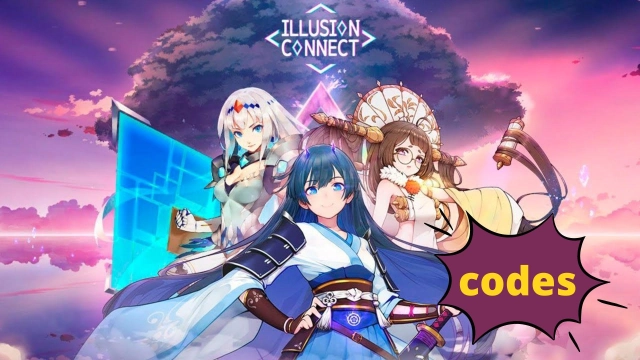
Illusion Connect is a Role Playing game developed by Superprism Technology Co., Ltd, and LDPlayer is the best platform for playing Illusion Connect on Windows PC, offering powerful features for an immersive experience.
When playing Illusion Connect on PC, as a new player looking to start with a fresh account, the multi-instance and sync features are extremely useful for rerolls. You can use them to run multiple instances and begin the synchronization process. Bind your account until you draw the desired heroes.
In addition, operation recorder is great for games that require you to level up and complete tasks! Run the sync and record your actions, then repeat the main instance's actions in real-time. By doing so, you can run 2 or more accounts simultaneously. You can always get the heroes you want before others by faster rerolls and more efficient summoning! Start downloading and playing Illusion Connect on your computer now!
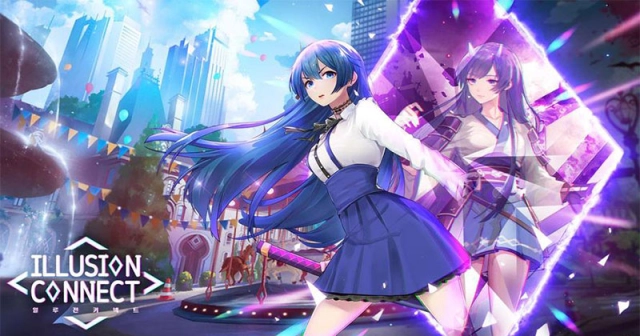
Heed the call of justice and fight to defend reality!Illusion Connect is a mobile real-time strategy game that allows you to build your Radiants, and socialize with them in a myriad of social modes! With more than 50 Radiants at your disposal, create your unique lineup to dominate the Nightmares!
[Features]
1. Exciting Real-time Battles
Experience fast-paced, real-time battles and command your Radiants using nothing but your fingertips. Become their leader and direct them in battle!
2. Tactical Combats
Devise various strategies by coordinating your chosen Radiants with the main character. Build awesome and powerful teams of Radiants to save the day!
3. A Radiant Cast of Heroes
Learn the backgrounds, personalities, experiences, and hobbies of each and every one of your Radiants! Recruit over 50 Radiants that have been fully designed in live 2-D, each customizable in variety of styles!
4. Grow with your Radiants
Spend time with the Radiants both in and out of combat to find out more about them. Your growing bond will manifest as an ever-strengthening bond of power against the Nightmares!
5. Design your Dream Home
Build a unique home and customize to your liking! Arrange your furniture and post your wallpapers! Make your home as comfortable as possible for your Radiants and enjoy life outside of combat!
6. Voiced by an All-star Cast
Ai Kayano, Hisako Kanemoto, Yui Ishikawa, Risa Taneda, Ami Koshimizu, Maaya Uchida, Ayane Sakura, Yumi Hara, Haruka Tomatsu, Aoi Yuki, Hitomi Nabatame, Takehito Koyasu, Kae Oki, Saori Hayami, Natsuki Hanae
[Join Us]
Facebook: https://www.facebook.com/IllusionConnectGlobal
Discord: https://discord.com/invite/CqQpWN3
Illusion Connect Official Web: http://www.illusionconnectgame.com
[Contact Us]
Email: illusionconnect@omnidreamgames.com