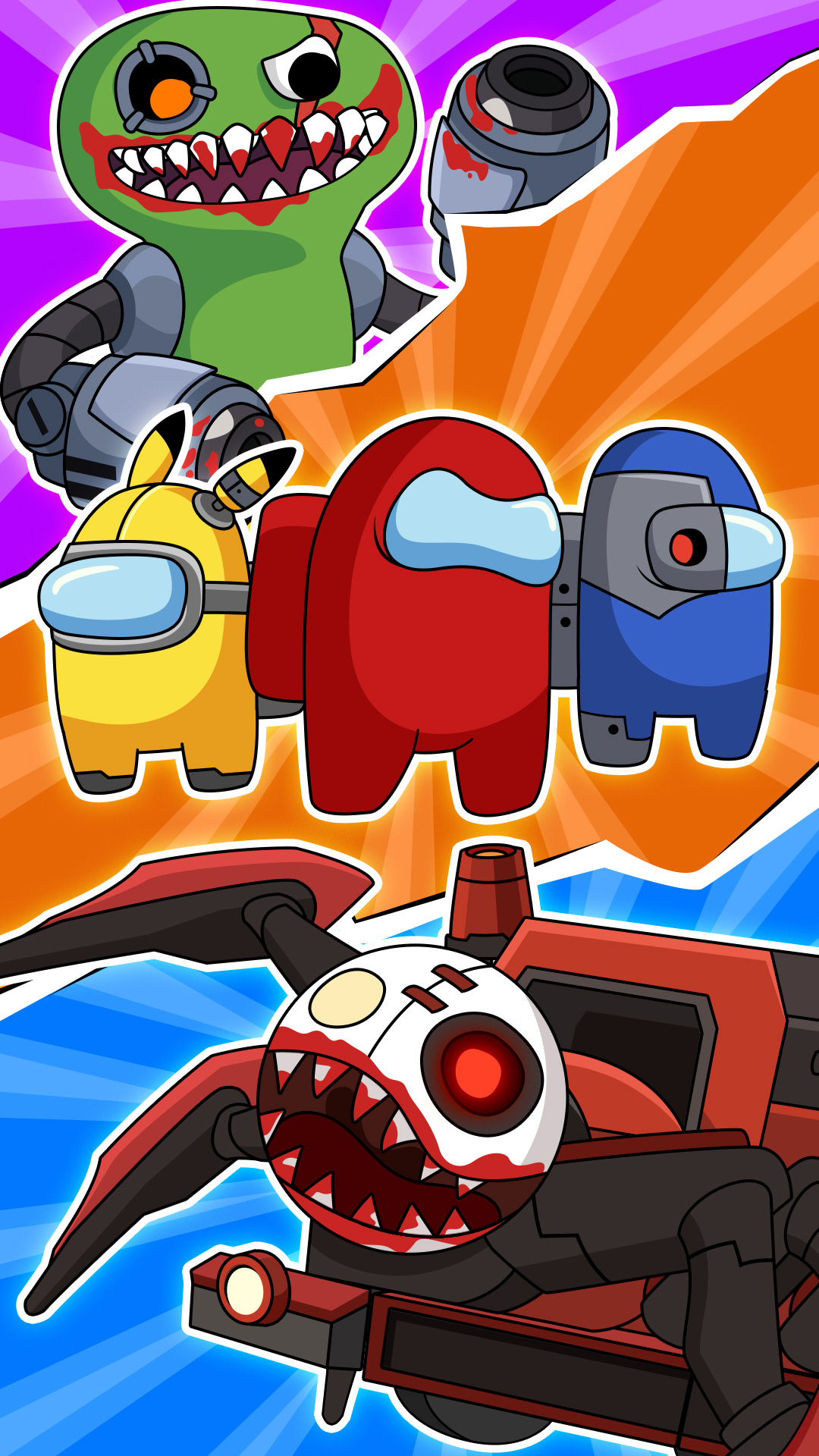
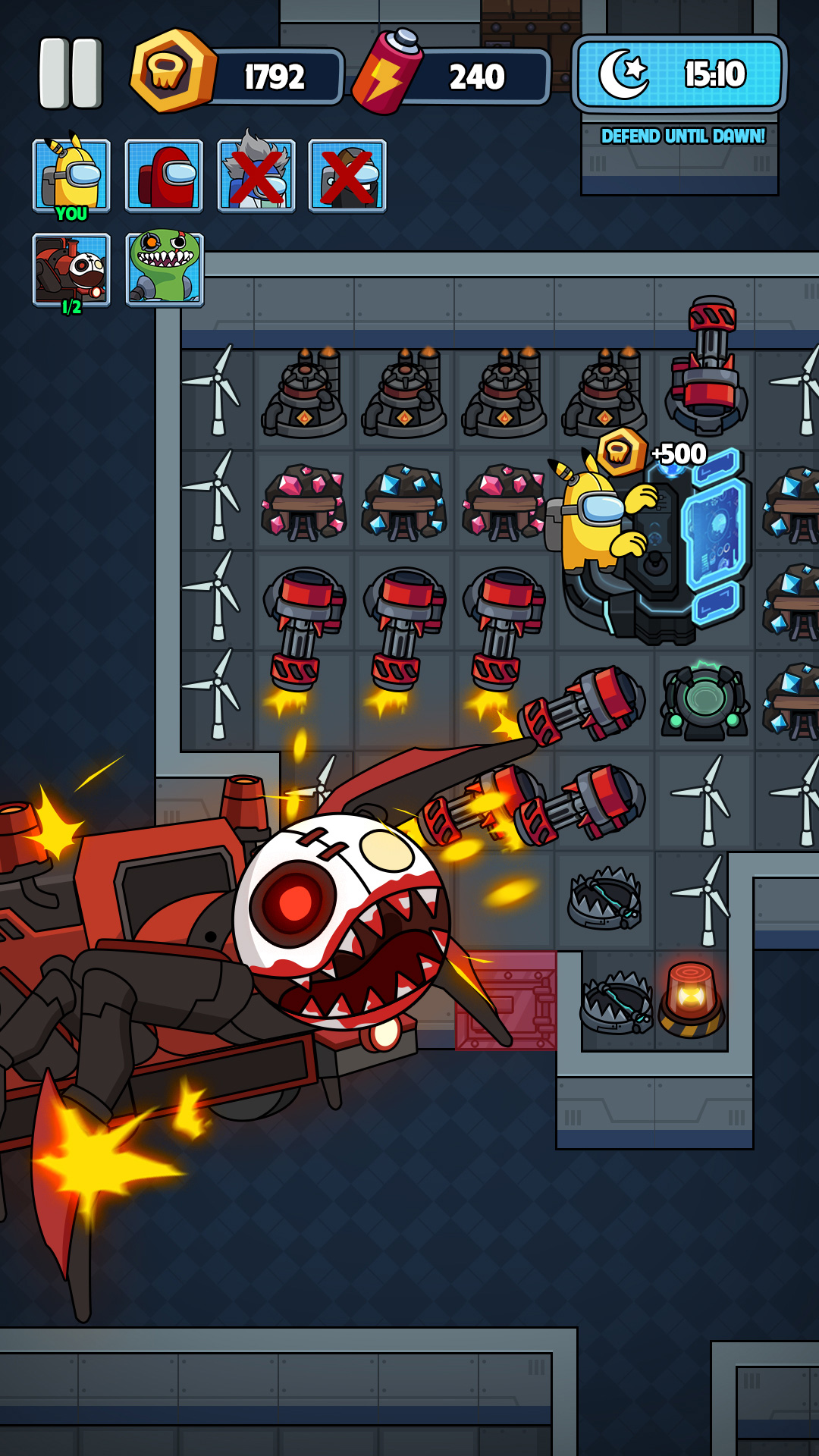
Imposter in Galaxy: Survivor is a Action game developed by Zin Games, and LDPlayer is the best platform for playing Imposter in Galaxy: Survivor on PC, offering powerful features to immerse you in the game.
When playing Imposter in Galaxy: Survivor on computer, you can adjust frame rate settings for smooth gameplay and stunning visuals.
LDPlayer also provides pre-configured keyboard mapping for convenient control of the entire game. Continuous optimization of keyboard mapping enhances key sensitivity and skill accuracy. Additionally, LDPlayer offers special buttons like shoot, hide mouse, and continuous key press for an enhanced gaming experience.
If you prefer using a gamepad, the automatic gamepad detection allows you to customize controls with just a few clicks, enabling you to freely maneuver your hero. Start downloading and playing Imposter in Galaxy: Survivor on your computer now!
Will Imposter become the last warrior in the Galaxy? All answers are in Imposter in Galaxy: Survivor.As the night falls, your stupid friend, Imposter, gets lost in the galaxy haunted by spirits of Choo Choo Charles and evil monsters.
👾Tick-tock, tick-tock... the clock is ticking down. Choo Choo is haunting the Imposter. Let’s start the fight by finding an empty room, closing the door, and stepping on your cockpit to build a defense machine system and defeat monsters. Make use of your intelligence and tactics to collect as many coins as possible. Therefore, you can easily upgrade the door, equipment, and make Choo Choo and friends defeated.
You will become a brave warrior and enjoy exciting and fun moments with your Imposter and friends in Imposter in Galaxy: Survivor!
🎮 How to play
⭐ The clock is ticking, quickly find an empty room, close the door, enter the cockpit to collect gold and upgrade your defense system.
⭐ Do not follow others into a room. If you enter a room and see someone in the cockpit, leave the room as soon as possible. If you do not leave the room, restart the game.
⭐ When the monster attacks the door, calmly press the repair button immediately. Continue to collect gold to upgrade doors and defense systems.
⭐ Never run out of the room no matter what happens, or stay in the cockpit and build and upgrade devices to help Imposter quickly escape Choo Choo's pursuit.
⭐ The more diligent Imposter, the stronger the defense system will be, and the monster will quickly retreat.
👻Game features
⭐ Many Imposter characters and battle nights are waiting for you to unlock.
⭐ A series of crazy monsters and accomplices: Choo Choo Charles, Bambam, Jumbo Josh, Rainbow Blue, Cat Juan, Boxy Boo... are chasing you. Stay calm and careful.
⭐ A defense system with many features to help you protect the room and defeat monsters faster.
⭐ Stunning graphics full of color and music give you the best experience
Do you have enough intelligence and tactics to help Imposter survive and escape from this haunted Galaxy? Test your skills now with Imposter in Galaxy: Survivor!