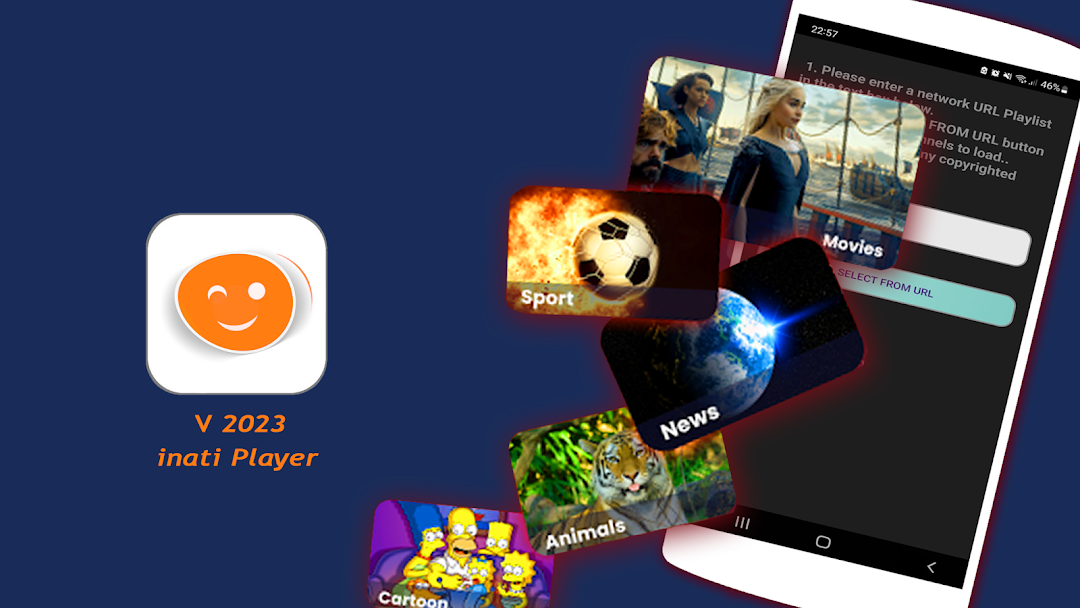
Inat tv App is a Sports game developed by Aqui Play ltd. LDPlayer is the best platform for playing Inat tv App on Windows PC, offering powerful features to enhance your immersive experience in Inat tv App.
When playing Inat tv App on your computer, the larger screen and more powerful graphics performance enable you to enjoy clearer and smoother game visuals, enhancing the visual experience of the game.
The operation of peripherals such as gamepads is emulated to better mimic the feel of real sports, providing more precise control and richer operation options.
Furthermore, if you wish to execute a series of continuous key combinations, the one-click macro feature will be the functionality you've been dreaming of, allowing you to effortlessly stay one step ahead with one-touch operation. Start downloading and playing Inat tv App on your computer now!
Inat tv App m3u, m3u8 player is the best mobile boxed online HD iptv player and mobile tv player with stunning features:Inat tv App supports m3u and m3u8 line
Inat tv App supports all countries
Inat tv Apk supports high quality
Inat tv App iptv player is free
and more...
This app helps user to play their own iptv subscriptions/contents. You can enjoy watching your favorite TV series, movies and news whenever you want.
With Inati IPTV Player you can watch Live TV, Movies, Series and TV Recordings on your Android Phone from IPTV Service Provider.
Check us out to know more about Inat tv Pro apk. We will respond to you as soon as possible. If you need any information about this App, please visit the official website: https://inattvapp.com/ or contact us via our mail address support@inattvapp.com.
You can view our app's privacy policy to protect user's privacy: https://inattvapp.com/PrivacyPolicy.html
#NOTE#
All rights of this application (inat tv app) belong to us and we will take full measures against those who violate our rights.
This app does not contain any TV channels, please contact your IPTV provider for TV playlists. All images and logos are used for visual purposes only. All rights reserved to their respective owners.
Thank you for using our app.
Inat tv Application Team.