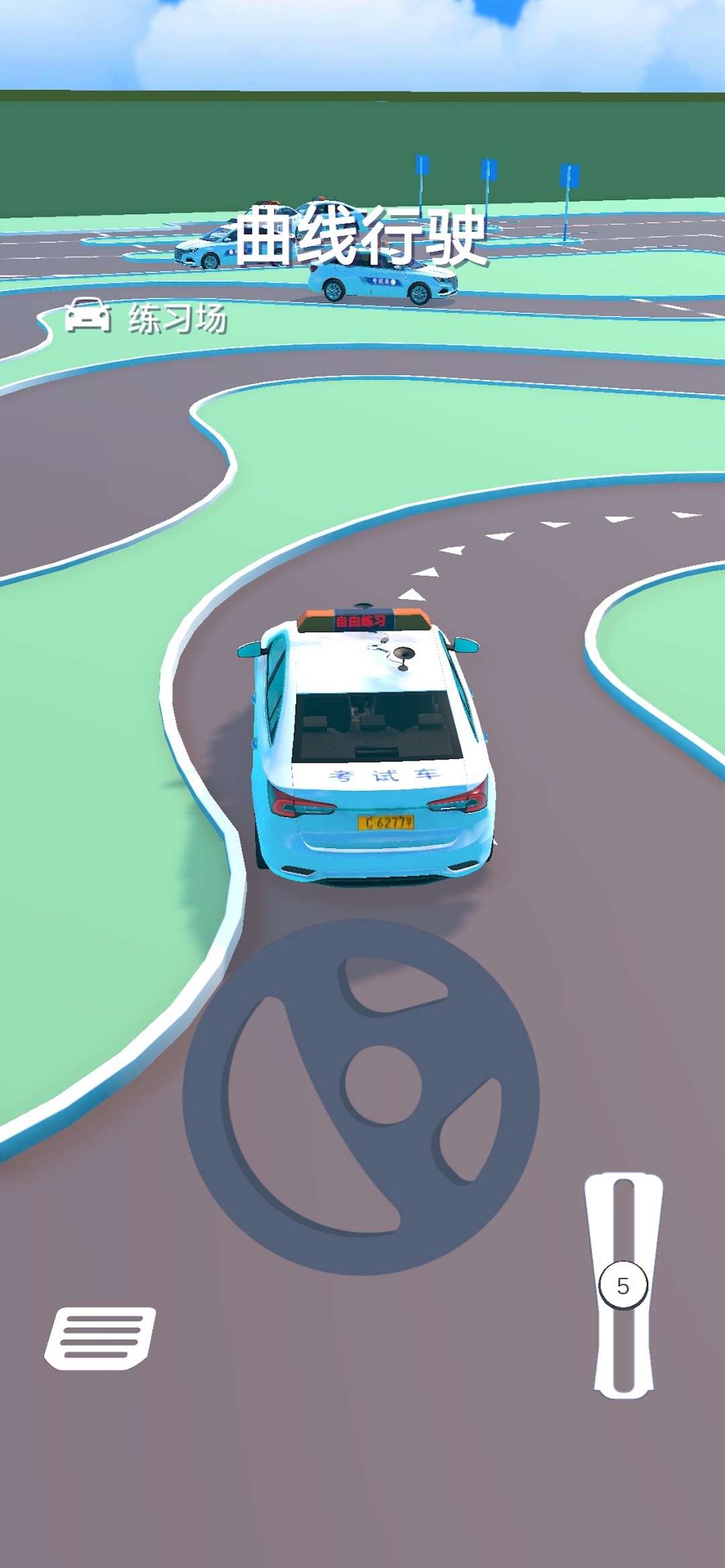
Car Driving Test is a Casual game developed by xBoy Games. LDPlayer is the best platform for playing Car Driving Test on Windows PC, offering powerful features to enhance your immersive experience in Car Driving Test.
When playing Car Driving Test on your computer, if you find repetitive actions or tasks tedious and time-consuming, fret not! Macro can alleviate your concerns. Simply record your actions with a click of the screen recording feature and let macros take care of the rest. Macros automate your operations, allowing you to effortlessly conquer the game with minimal effort! Start downloading and playing Car Driving Test on your computer now!
Are you ready? Experience a real Grade 2 driving test in this game!In this game, you can choose vehicles of different types and colors, and conduct realistic simulations of the following test projects:
Curve Driving Project: Control speed and lane position to smoothly pass curves.
Right-angle Turning Project: Use brakes and steering wheel to do a 90-degree turn to test operation skills.
Side Position Parking Project: Park precisely within the marked lines.
Backward Parking Project: Use rearview mirrors to back into a parking space to test reversing skills.
Fixed Point Parking and Starting Project: Park precisely at the specified location and accurately start and leave after to test basic driving skills.
The environment settings of each project are close to reality. The test details are consistent with national standards. This helps you master various driving skills and prepares for the Grade 2 driving test. Come challenge yourself and test your driving level!