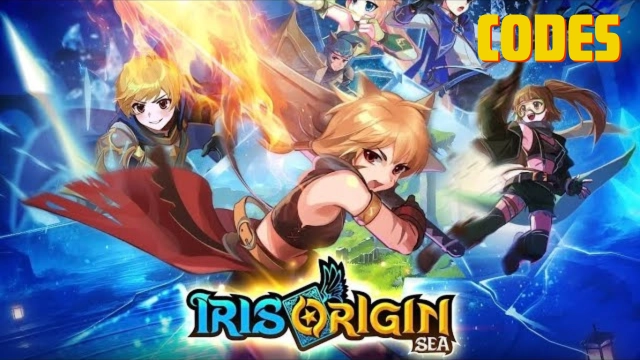
Iris Origin SEA is a fantastic MMORPG game in a boundless world developed by Ultimate Game. It creates intriguing Torat card system to boost gameplay experience and make the game full of randomness and excitement. Begin your own journey. explore the vast world with your companions and brighten the land from monsters.
Game Features
[Immersive Fantasy World]
Iris Origin SEA invites players to Gaia, a picturesque world intertwined with magic and fate. Across lush plains, barren deserts, and ancient ruins, you glance through wonderful in-game landscape and experience epic journey. Choose between Human, Elf, and Half-Beast to restore peace under divine guidance.
[Dynamic Combat System]
Iris Origin SEA differs to simple auto-fights. Six diverse classes — Knight, Hunter, Mage, Ranger, Guardian, and Berserker — enable players to freely build strategic teams. Take advantage of skill combos, elemental counters, and unleash your might in both PvE and PvP.
[Tarot Empowerment System]
An unique mechanism to Iris Origin SEA, the Tarot Card System grants characters with unparalleled power to boost stats or even transform into mighty beasts. This feature adds both unpredictability and excitement, allowing each player to develop a truly distinct fighting style.
[Epic Guild Wars & PvP Arena]
Join guilds, participate in Castle Siege, defeat world bosses raid, or challenge others in cross-server Arena. With its large-scale battles and vivid social interaction, every victory arouses your passion and every defeat drives you to rise again.
Why Play Mobile Legends: Bang Bang on PC with LDPlayer
Enjoy Iris Origin SEA on PC with LDPlayer, it is the best platform for playing Iris Origin SEA on Windows PC, offering powerful features for an immersive experience, such as ultra-wide screen, keyboard & mouse controls, customizable FPS and etc. Download LDPlayer now for the smoothest gaming experience.
Ultra-Wide Screen: Get a full view of the battlefield and seize the strategic opportunities, making it easier to track enemy movements, anticipate ganks.
Keyboard Mapping: Place combat units, release skills, dodge attacks and execute perfect ability combos more conveniently and accurately.
Customizable FPS: Unlock fixed FPS settings, customize your optimal FPS and enjoy smoothest gameplay. Enjoy Iris Origin SEA with high-definition resolution and relieve your CPU/GPU usage pressure.