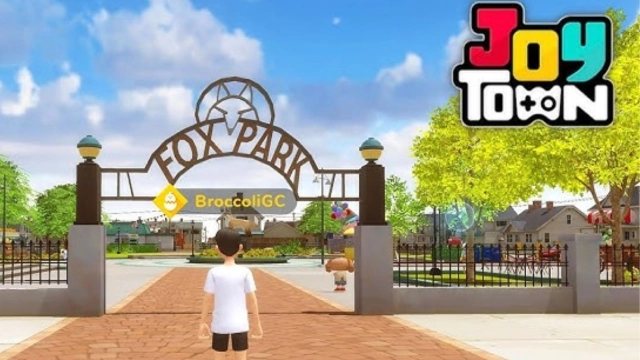
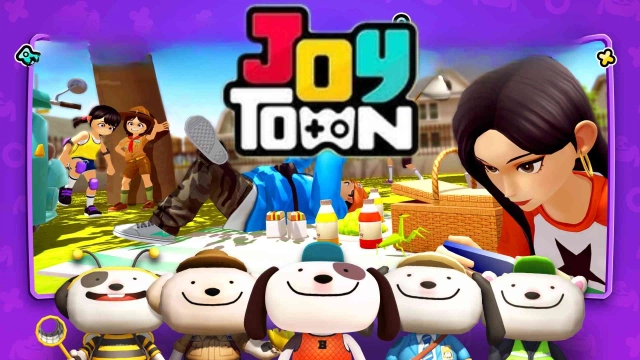
JoyTown is a Casual game developed by JOYCITY Corp.. LDPlayer is the best platform for playing JoyTown on Windows PC, offering powerful features to enhance your immersive experience in JoyTown.
When playing JoyTown on your computer, if you find repetitive actions or tasks tedious and time-consuming, fret not! Macro can alleviate your concerns. Simply record your actions with a click of the screen recording feature and let macros take care of the rest. Macros automate your operations, allowing you to effortlessly conquer the game with minimal effort! Start downloading and playing JoyTown on your computer now!
Who will set the best record in JoyTown?Compete in thrilling mini-games and board games and aim for the top of the leaderboards!
Chase high scores, rack up wins, and collect exciting weekly rewards.
JoyTown is a global multiplayer social party game where players from around the world gather to play and compete.
Go for the top, enjoy party fun, or challenge friends in real-time!
Play new games, complete missions, and make memories at the lively town plaza!
▶ Countless Mini-Games & Board Games
From quick and easy mini-games to strategic board games!
With fresh games added regularly, the challenge never ends.
▶ Real-Time Competition & Ranking System
Smash records and dominate the leaderboards!
Compete against friends and players from around the globe in real-time battles.
Don’t miss out on special weekly rewards!
▶ Social Parties & Square Hangouts
It’s more than just playing games!
Show off your style, ride around in awesome rides, and chill with friends at the Square!
Meet new friends, play together, and enjoy unforgettable moments.
------------
■ Permission Notice
▶ Required Permissions
- Storage
: Used for saving game settings, cache, and update files to the SD card on your mobile device
▶ Optional Permissions
- Push Notifications (Android 13 or above)
: Used for notifications including in-game events, benefits, and other information
▶ How to Withdraw Permissions
- Android 6.0 or above
: Settings > Application > Select App > Permissions
- Below Android 6.0
: You must delete the app to withdraw permissions.
※ The descriptions may vary depending on the device and OS version.
※ Withdrawing required permissions may result in resource interruption or inability to access the game.
※ You can use the service without giving permissions but some features may be limited.
Contact:
support@joycity.com
+82317896500