Jump Ball Bounce is a Action game developed by D8DHN, and LDPlayer is the best platform for playing Jump Ball Bounce on PC, offering powerful features to immerse you in the game.
When playing Jump Ball Bounce on computer, you can adjust frame rate settings for smooth gameplay and stunning visuals.
LDPlayer also provides pre-configured keyboard mapping for convenient control of the entire game. Continuous optimization of keyboard mapping enhances key sensitivity and skill accuracy. Additionally, LDPlayer offers special buttons like shoot, hide mouse, and continuous key press for an enhanced gaming experience.
If you prefer using a gamepad, the automatic gamepad detection allows you to customize controls with just a few clicks, enabling you to freely maneuver your hero. Start downloading and playing Jump Ball Bounce on your computer now!
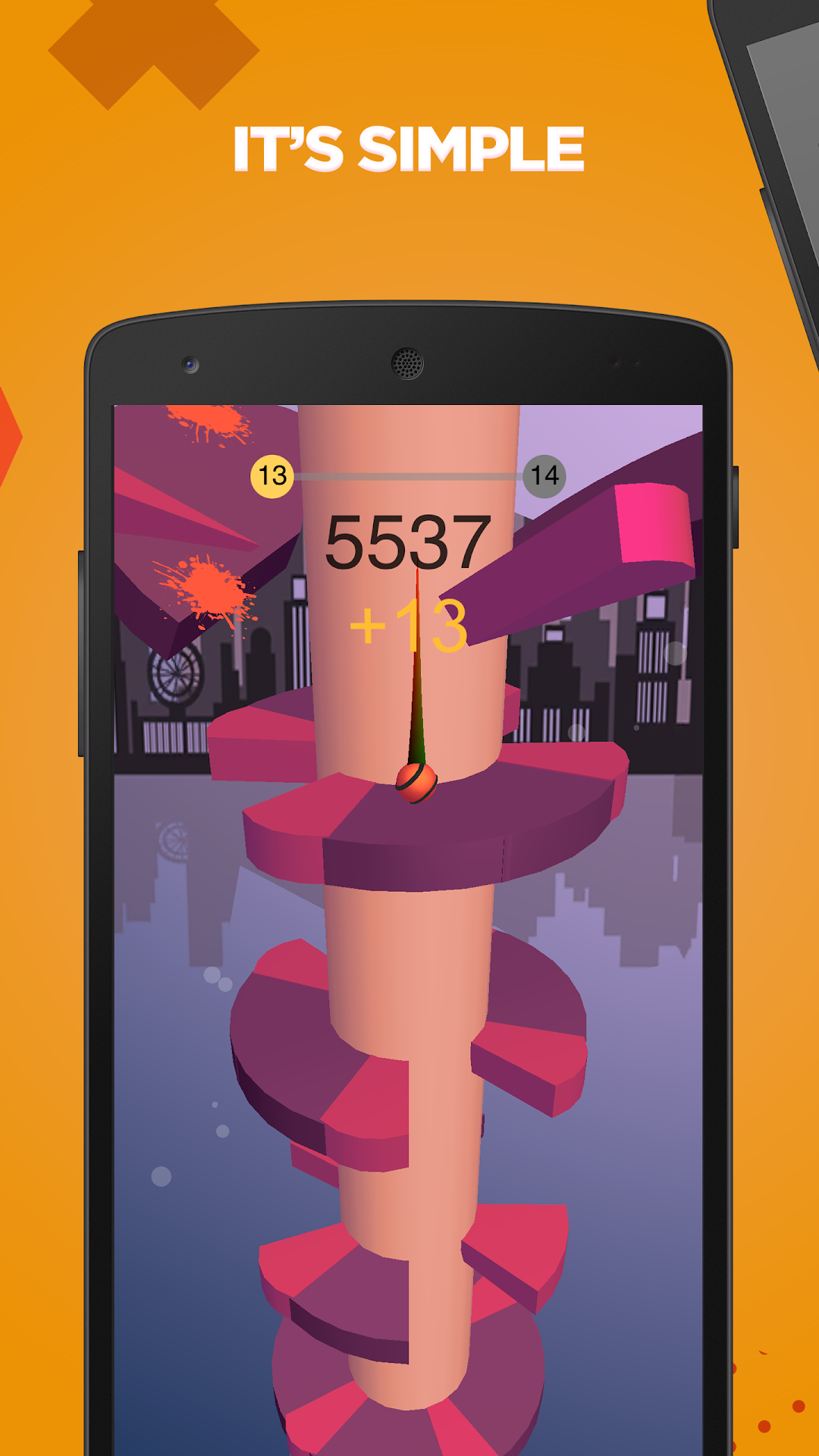
Welcome to Jump Ball Bounce, the ultimate challenge of your reflexes and strategic thinking! In this addictive mobile game, you'll embark on a thrilling journey controlling a bouncing ball break and falling through a series of dynamic challenges.Are you ready to unleash your skills and conquer gravity itself? Jump Ball Bounce offers an exhilarating gameplay experience that will keep you hooked for hours on end. Just Drop it!
How to Play:
- Control the direction of the ball by tapping on the screen. Your objective is to guide the ball safely downwards through a maze of obstacles and platforms.
- Break through each level by strategically navigating the ball, avoiding traps, and smashing through barriers.
- Utilize your reflexes and precision to time your jumps perfectly, ensuring the ball reaches the ground safely.
- Collect power-ups along the way to enhance your abilities and overcome even the toughest challenges.
- With each level presenting new obstacles and increasing difficulty, can you breaking your limitness to become a master the art of the Jump Ball Bounce and reach the ultimate victory?
Features:
- Intuitive controls: Simple one-tap mechanics make it easy to pick up and play, but challenging to master.
- Dynamic levels: Experience a variety of unique environments and obstacles as you progress through the game.
- Power-ups: Unlock special abilities and boosts to help you overcome difficult sections and reach new heights.
- Endless fun: With an endless mode offering unlimited gameplay, the excitement never stops!
- Stunning visuals: Immerse yourself in vibrant graphics and captivating animations that bring the world of Jump Ball Bounce to life.
Download Jump Ball Bounce now and prepare for an adrenaline-fueled adventure like no other. Can you rise to the challenge and become the ultimate Jump Ball master?