Jumping Horses Champions 2 is a Racing game developed by BerkBox Entertainment. LDPlayer is the best platform for playing Jumping Horses Champions 2 on Windows PC, providing robust features to help you achieve an immersive experience in Jumping Horses Champions 2.
When playing Jumping Horses Champions 2 on your computer, if you prefer using your own gamepad to control the game, LDPlayer's automatic gamepad detection can assist you in customizing controls with just a few simple clicks, allowing you to enjoy more realistic racing scenes and challenges.
With support for high frame rates, the game's diverse track designs and rich terrain and environmental changes become even more lifelike and detailed.
Additionally, the video recording feature makes it easy for you to capture all the exciting and amusing races and game content, making it convenient to share with friends or create videos. Start downloading and playing Jumping Horses Champions 2 on your computer now!
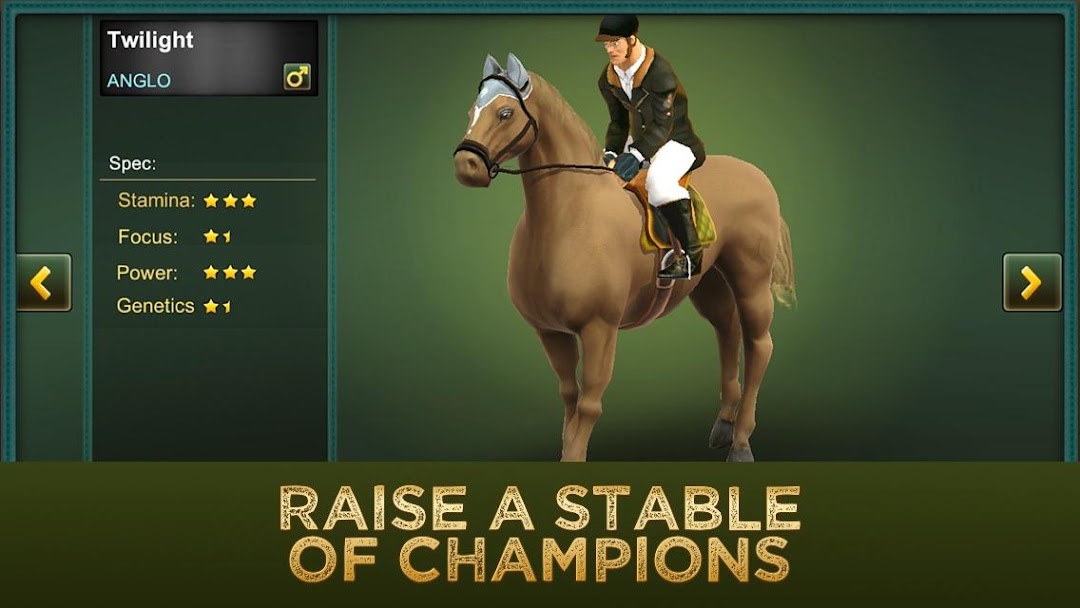
◆◆◆◆◆ This is a New Brand Version of Jumping Horses Champions. A game that mixes the arcade style with characteristics of simulation. The game brings the experiences and emotions of a show jumping match in an immersive environment. Managing the money and the stables, the player can buy horses, which have their own attributes, and participates in challenging events to test its skills. Several features were added for this version.*** IMPORTANT : Internet connection is required to play all features of the game. Although, after buying you first horse, you will be able to play a limited offline mode (if disconnected). ***
◆ Horse Care!
Now, the Player can care for its horses, grooming and feeding them. It would improve their attributes to achieve better results in the events.
◆ Cross platform!
Registering an account, the Player could save its progress and would be able to retrieve it in other installs or different devices.
◆ Multilingual!
Beyond the original English, now, Chinese users could also enjoy the game in their own language.
Other Features:
◆ 90 unique horses to race
◆ 2 groups of horses (divided by level)
◆ 6 events
◆ System of buying and selling horses
◆ Reward system for each event
◆ Intuitive Controls
◆ Clean interface
◆ Breeding Horses
◆ Training track