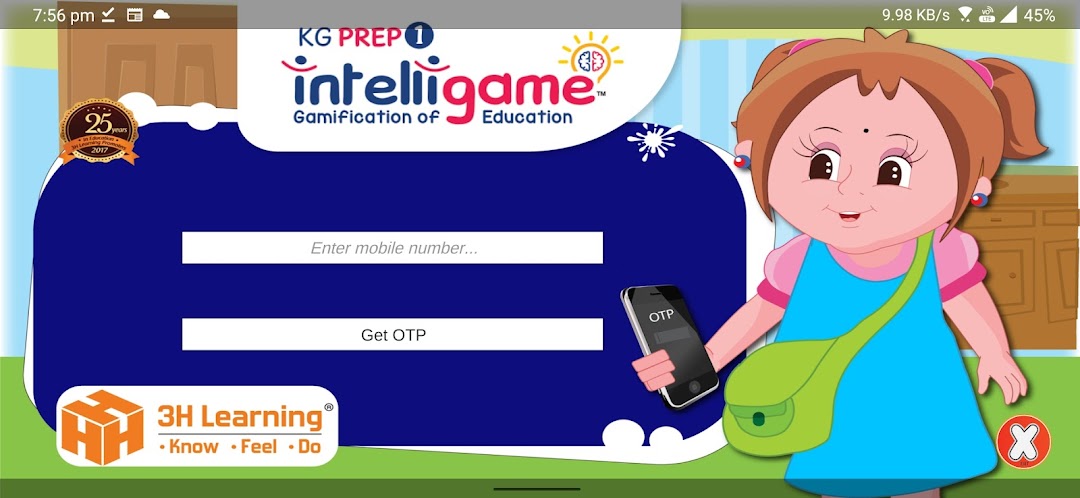
KG Prep - 1 is a Educational application developed by 3H Learning Private Limited, but with the best Android emulator-LDPlayer, you can download and play KG Prep - 1 on your computer.
Running KG Prep - 1 on your computer allows you to browse clearly on a large screen, and controlling the application with a mouse and keyboard is much faster than using touchscreen, all while never having to worry about device battery issues.
With multi-instance and synchronization features, you can even run multiple applications and accounts on your PC.
And file sharing makes sharing images, videos, and files incredibly easy.
Download KG Prep - 1 and run it on your PC. Enjoy the large screen and high-definition quality on your PC!
When we read, we may forget.When we see, we remember.
When we do, we understand.
This proven guiding principle is the methodology behind all the 3H Learning products.
Welcome to 3H Learning’s Mobile Apps!
The first few years of a child’s life (including the Pre-school& Kindergarten years) are perhaps the most important formative period of their life. Here is when a large part of their learning and values are shaped. This period can have a significant influence on how they fare in life ahead.
Why use Kg Prep Apps?
The activities given here are educative, easy to comprehend, and fun to do.
KG Prep - 1 has activities to improve these skills
Cognitive
Fine motor
Observation
Memory
& Creativity
KG Prep - 1 has activities to reinforce these lessons/concepts
Letters A-H
Numbers 1-5
Counting 1-5
Colours and Shapes
Things at Home
Things at School
Clothes
Toys
Food
Activities and their ‘Learning-Outcomes’
We are TWINS!
Learning Objective: To practice the concept of ‘same’
Learning Bubbles
Learning Objective: To identify letters, numbers, and other elements
How many?
Learning Objective: Counting up to 10
Color Puzzle
Learning Objective: To improve observation skills
Make me a…
Learning Objective: To develop creativity
Missing Pictures
Learning Objective: To recognize common pictures
Picture Puzzles
Learning Objective: To recognize common pictures.
Memory Game
Learning Objective: To identify letters, numbers, and common pictures
To improve memory
Half Pictures
Learning Objective: To recognize common pictures
Shadow Match
Learning Objective: To match pictures with shadows. To improve observation skills
Spot the Differences
Learning Objective: To improve observation skills
Picture Search
Learning Objective: To recognize common pictures
‘Odd-One’ Out
Learning Objective: To spot the odd one out in a set
Sorting
Learning Objective: To sort
Picture – Letter match
Learning Objective: To match simple pictures with their first letters
Alpha Build
Learning Objective: To form letters