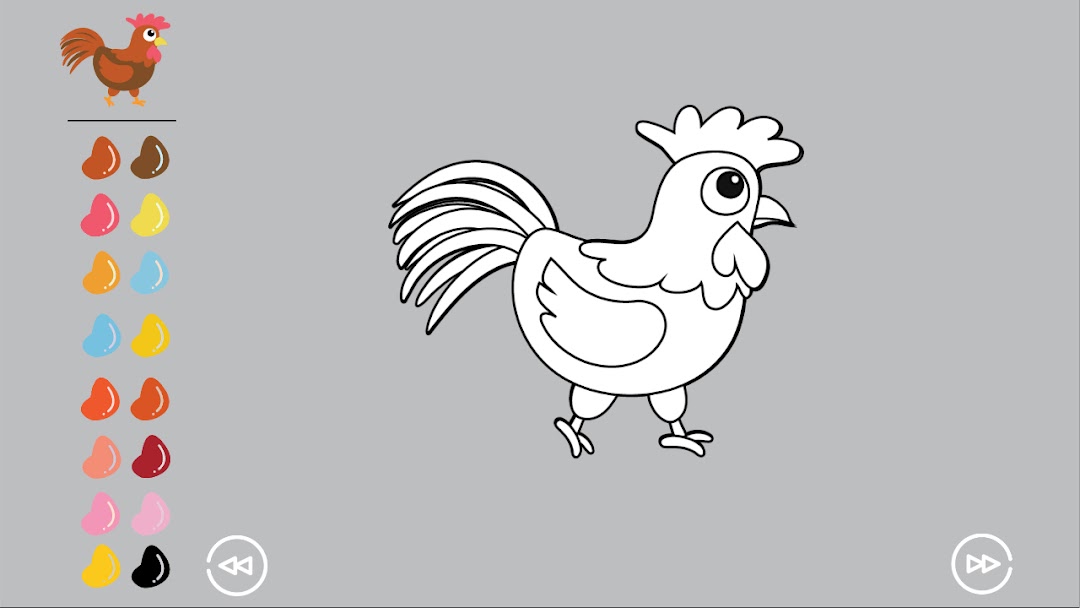
Kids Puzzle Pieces Preschool is a Puzzle application developed by eflame studio, but with the best Android emulator-LDPlayer, you can download and play Kids Puzzle Pieces Preschool on your computer.
Running Kids Puzzle Pieces Preschool on your computer allows you to browse clearly on a large screen, and controlling the application with a mouse and keyboard is much faster than using touchscreen, all while never having to worry about device battery issues.
With multi-instance and synchronization features, you can even run multiple applications and accounts on your PC.
And file sharing makes sharing images, videos, and files incredibly easy.
Download Kids Puzzle Pieces Preschool and run it on your PC. Enjoy the large screen and high-definition quality on your PC!
The "Kids Puzzle Pieces - Preschool Education" is game for children aged 3-8.Looking for an ideal application for kids, the parents usually consider the visual aspect of the game. It is worth remembering, though, that the app we’ve just downloaded should have other values as well, mainly the educative ones that allow the child to develop quickly and on many levels. A perfect mix of visual aspects and educative value is our newest jigsaw puzzle game. The research shows that the time spent on solving jigsaw puzzles develops skills that allow children to have a good start in kindergarten or at school. Playing with such puzzles since the very young age is an ideal way for a child to develop analytical skills and the ability to visually synthesize a problem. Moreover, assembling jigsaw puzzles has a beneficial influence on the development of child’s brain, as, while playing with puzzles, the child work on their analytical skills and the ability to focus, thus developing cognitive skills.
There’s never too early for puzzles!
Features:
Challenge problem solving and logic skills with four unique mini-games.
Wooden Puzzles - 30 levels with over 150 pieces
Puzzles - 20 levels with over 100 pieces
(All levels are expressed in the selected language by voice)
Hand made puzzles - 20 different levels
Colouring book - 20 different levels
Keep babies entertained with interactive sound effects
It's specifically designed as tool interface for babies and up.
It is a fun and learning games for preschool children and toddlers;
Including those with autism.
Simple and intuitive child-friendly interface.
10 different languages and pronunciations.
English, Spanish, German, French, Chinese, Japanese, Arabic, Russian, Portuguese, Italian.
Soft and stimulating sounds.
Thanks to the different levels of difficulty, this game is suitable for children of all ages who are at different stages of their intellectual development.
For children with autism, kids in speech therapy, and children with special needs, visual and audio cues throughout the app are designed to make the game accessible for them. In fact, Kids Puzzle Pieces is the perfect enrichment app when working with developmentally delayed, autistic, and special needs children.