Kids puzzles - 3 and 5 years is a Educational application developed by Mama papa, but with the best Android emulator-LDPlayer, you can download and play Kids puzzles - 3 and 5 years on your computer.
Running Kids puzzles - 3 and 5 years on your computer allows you to browse clearly on a large screen, and controlling the application with a mouse and keyboard is much faster than using touchscreen, all while never having to worry about device battery issues.
With multi-instance and synchronization features, you can even run multiple applications and accounts on your PC.
And file sharing makes sharing images, videos, and files incredibly easy.
Download Kids puzzles - 3 and 5 years and run it on your PC. Enjoy the large screen and high-definition quality on your PC!
Kids Puzzles is an educational game for boys and girls from 3 to 5 years old. The recommended age is 4 or 5 years old. Jigsaw puzzles for kids is a perfect game for your toddler!Girls and boys love playing funny games and parents love when their children mix joy and learning. Jigsaw puzzles are an educational game that will increase your child's intelligence, teach them to think and to be attentive to the smallest details. Kids Puzzles will appeal to kids and adults as, different difficulty levels will not let parents and their children get bored.
Your children will definitely adore the Kids Puzzles game. We have collected the most interesting pictures in our app and all of them are open now. There are dinosaurs and pirates, cute pets and animals of the forest, cars for boys and dolls and unicorns for girls. In general, we have everything that interests your children! And what is more important, this Jigsaw Puzzles game has no ads so nothing will disturb your child’s fun. Parents do not have to worry about their toddlers’ online safety.
Here is what you need to start the game:
1) Download Kids Jigsaw Puzzles on the Internet.
2) Choose the most interesting puzzle from the list; you can pick funny animals or lovely dolls or whatever you like.
3) Choose the difficulty level of the jigsaw puzzle that suits your child best, we recommend you to start from level 1 and them go on to the next level that are of higher difficulty.
4) Now you just have to move your finger on the screen and insert the pieces in the right places. It will be easier to start from the edges – first do the frame of the picture and then move to its center. The time for assembling the puzzle will be written down in the app so you will be able to break your own records, it is very fascinating and challenging.
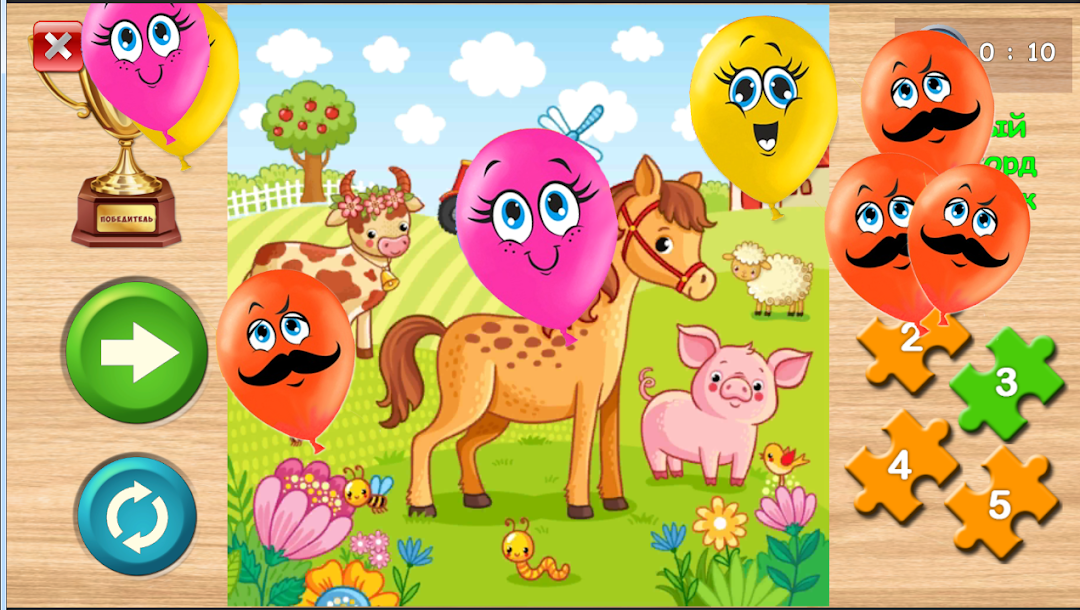
5) When the kids complete putting together the pieces of the jigsaw puzzle, a ball popping game will appear on the screen. Little boys and girls always find it really funny!
Kids Puzzle is not only a funny game to fill the time but also a learning game, which is perfect for your toddler because it will help to develop motor skills, memory and attention. Download Kids Puzzle now and have fun and learn together with your kids.
Jigsaw Puzzle game is made for your kids’ joy and education. We want to become even better for you so you rate and review will help us to improve this app and add new jigsaw puzzles to it! Download Kids Puzzles game for boys and girls and enjoy assembling the jigsaw puzzles together!