Kitchen Fever: Food Tycoon is a Simulation application developed by Unimob Global, but with the best Android emulator-LDPlayer, you can download and play Kitchen Fever: Food Tycoon on your computer.
Running Kitchen Fever: Food Tycoon on your computer allows you to browse clearly on a large screen, and controlling the application with a mouse and keyboard is much faster than using touchscreen, all while never having to worry about device battery issues.
With multi-instance and synchronization features, you can even run multiple applications and accounts on your PC.
And file sharing makes sharing images, videos, and files incredibly easy.
Download Kitchen Fever: Food Tycoon and run it on your PC. Enjoy the large screen and high-definition quality on your PC!
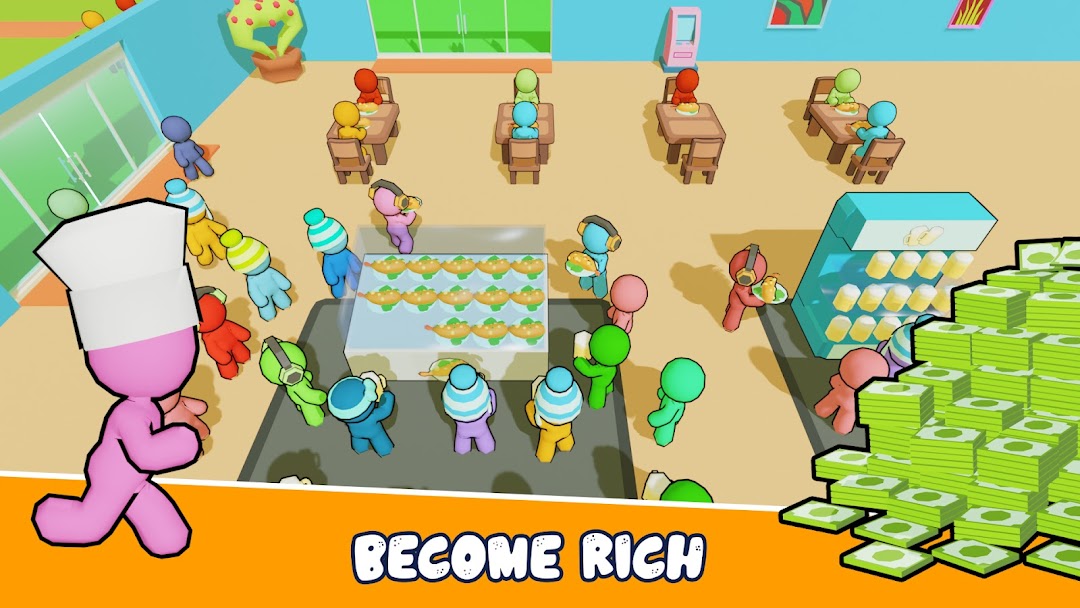
Do you like to create delicious food? Do you like the restaurant business? Game tycoon KITCHEN FEVER will help you!Embark on a relaxing yet challenging journey to running your own business model.
EASY TO PLAY, HAPPY
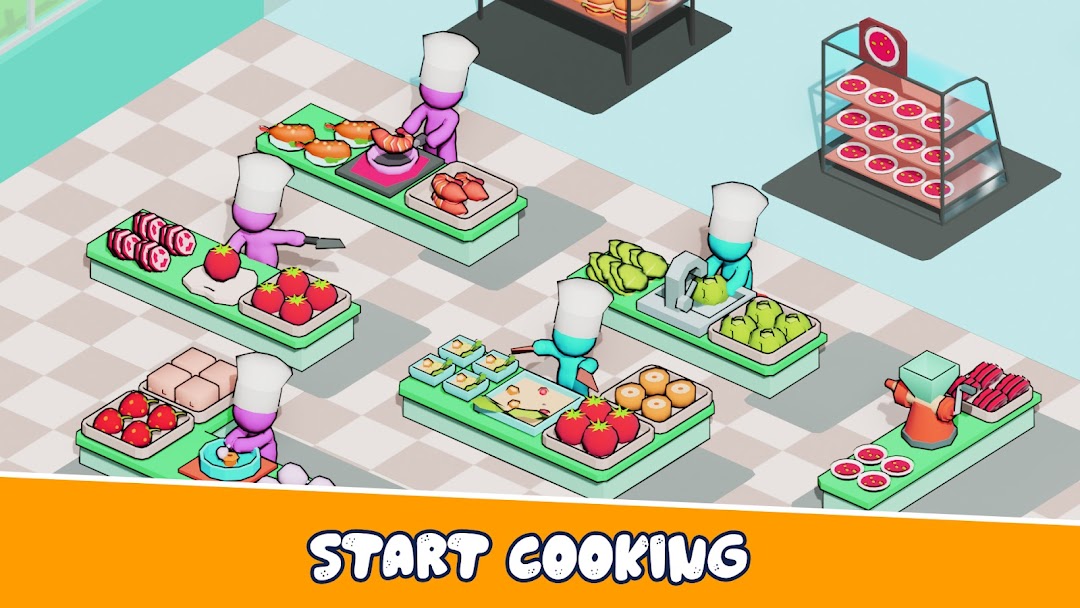
Your task is to get ingredients, grow your food then make delicious dishes and sell them to customers. Hire employees, upgrade equipment to build and expand your restaurant.
DIFFERENT BUSINESS AREA
There are 10+ maps for you to build and trade your store. Each store has different dishes and ways of operating. As you complete each area, you will unlock more areas, make a reasonable investment to continue to increase your share of revenue.
LOTS OF FOOD
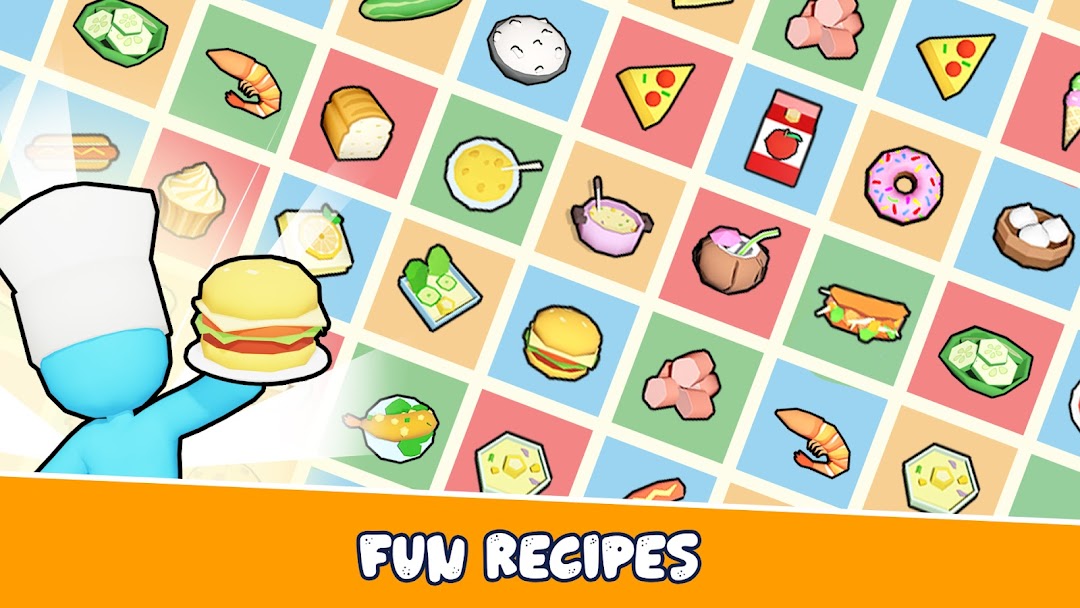
Let's serve 50+ dishes from simple to complex to customers. The dishes in the game are made from vegetables, meat, eggs, rice and drinks to bring you the feeling closest to reality.
STAFF AND MACHINE SYSTEM
Unlock 20+ types of employees with different functions such as cooking, putting things on shelves, cleaning to increase work efficiency to quickly grow your store. With that, don't forget to unlock and upgrade the equipment in the store to automate your restaurant.
Can you grow your restaurant to be the biggest restaurant in the world?
Play now the simple but very fun 3D tycoon game - KITCHEN FEVER: Restaurant Tycoon now!
With each in-app purchase, interstitial advertisements shall be removed, allowing for an uninterrupted user experience.
You need help? Contact us by email: support@unimobgame.com
Visit our Facebook fan page:
https://www.facebook.com/kitchen.fever.food.tycoon