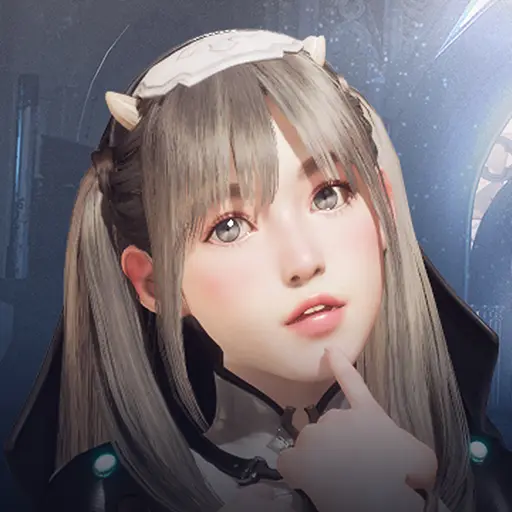
KlassX Online is a Role Playing game developed by K-LAB IT SOLUTIONS, and LDPlayer is the best platform for playing KlassX Online on Windows PC, offering powerful features for an immersive experience.
When playing KlassX Online on PC, as a new player looking to start with a fresh account, the multi-instance and sync features are extremely useful for rerolls. You can use them to run multiple instances and begin the synchronization process. Bind your account until you draw the desired heroes.
In addition, operation recorder is great for games that require you to level up and complete tasks! Run the sync and record your actions, then repeat the main instance's actions in real-time. By doing so, you can run 2 or more accounts simultaneously. You can always get the heroes you want before others by faster rerolls and more efficient summoning! Start downloading and playing KlassX Online on your computer now!
KlassX Online is a 3D school-themed MMORPG where students rise as warriors and battle for the honor of their school. Choose your class, master powerful skills, and join thousands of players in an open world built for adventure, rivalry, and friendship.⚔️ CHOOSE YOUR CLASS
Pick from distinct character classes, each with its own playstyle, weapons, and skill trees. Whether you fight up close, strike from range, or support your allies, there's a path that fits your style.
🏫 SCHOOL VS SCHOOL WARFARE
Fight for your campus in massive faction battles. Team up with your schoolmates, clash with rival schools, and prove who rules the grounds in intense large-scale PvP.
�(LEVEL UP & GROW STRONGER
Hunt monsters, complete quests, and grind your way to higher levels. Unlock new skills, upgrade your gear, and customize your character as you become a legend on campus.
🤝 PLAY WITH FRIENDS
Form parties, join a school, and take on tougher challenges together. Make allies, build rivalries, and become part of a living online community.
🎮 KEY FEATURES
- Classic 3D MMORPG gameplay on mobile
- Multiple character classes and skill builds
- Large-scale school-vs-school PvP battles
- Open world with quests, dungeons, and bosses
- Party play and social systems
- Regular updates with new content and events