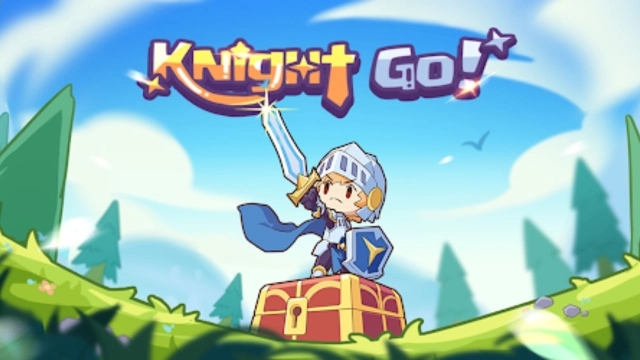
Knight Go! is a Casual game developed by Unlimited Fun Forever. LDPlayer is the best platform for playing Knight Go! on Windows PC, offering powerful features to enhance your immersive experience in Knight Go!.
When playing Knight Go! on your computer, if you find repetitive actions or tasks tedious and time-consuming, fret not! Macro can alleviate your concerns. Simply record your actions with a click of the screen recording feature and let macros take care of the rest. Macros automate your operations, allowing you to effortlessly conquer the game with minimal effort! Start downloading and playing Knight Go! on your computer now!
You, the last knight of the kingdom, the embodiment of power and courage, the sword that defeats enemies, the eternal shield of our homeland. You are about to acquire the ultimate weapon to face the impending crisis!Can you withstand it? This time, we will let the knight's power be perfectly unleashed!
[Simple Operation, Chest Draw]
No complicated operations required, simply click to draw chests and obtain mysterious equipment. When the chest is upgraded, the equipment skills are enhanced. Collect exclusive equipment, create your unique attributes, and conquer the world!
[Territory Contest, Fishing Training]
Compete with other players for limited resources, protect your territory from being occupied; the fishing gameplay produces rare catches, and even premium aquatic creatures are hidden within!
[Mysterious Altar, Dance with the Relics]
Plunder a large amount of resources and upgrade the mysterious altar. Collect runes of various attributes and enjoy the attribute rewards brought by the charms! High-level relics are also waiting for you to unlock!
[Ladder Duel, Knights Compete]
Who will be the true king of knights? And who will be the real strategist? Enjoy fair battles in the arena! Fair matchups, climb the path of magic glory, and obtain more resources!
[Dungeon Challenge, Strategic Configuration]
Facing elite bosses with different attributes, can you find the best counter-strategy? Get rich resources through levels! Clear main levels and unlock elite levels. Are you ready to start the challenge now?