Knights of Pen and Paper 3 RPG is a Role Playing game developed by Northica, and LDPlayer is the best platform for playing Knights of Pen and Paper 3 RPG on Windows PC, offering powerful features for an immersive experience.
When playing Knights of Pen and Paper 3 RPG on PC, as a new player looking to start with a fresh account, the multi-instance and sync features are extremely useful for rerolls. You can use them to run multiple instances and begin the synchronization process. Bind your account until you draw the desired heroes.
In addition, operation recorder is great for games that require you to level up and complete tasks! Run the sync and record your actions, then repeat the main instance's actions in real-time. By doing so, you can run 2 or more accounts simultaneously. You can always get the heroes you want before others by faster rerolls and more efficient summoning! Start downloading and playing Knights of Pen and Paper 3 RPG on your computer now!
Relive the golden age of Fantasy Role Playing with Knights of Pen & Paper 3 - a Retro RPG packed with pixel-perfect charm, classic turn-based strategy, and humor that honors the roots of every Classic Adventure.✨ AUTHENTIC RETRO EXPERIENCE
• Beautiful pixel graphics that capture 16-bit magic
• Strategic, Turn-Based Game battles that define the genre
• Classic character building and Hero customization
• Nostalgic soundtrack and vintage sound effects
⚔️ EPIC FANTASY ADVENTURE
• Story-driven Classic Adventure spanning hours of play
• Create and grow your party of Heroes and legends
• Explore dungeons, forests, and Dragon-filled realms
• Battle epic bosses and uncover hidden Quests
🏰 BUILD YOUR LEGACY
• Expand your home village with shops and upgrades
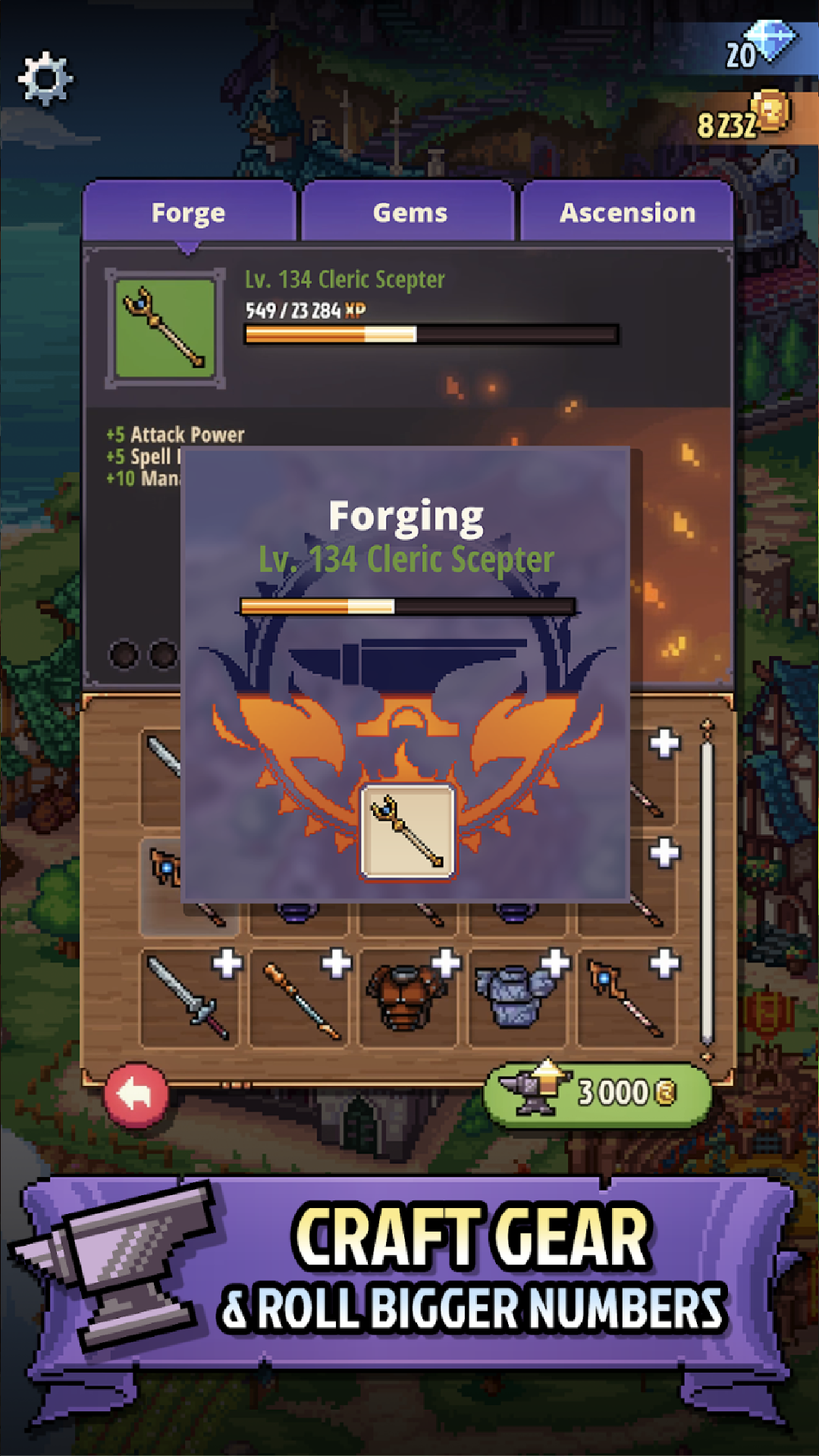
• Craft weapons and armor like timeless Retro RPG classics
• Daily challenges and secrets to test every Hero
Experience Knights of Pen and Paper’s world — a tribute to every great Fantasy Role Playing saga. This is the Classic Adventure you’ve been waiting for.
Fans of Final Fantasy, Dragon Quest, and other legendary Turn-Based Games will feel right at home in this nostalgic Retro RPG masterpiece.
--
Officially published by Northica under license from Paradox Interactive AB.
©2025 Paradox Interactive AB. KNIGHTS OF PEN PAPER and PARADOX INTERACTIVE are trademarks and/or registered trademarks of Paradox Interactive AB in Europe, the U.S., and other countries.