Lanetalk is a Sports game developed by Lanetalk Bowling. LDPlayer is the best platform for playing Lanetalk on Windows PC, offering powerful features to enhance your immersive experience in Lanetalk.
When playing Lanetalk on your computer, the larger screen and more powerful graphics performance enable you to enjoy clearer and smoother game visuals, enhancing the visual experience of the game.
The operation of peripherals such as gamepads is emulated to better mimic the feel of real sports, providing more precise control and richer operation options.
Furthermore, if you wish to execute a series of continuous key combinations, the one-click macro feature will be the functionality you've been dreaming of, allowing you to effortlessly stay one step ahead with one-touch operation. Start downloading and playing Lanetalk on your computer now!
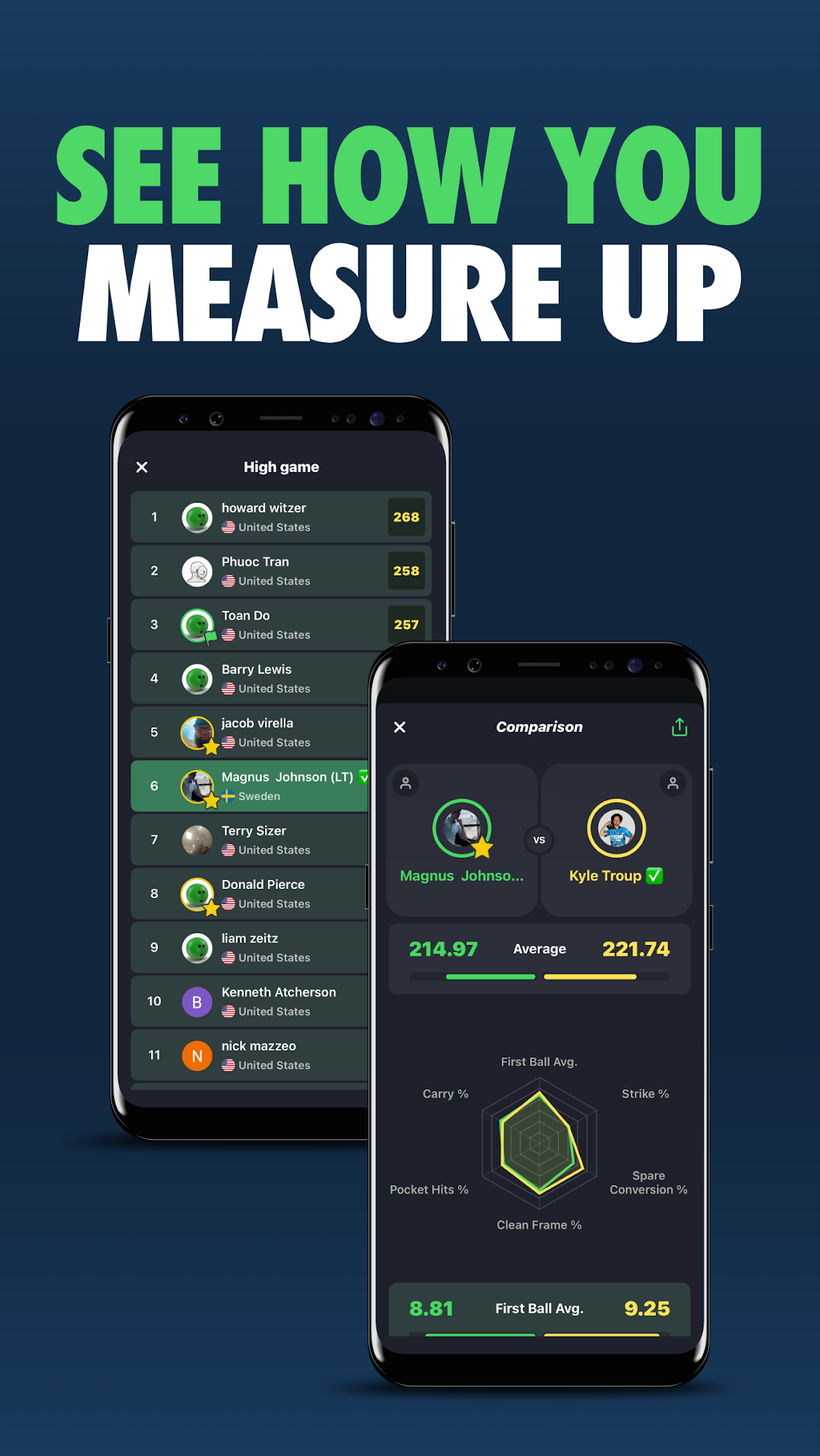
LANETALK - WE TRACK. YOU BOWLLaneTalk brings the pro bowling experience straight to your phone. Track your scores automatically from connected centers or add games manually. See your stats, monitor your progress, and compare your performance to friends and pros.
Whether you’re a casual bowler or competing in a league, LaneTalk gives you the insights to bowl better.
Used by over 500,000 bowlers worldwide, including top pros like Jason Belmonte, Kyle Troup, and Verity Crawley. Official stats provider for the PBA and USBC. Connected to more than 1,700 centers globally.
FREE FEATURES
With a free LaneTalk account, you can follow the action live and keep up with your friends or competitors.
Live scoring is available from participating centers, showing frame-by-frame results as they happen. You can also view league standings in real time from connected centers.
PRO FEATURES - 1 MONTH FREE TRIAL
To access LaneTalk, new users start with a 1-month free trial of LaneTalk Pro. After the trial ends, you will be automatically charged unless you cancel before the trial expires. You can cancel anytime in your Google Play account settings.
During your trial, you'll unlock all Pro features:
Track your games automatically in connected centers or add them manually. Tag your games with ball, pattern, league, or any custom tag to find out what works best for you.
Analyze your pin leaves, spare conversion rate, strike percentage, and more. Compare your stats with friends, PBA professionals, league competitors, or your next average tier. With Pro, you also get full access to live scoring from all connected centers, even those not offering public access.
GET STARTED TODAY
LaneTalk helps you track, analyze, and improve your bowling. Join the global bowling community and start your journey today.
Learn more at lanetalk.com