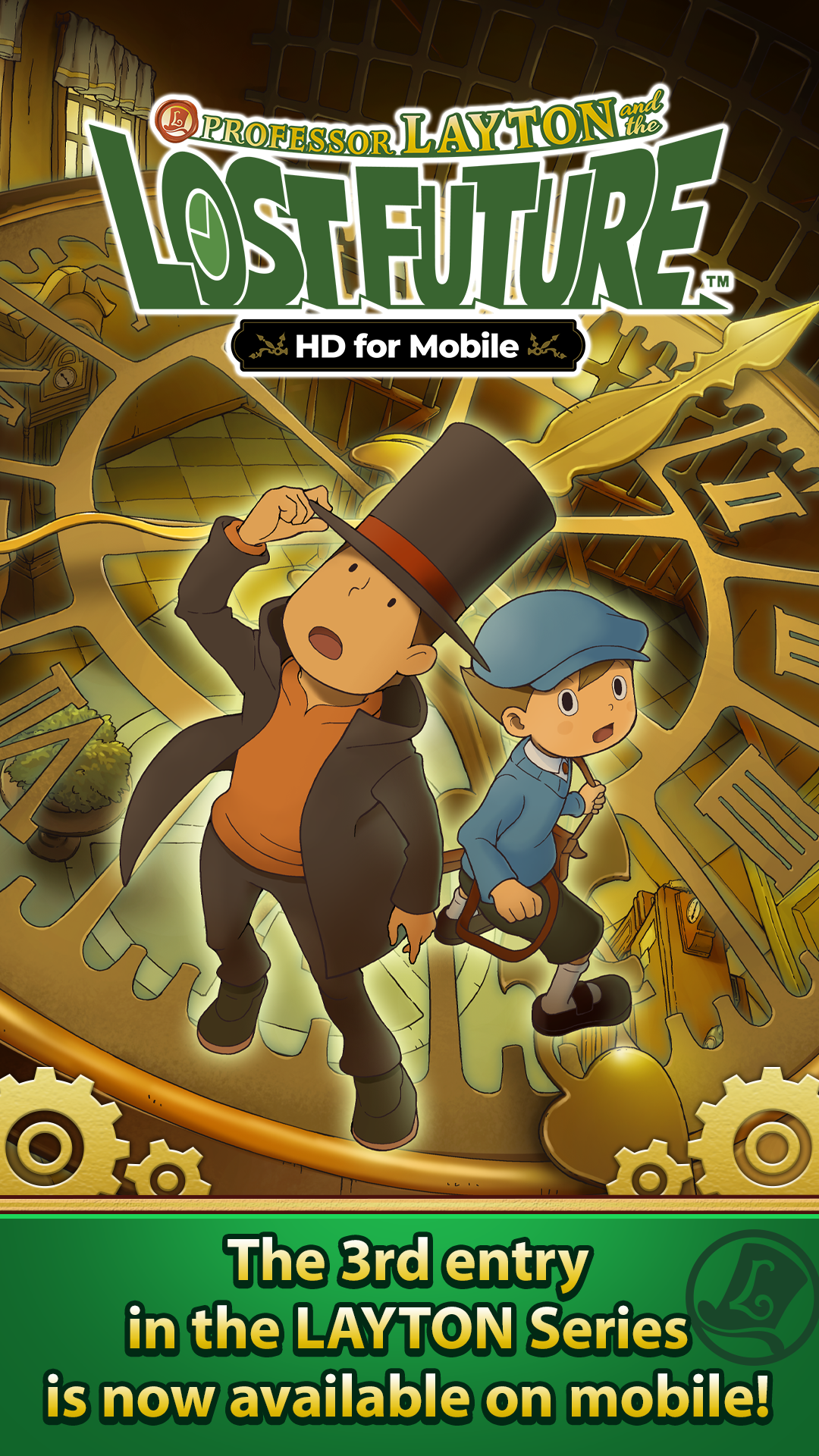
Layton: Lost Future in HD is a Adventure application developed by LEVEL-5 Inc., but with the best Android emulator-LDPlayer, you can download and play Layton: Lost Future in HD on your computer.
Running Layton: Lost Future in HD on your computer allows you to browse clearly on a large screen, and controlling the application with a mouse and keyboard is much faster than using touchscreen, all while never having to worry about device battery issues.
With multi-instance and synchronization features, you can even run multiple applications and accounts on your PC.
And file sharing makes sharing images, videos, and files incredibly easy.
Download Layton: Lost Future in HD and run it on your PC. Enjoy the large screen and high-definition quality on your PC!
Professor Layton and Luke take on a new mystery that starts with a letter from the future!With over 17 million units sold worldwide, Professor Layton and the Lost Future is the third instalment of the popular Professor Layton Series, digitally remastered in HD for mobile devices.
— Traverse Town with a Tap of the Finger! —
Explore the world of Professor Layton anywhere on mobile devices!
Investigate the extraordinary London of the future and sleuth out puzzles with a tap of the finger!
— Now in HD —
Long-time loved puzzles now powered up in gorgeously rendered graphics!
These tricky puzzles, designed by puzzle master, Akira Tago, accompany a continuation of Professor Layton’s adventure, along with high-definition backgrounds and animation!
-------------------------------------
— The Story —
After solving a multitude of curious conundrums, renowned archaeologist Professor Layton receives a rather peculiar letter.
The sender of this letter is none other than his assistant Luke...but from 10 years in the future! 'Future Luke' has found himself in quite a predicament. The London he knows and loves has been thrown into absolute chaos.
Initially thinking that Luke may have simply been pulling his leg with a harmless jest, the professor cannot help but recall the terrible events that occurred the previous week...
The start of which was an unveiling ceremony of mankind's first time machine, attended by many prominent figures from throughout the nation.
In the midst of a demonstration, the time machine went awry, and engulfed the audience in a terrible explosion.
Several of the attendees mysteriously vanished into thin air, including Prime Minister Bill Hawks.
Unable to shake the feeling that the time machine's explosion may somehow be connected, Professor Layton and Luke set off to the location mentioned in the letter, a clock shop on Midland Road in Baldwin, embarking on what might be the biggest mystery they have ever encountered.
-------------------------------------
Game Features:
• The 3rd instalment of the popular Layton Series
• Over 200 brain teasers, riddles and logic puzzles, designed by Akira Tago
• Beautifully remastered in HD for mobile devices
• Engaging mini-games that include a strange picture book, a toy car puzzle and a package delivering parrot
• Offline play after initial download
• Playable in English, French, Italian, German and Spanish
• Requires Android OS 4.4 or higher.