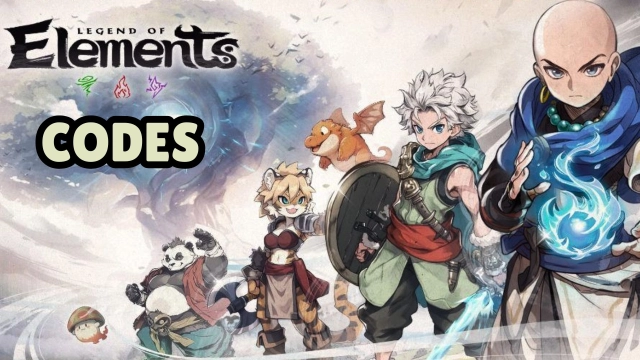
Legend of Elements is a Role Playing game developed by Joy Nice Games, and LDPlayer is the best platform for playing Legend of Elements on Windows PC, offering powerful features for an immersive experience.
When playing Legend of Elements on PC, as a new player looking to start with a fresh account, the multi-instance and sync features are extremely useful for rerolls. You can use them to run multiple instances and begin the synchronization process. Bind your account until you draw the desired heroes.
In addition, operation recorder is great for games that require you to level up and complete tasks! Run the sync and record your actions, then repeat the main instance's actions in real-time. By doing so, you can run 2 or more accounts simultaneously. You can always get the heroes you want before others by faster rerolls and more efficient summoning! Start downloading and playing Legend of Elements on your computer now!
Ready to save the world, Elementalist?The distant lands of the East have long been rich in three elements: wind, fire, and thunder... Yet a sudden elemental storm plunged all into chaos. Now demons and dragons wreak havoc—and you must rise to be the savior of this world!
Awaken your elemental powers, and embark upon a fantastic adventure like none other!
[New Player Giveaway]
Just log in to claim 1,000 draws, the Limited-Edition Spirit Panda [Bambam], the Supreme Sword, and a generous item pack: all for free! Start your elemental journey with a bang!
[Wondrous Open-World Exploration]
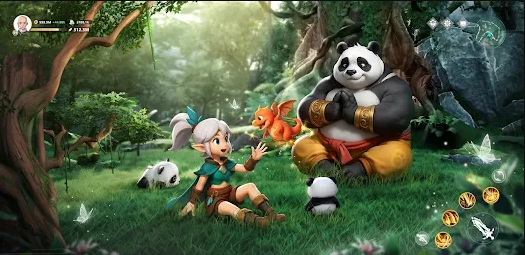
A seamless open world awaits. Explore wildernesses, mountain valleys, thick forests, and even sprawling oceans. Mysterious forces and unknown thrills lie around every corner. Search for ancient treasures, tap into the power of nature itself, traverse lands no others dare tread... And you shall create a legend all your own!
[Endless Possibilities: Master Elemental Skills]
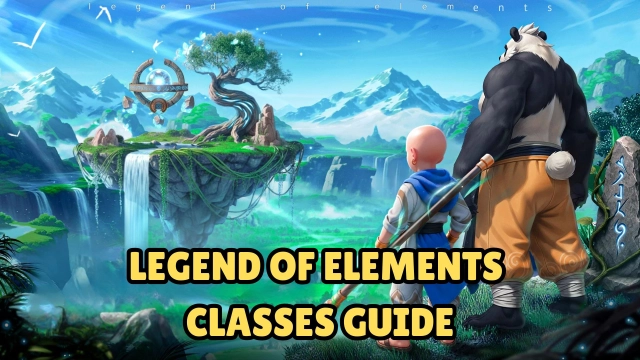
Choose from three classes, then begin your journey to master the elements of wind, fire, thunder, ice, and much more! There are hundreds of skills to mix and match from as you summon elemental spirits, take on fearful dragons and demons, and immerse yourself in thrilling combat!
[Discover Magical Companions]
Powerful Spirits and Pets abound in this elemental world, each holding mystical powers of their own. Recruit them as loyal companions, and build your own adventure squad!
[Team Up, Make Friends, And Adventure Together]
Join a clan to find kindred spirits, and set out on epic adventures together! Form teams to take down fierce monsters and mighty bosses together!
[Idle Rewards Galore]
Just turn on auto combat and leveling to boost your power, raking in Gear, Magites, and EXP with a single tap. Idle your way through the elemental world, stress-free!
________________________________________
A new legend is about to begin... Rise to become the elemental master!
Join Legend of Elements now to save the world and gain your glory!