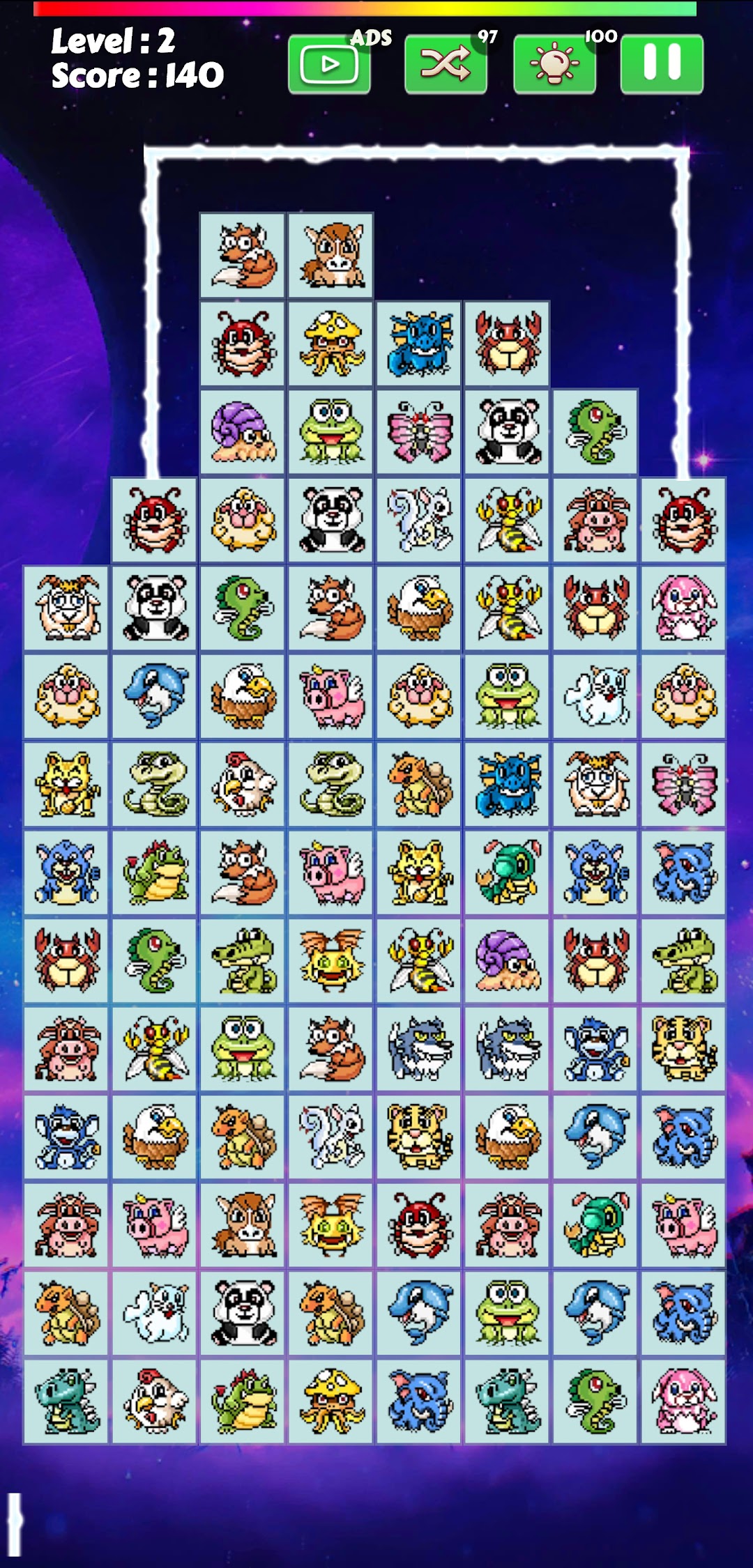
Link Animal - Onet Animal is a Puzzle application developed by Dora Mini Game, but with the best Android emulator-LDPlayer, you can download and play Link Animal - Onet Animal on your computer.
Running Link Animal - Onet Animal on your computer allows you to browse clearly on a large screen, and controlling the application with a mouse and keyboard is much faster than using touchscreen, all while never having to worry about device battery issues.
With multi-instance and synchronization features, you can even run multiple applications and accounts on your PC.
And file sharing makes sharing images, videos, and files incredibly easy.
Download Link Animal - Onet Animal and run it on your PC. Enjoy the large screen and high-definition quality on your PC!
Link Animal is a simple, addicted connect puzzle.Super fun and addictive onet puzzle game.
Link Animal - Onet Animal is a fun game, which your mission is to eliminate all the animal tiles on the board at each level.
HOT FEATURES:
- 100% offline, no needs internet or wifi
- Extremely lightweight, play at all times without wasting battery
- Simple manipulation, classic gameplay
- Upcoming will update the new version of the new, more skin 2023 fun. At the same time launch online collection, ranking so points with friends
- Quick, hands-on challenge when playing online games
- Unlimited levels.
- Auto save and load game.
- 30 Beautiful and classic animal item.
- Classic Tile Connect Gameplay.
- 100% offline, You don't need any internet connect to play this Animal Connect game.
- Various support item (Hint, Clock And Swap Item).
- Continue current level when back game.
- Leaderboard with high score for world ranking
- 100% Offline, no Internet or Wifi require.
- Extremely lightweight, play at all times without wasting battery
- Simple manipulation, classic gameplay, simple gameplay, beatiful and high quality graphic
- Upto 200 levels to play
HOW TO PLAY ONET ANIMAL 2020:
- Connect 2 similar images with up to 3 straight lines
- Each level will limit time, game over when time runs out
- Take advantage of help items to find help and swap items to overcome the level
- The game screen later became more difficult, ended to compare rankings
- Remove 2 animal with the same kind which can be connected within 3 lines.
- Connect 2 similar images with up to 3 straight lines
- Remove all animals before time up.
- Each level will limit time, game over when time runs out
- Take advantage of help items to find help and swap items to overcome the level
- Connect 2 Same Animal Tiles in maximum 3 straight lines to clear them.
- Remove all Animals before time gone.
- Use props support items to help you pass mission.
I hope this match animal game will bring you moments of joy