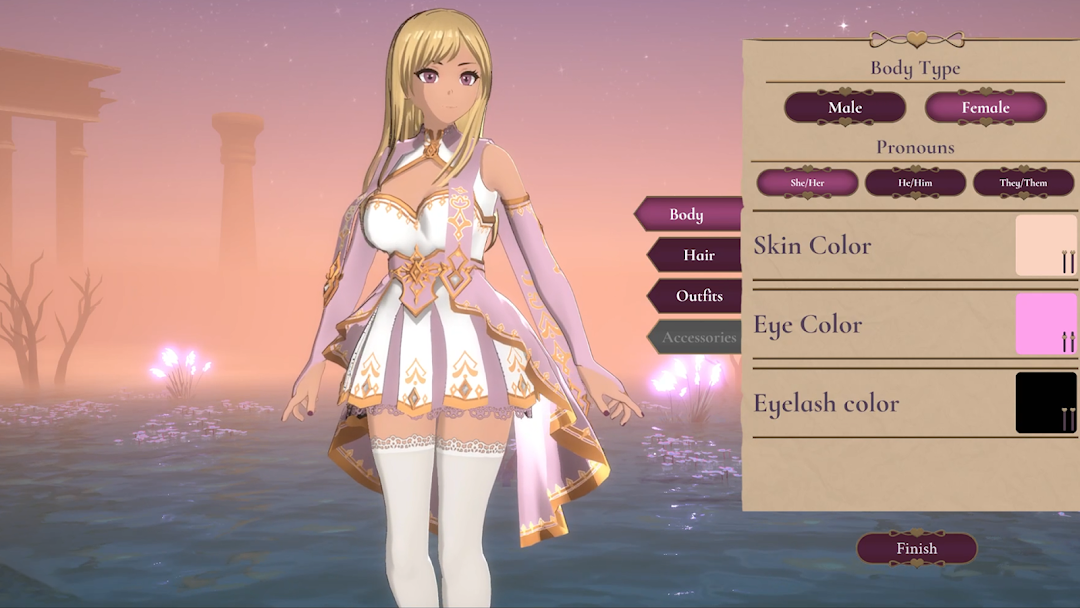
Love in an Enchanted Realm is a Casual game developed by Repulse. LDPlayer is the best platform for playing Love in an Enchanted Realm on Windows PC, offering powerful features to enhance your immersive experience in Love in an Enchanted Realm.
When playing Love in an Enchanted Realm on your computer, if you find repetitive actions or tasks tedious and time-consuming, fret not! Macro can alleviate your concerns. Simply record your actions with a click of the screen recording feature and let macros take care of the rest. Macros automate your operations, allowing you to effortlessly conquer the game with minimal effort! Start downloading and playing Love in an Enchanted Realm on your computer now!
A fantasy game designed especially for women. Your choices will lead you through a world of romance, where every path taken can alter your destiny as you determine who will be the man who captures your heart.STORY
Awaken in a world where reality and fantasy collide, step into the shoes of Sage, a gentle healer lost in a mystical land, accompanied by three enigmatic companions who each hold the key to your survival - and your heart.
With an evil threatening to trap you in this world forever, you must decide whom to trust, whom to love, and what you're willing to sacrifice to find your way home. Will you forge true connections that light your path to freedom, or will you be caught in the very mysteries you seek to unravel?
CHARACTERS
Behind this rogue's quick wit and charming smile lies a past that casts a long shadow. Ryker’s playful nature and skill in battle make him a formidable ally, but it's up to you to see through his façade and reach the vulnerable heart beneath.
A former soldier and the natural leader of the group, Caden is steadfast and honorable. His unwavering sense of duty to protect his companions often conflicts with his growing affection for Sage. Will he let love guide him or stay bound by his responsibilities?
A gentle mage who doubts his own abilities, Finn’s intelligence and resourcefulness are vital to the group's survival. As you help him find confidence in his powers, will you also find a deeper connection?
FEATURES
Branching Narratives: Your choices shape Sage’s relationships and determine the outcome of their journey. With multiple endings based on who you bond with, every decision matters.
Dynamic Character Interactions: Engage in meaningful conversations and romantic events, with each love interest offering unique paths and storylines.
Turn-Based Combat: Strategically control Sage and her companions in turn-based battles. Use their unique skills to overcome formidable foes and protect your loved ones.
Moral Dilemmas: Face tough decisions, including the ultimate choice that could determine the fate of both your party and the enchanted realm.