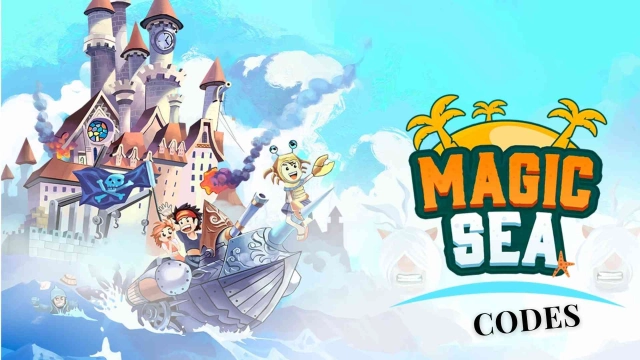
Magicsea Online MMORPG is a Role Playing game developed by Magicsea Team, and LDPlayer is the best platform for playing Magicsea Online MMORPG on Windows PC, offering powerful features for an immersive experience.
When playing Magicsea Online MMORPG on PC, as a new player looking to start with a fresh account, the multi-instance and sync features are extremely useful for rerolls. You can use them to run multiple instances and begin the synchronization process. Bind your account until you draw the desired heroes.
In addition, operation recorder is great for games that require you to level up and complete tasks! Run the sync and record your actions, then repeat the main instance's actions in real-time. By doing so, you can run 2 or more accounts simultaneously. You can always get the heroes you want before others by faster rerolls and more efficient summoning! Start downloading and playing Magicsea Online MMORPG on your computer now!
⚓ Join the Adventure in Magicsea Online — A Classic MMORPG with a Twist!Dive into a vibrant open world filled with quests, dungeons, battles, treasure hunts, and dynamic events. Whether you’re a fearless warrior, cunning trader, or fearless explorer — your journey starts here.
🧙♂️ CREATE YOUR HERO
• Unique classes with distinct combat mechanics
• Flexible skill trees and gear customization
• Manual combat — your skill determines the outcome
⚔️ FIGHT, EXPLORE & CONQUER
• PvE missions, epic dungeons, and powerful bosses
• PvP zones and Chaos Mode — no rules, just survival
• 200+ voiced quests with branching storylines
• Regular events and evolving quest chains
💰 TRADE & THRIVE
• Player-driven auction house
• Real in-game economy
• Everything is obtainable through gameplay — no pay-to-win
🤝 ADVENTURE WITH OTHERS
• Join guilds, take on raids, and embark on co-op challenges
• In-game chat and a growing community
• Battle Pass packed with rewards, cosmetics, and tasks
• Weekly updates — new zones, bosses, and features released regularly
🌴 Magicsea Online is a fully-featured MMORPG set across magical islands, where every choice shapes your destiny. Fight, trade, explore — and become a legend in your own right.
🎮 START YOUR JOURNEY
• Website: https://magicseaonline.com/
• Forum: https://forum.magicseaonline.com
• Telegram: https://t.me/magicsea_online
• Community Chat: https://t.me/magicsea_chat