Make-Up Me is a Educational application developed by Libii, but with the best Android emulator-LDPlayer, you can download and play Make-Up Me on your computer.
Running Make-Up Me on your computer allows you to browse clearly on a large screen, and controlling the application with a mouse and keyboard is much faster than using touchscreen, all while never having to worry about device battery issues.
With multi-instance and synchronization features, you can even run multiple applications and accounts on your PC.
And file sharing makes sharing images, videos, and files incredibly easy.
Download Make-Up Me and run it on your PC. Enjoy the large screen and high-definition quality on your PC!
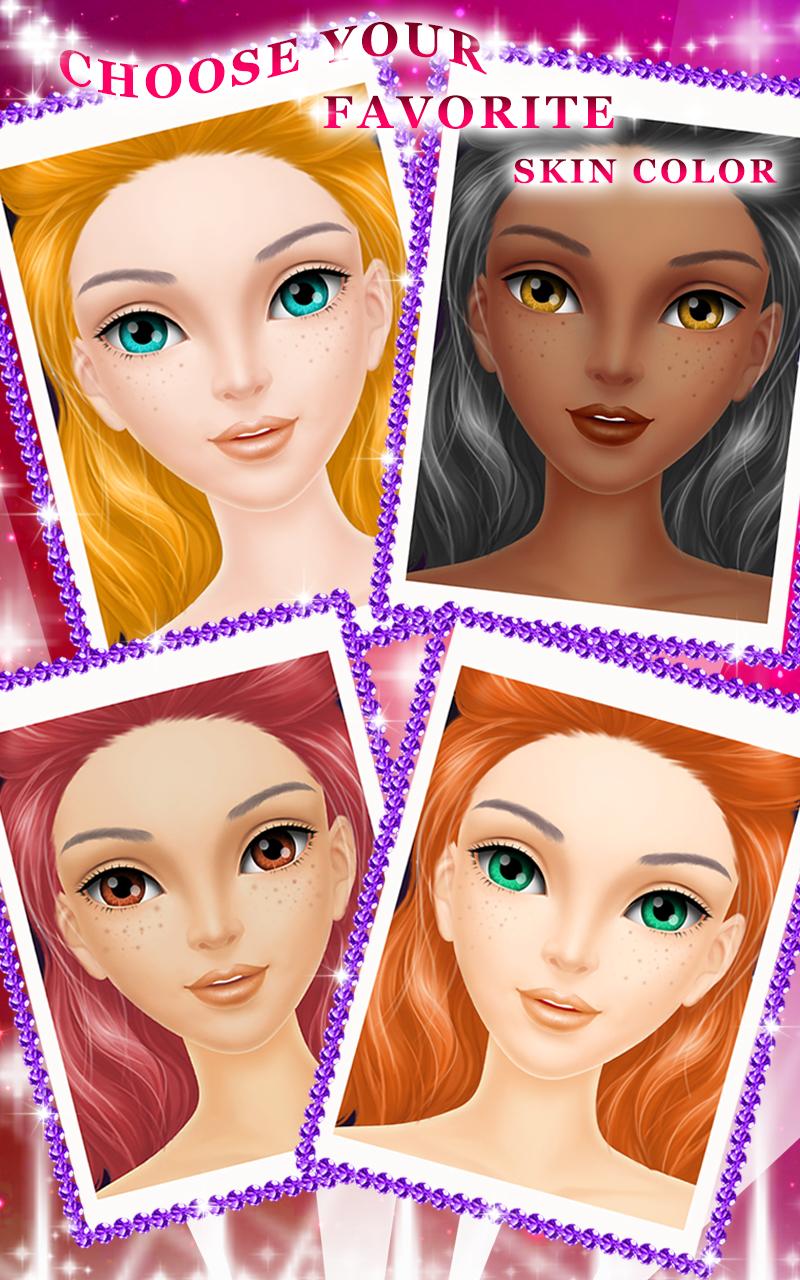
Awww, Libii’s first facial game, Makeup Me, is available now!Here you can make unique designs for the born beauty. And begin with choosing a skin color, you’ll get countless cosmetics and decorations to do this great job.
After everything is finished, don’t forget to take a picture for your wonderful designs. Besides, if you’re so satisfied with the excellent face made by yourself, just submit the pictures to challenge for the Best Faces of the Week, and lots of Libii fans will share their works with you, too!
Now we’re calling all the makeover fanciers to join us and try your best to become the best dresser all over the world!
How to Play:
Open the game and click Play to start, firstly please choose your favorite skin color for the beautiful girl, then you’ll be free to do whatever on her face, such as putting BB cream, penciling her eyebrows, drawing tattoos and so on. Moreover, you can find the bran-new stuff in this game ------ the Rhinestone, please try dragging it anywhere onto the girl’s face! If you don’t like the items you just put on, please use the specified cleansing oil to remove them. At last, why not take a photo for the amazing girl as one of your private collections forever, or you can share it with your parents and friends. You’ll never know how brilliant you are at makeup until you get this salon game! Come on, just try it and free your originality!
Features:
- A pretty girl is ready for your design
- Hair style, eyeliner, lip gloss and many other girl things you can do here
- Hundreds of items are offered for your free combination
- A set of makeover steps in real life is represented
- Shinning rhinestones and ingenious tattoos are prepared specially for you
- A new Weekly Award is waiting for your creative works
- Continued improvements of this game, please feel free to send us your feedbacks and suggestions
Need You Know:
This app is totally free to download and play, some basic items are also free to use, but some additional items need you to purchase and pay to unlock. Therefore, if you do not want to use these items, please turn off the in-app purchase in your settings. Thanks.