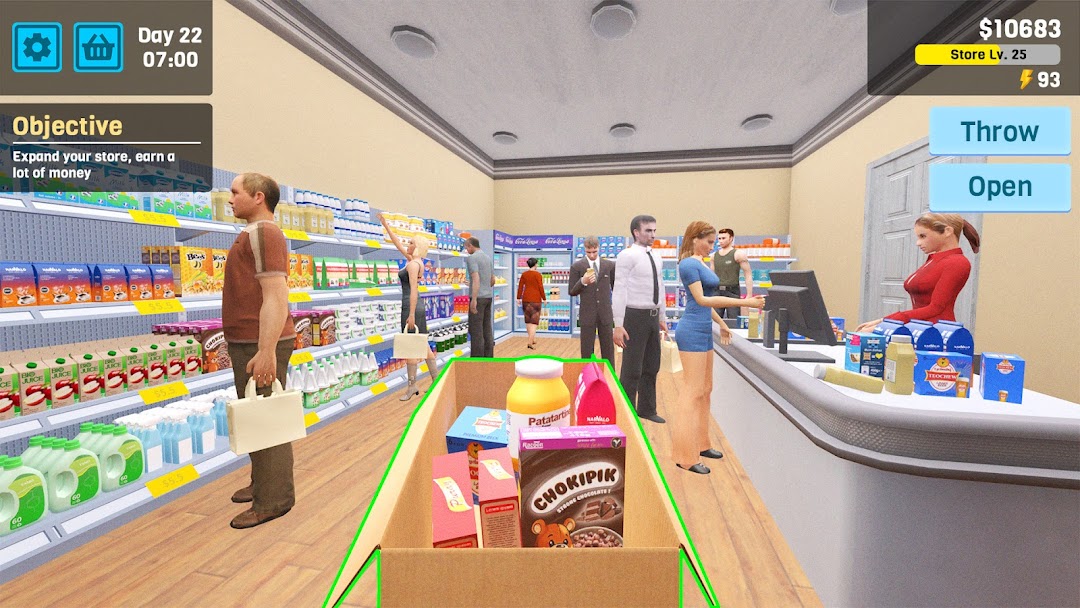
Manage Supermarket Simulator is a Simulation application developed by iKame Games - Zego Studio, but with the best Android emulator-LDPlayer, you can download and play Manage Supermarket Simulator on your computer.
Running Manage Supermarket Simulator on your computer allows you to browse clearly on a large screen, and controlling the application with a mouse and keyboard is much faster than using touchscreen, all while never having to worry about device battery issues.
With multi-instance and synchronization features, you can even run multiple applications and accounts on your PC.
And file sharing makes sharing images, videos, and files incredibly easy.
Download Manage Supermarket Simulator and run it on your PC. Enjoy the large screen and high-definition quality on your PC!
Run your own business by Supermarket Simulator!At your supermarket simulator, stock up on a variety of goods, from chips and fries to meat, burgers, veggies, and fruit. Purchase these items affordably online and arrange them on shelves of your supermarket. Expand your store, enhancing its size and delivering top-notch service. Launch promotions and set competitive prices to ensure rapid sales. Manage both cash and card transactions while staying vigilant against potential theft. Consider implementing security measures to protect your supermarket from any would-be thieves. As time progresses, anticipate the need for renovations your store, such as repainting walls or installing new lighting and decor. All of this unfolds within the immersive world of a supermarket simulator boasting exceptional, lifelike 3D graphics. Have a blast, but stay financially secure as you strive for genuine success.
Step into the shoes of a manager in the highly engaging supermarket simulation game, Supermarket Manager Simulator! Kickstart your entrepreneurial journey by founding your own store and gradually transforming it into the ultimate Supermarket. Rise to the challenge and become a renowned manager simulator, elevating your store to greatness.
To ensure that all products in your store are always available - Keep Inventory in Check to ensure your supermarket are consistently stocked. Place orders, negotiate prices, and stay updated on market trends to attract customers.
Personalize Your Supermarket: Tailor your supermarket's appearance to your liking, selecting themes, colors, and decorations that reflect your unique style.
To grow your supermarket rapidly, let's diversify Your Product Range by unlocking new items, activities, and services to cater to even the most discerning customers.
Prioritize Customer Satisfaction: Stay attuned to your customers' needs and address their feedback promptly. Uphold high service standards to cultivate a loyal customer base. Therefore, your supermarket will more and more successful.
Supermarket Manager Simulator is not just a game - it is a challenge that help you test your management and strategy skills.