Math Clash is a Trivia application developed by Styxcon, but with the best Android emulator-LDPlayer, you can download and play Math Clash on your computer.
Running Math Clash on your computer allows you to browse clearly on a large screen, and controlling the application with a mouse and keyboard is much faster than using touchscreen, all while never having to worry about device battery issues.
With multi-instance and synchronization features, you can even run multiple applications and accounts on your PC.
And file sharing makes sharing images, videos, and files incredibly easy.
Download Math Clash and run it on your PC. Enjoy the large screen and high-definition quality on your PC!
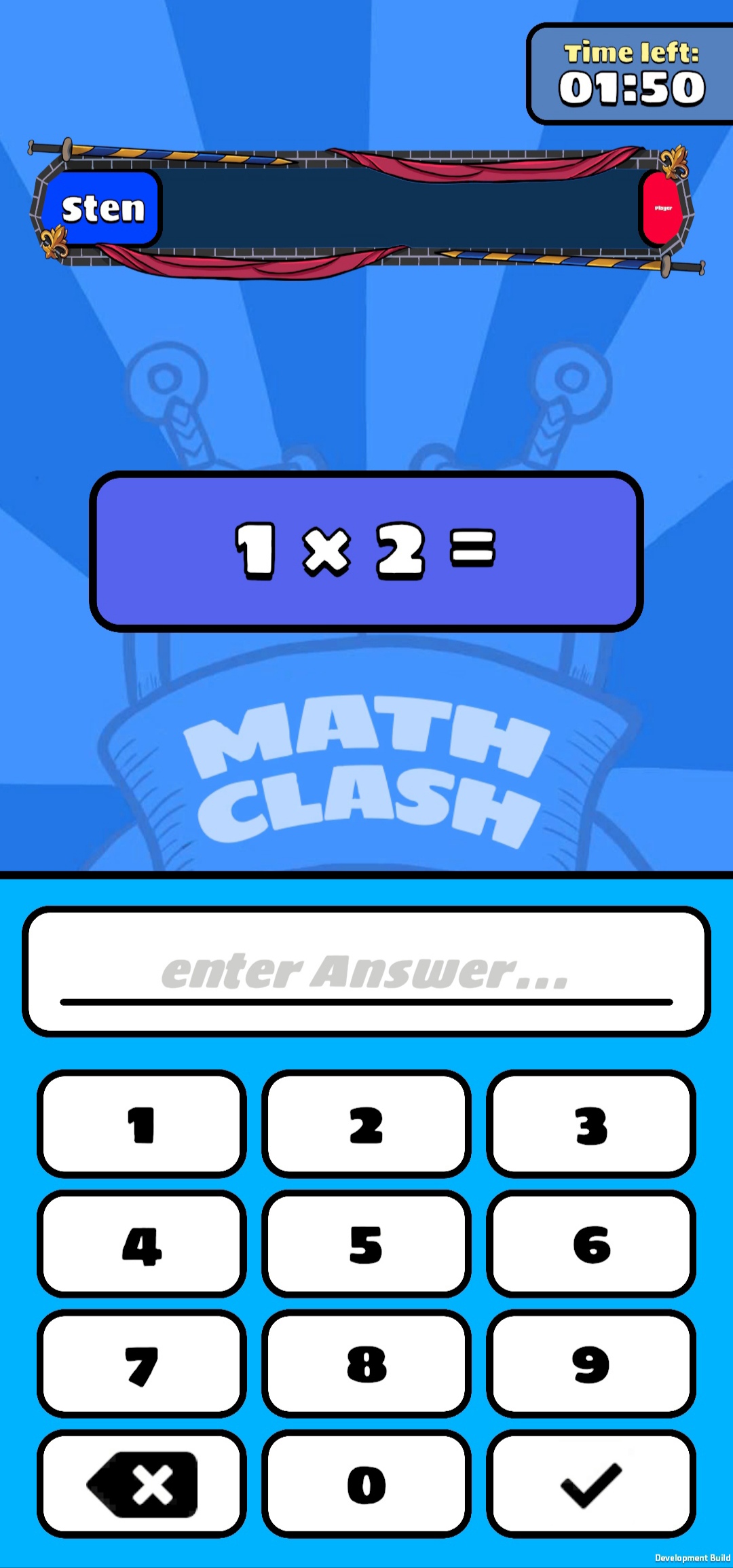
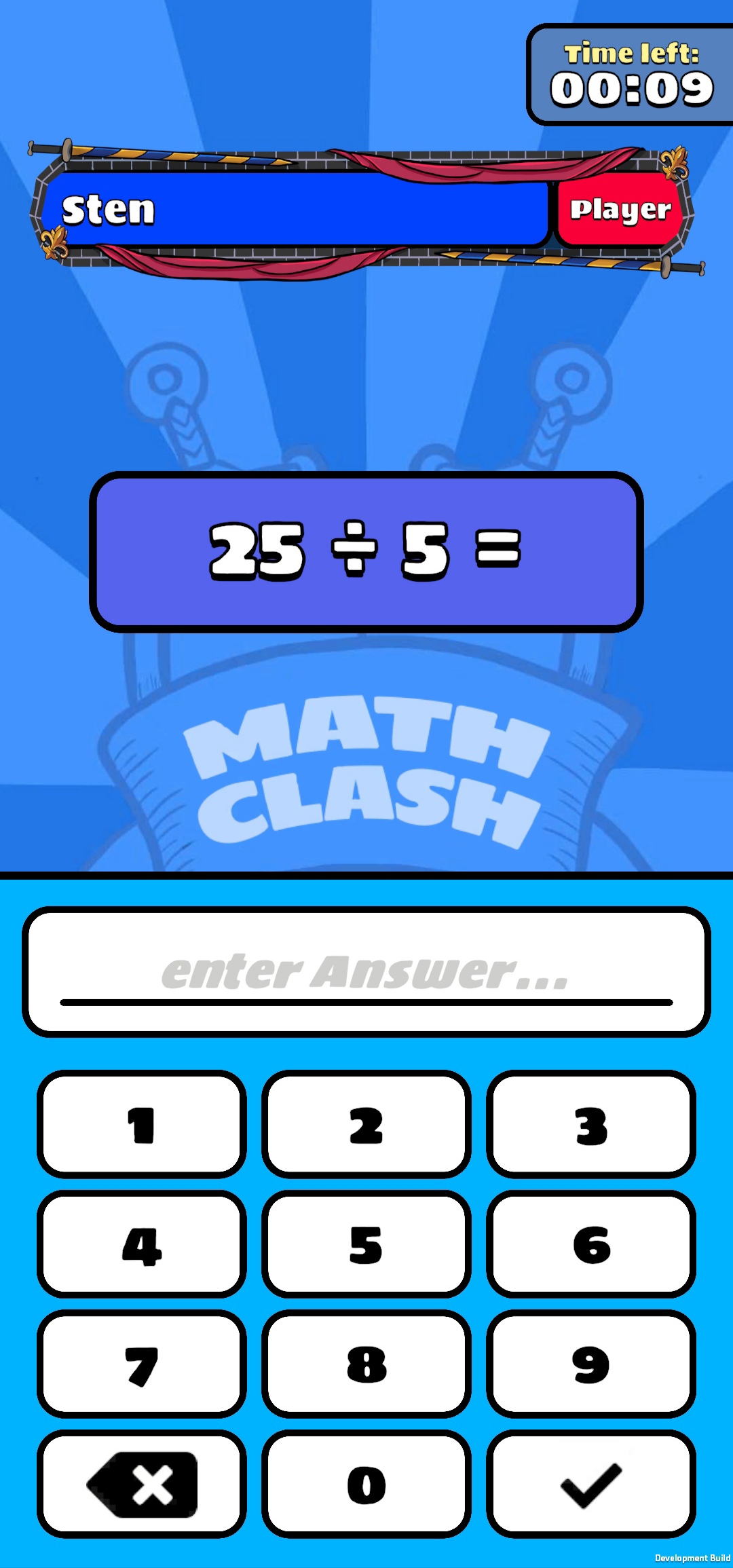
Welcome to Math Clash, the ultimate math duel! Compete in quick, two-minute 1v1 matches against players from around the world and climb the leagues through smart calculations. Whether it's addition, subtraction, multiplication, or division – show what you’ve got!Features:
Exciting 1v1 Duels: Challenge other players in real-time math battles.
League System: Win matches, collect trophies, and advance through the leagues to prove your skills.
Various Difficulty Levels: From easy to challenging math questions – perfect for ages 8 to 18.
Short Game Rounds: Ideal for quick play sessions – each round lasts only two minutes.
Future Updates: Look forward to new game modes and social features that will be added soon.
Show Your Skills:
Compete with other math enthusiasts and become the champion in Math Clash! Every correct answer brings you closer to the top. Collect trophies and advance in the leagues – but be careful, as you can lose trophies with defeats.
Perfect for All Math Fans:
Math Clash is designed for everyone aged 8 to 18 who wants to improve their math skills in a fun way. Whether you want to practice basic arithmetic or prove yourself in exciting duels – Math Clash offers the perfect platform.
Start your first match today and become the math champion in Math Clash!