Me is King: Idle Tycoon Game is a Simulation application developed by PIXIO, but with the best Android emulator-LDPlayer, you can download and play Me is King: Idle Tycoon Game on your computer.
Running Me is King: Idle Tycoon Game on your computer allows you to browse clearly on a large screen, and controlling the application with a mouse and keyboard is much faster than using touchscreen, all while never having to worry about device battery issues.
With multi-instance and synchronization features, you can even run multiple applications and accounts on your PC.
And file sharing makes sharing images, videos, and files incredibly easy.
Download Me is King: Idle Tycoon Game and run it on your PC. Enjoy the large screen and high-definition quality on your PC!
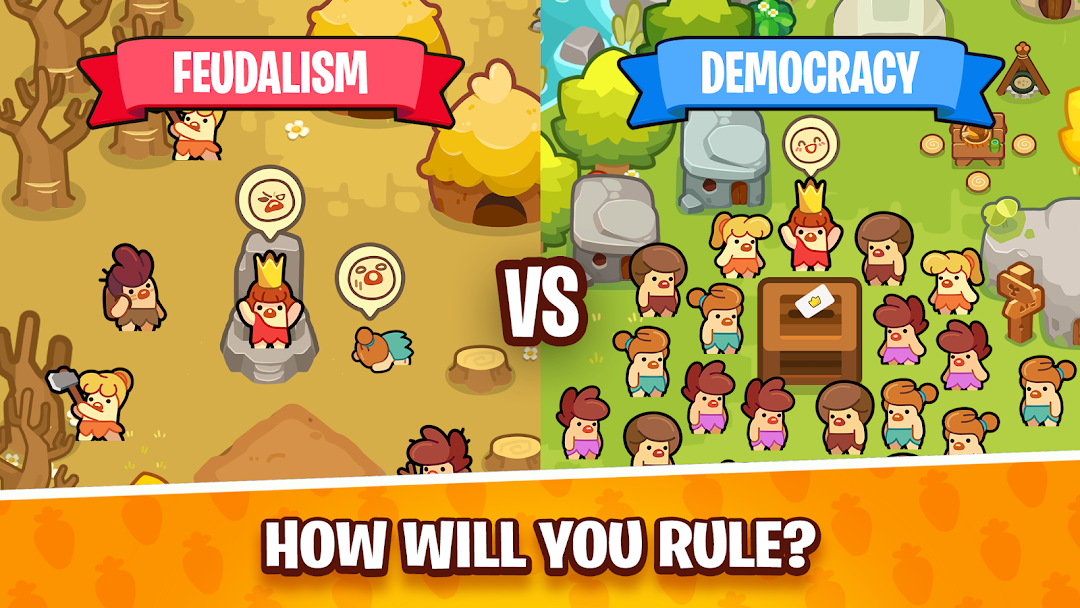
Welcome to Me is King, the ultimate Stone Age idle tycoon and city builder game! Take charge of your prehistoric empire, manage your cavemen, and become the supreme leader in this fun, casual empire builder.Reign over your Stone Age kingdom with decisions that YOU make! Unlike other clicker games or simulators, you call the shots and choose how to build your city. Manage your resources wisely so your decisions will advance your kingdom and turn your simple cavemen into capable farmers, lumber gatherers, and hunters!
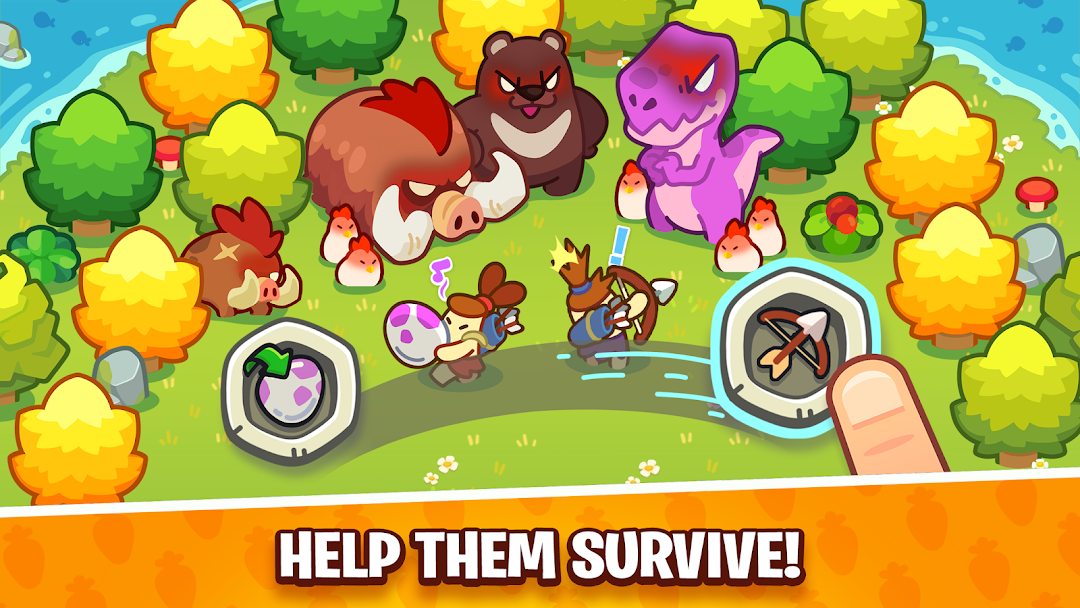
Me is King is a vibrant idle tycoon game full of prehistoric wonders, wacky decisions, and not-very-smart kings. Expand your city through choices that will affect your empire forever. Farm Stone Age fruits, gather lumber, breed pet dinos, and collect the tribute your kingdom offers you!
FEATURES OF ME IS KING:
Idle Tycoon & Decision Making: Make smart choices to watch your city builder empire grow, or choose poorly and watch it crumble!
Breed Pet Dinos: What's a Stone Age simulator without dinosaurs? Raise adorable pets and feed them cookies!
Resource Management: Manage your cavemen efficiently. Assign them to farm, build, or hunt to maximize your idle profits.
Casual Empire Builder: Simple controls make it easy to play. Just choose what your villagers should do and wait for the tycoon magic to happen!
Adorable Art Style: Enjoy cute prehistoric pets and charming caveman animations as your city expands.
Watch Time Pass: Time passes naturally in your empire, so sit back and watch as each day brings new progress to your idle clicker game!