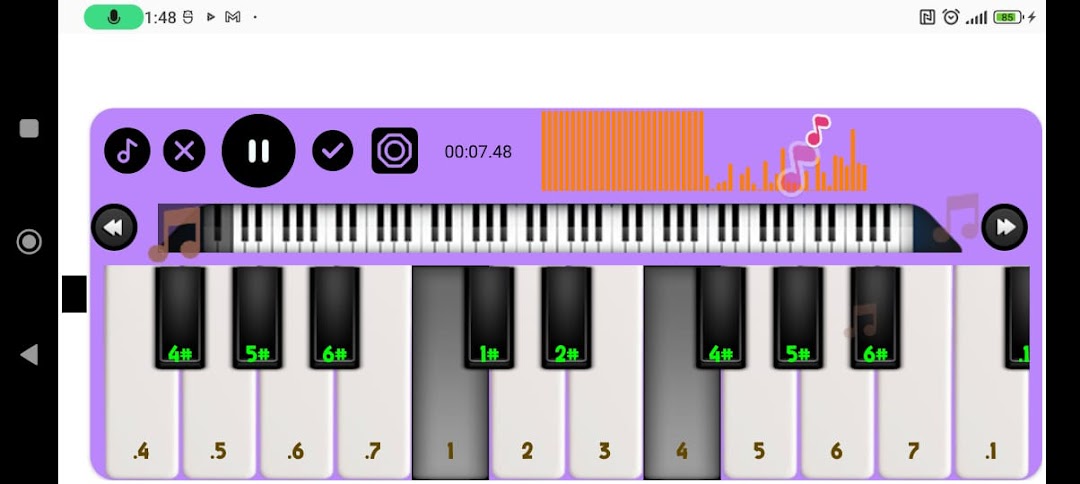
Melodica Simulator is a Music application developed by sayunara dev, but with the best Android emulator-LDPlayer, you can download and play Melodica Simulator on your computer.
Running Melodica Simulator on your computer allows you to browse clearly on a large screen, and controlling the application with a mouse and keyboard is much faster than using touchscreen, all while never having to worry about device battery issues.
With multi-instance and synchronization features, you can even run multiple applications and accounts on your PC.
And file sharing makes sharing images, videos, and files incredibly easy.
Download Melodica Simulator and run it on your PC. Enjoy the large screen and high-definition quality on your PC!
Looking for a fun and creative way to learn how to play music? Look no further than our Melodica app! With our intuitive interface and engaging features, you'll be playing beautiful melodies in no time.Our Melodica app is perfect for musicians of all levels, from beginners to professionals. Whether you're looking to improve your skills or simply enjoy playing music for fun, our app has everything you need.
With our app, you'll have access to a wide range of songs, from classical to pop. You can learn how to play each song step by step, with easy-to-follow tutorials and interactive lessons.
Our app also features a recording function, so you can listen to your progress and share your music with friends and family. And with our social sharing options, you can connect with other musicians from around the world and share your music with a wider audience.
So what are you waiting for? Download our Melodica app today and start playing music like a pro!