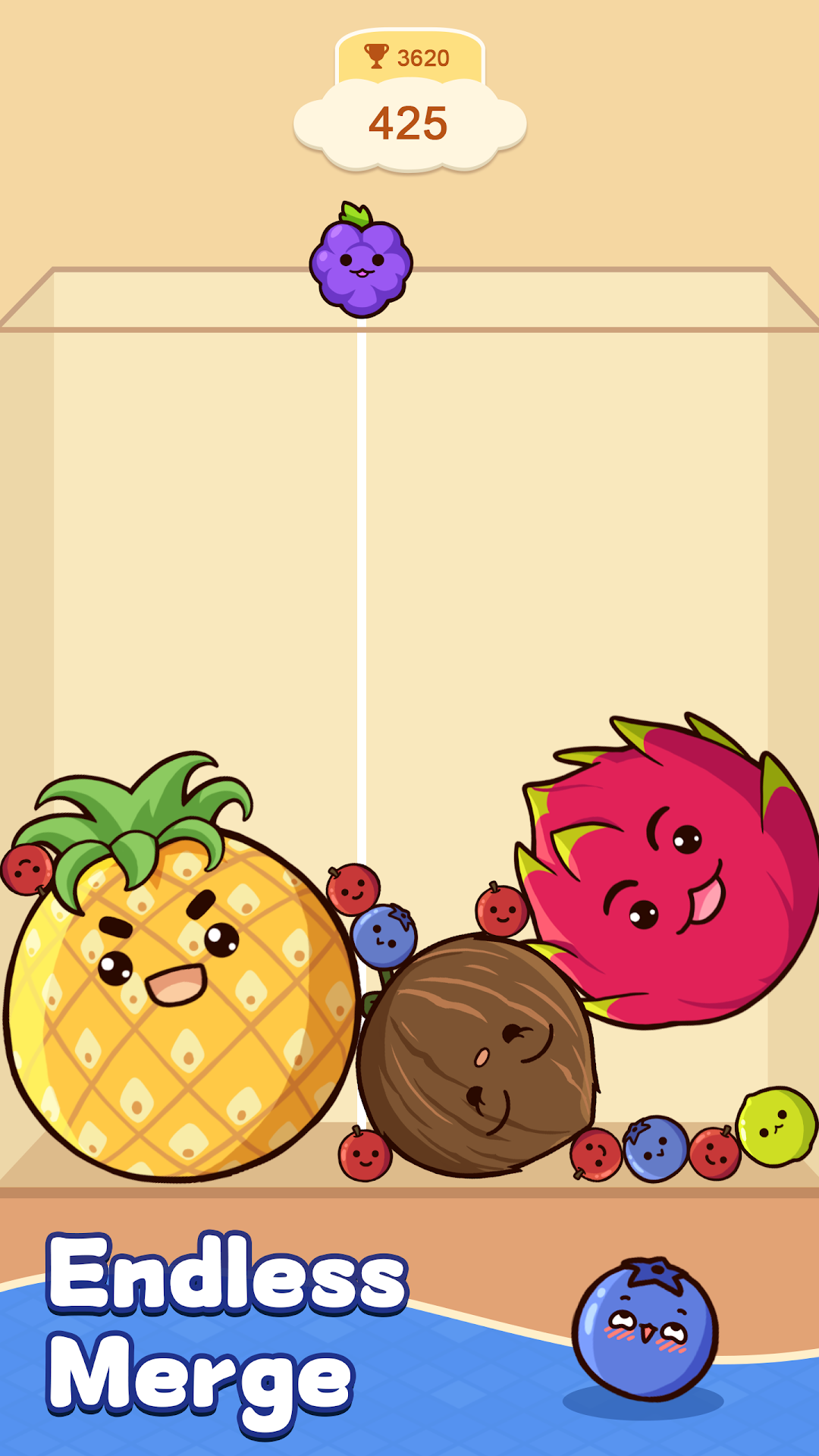
Fruit Merge™: Match Game is a Puzzle application developed by Brave HK Limited, but with the best Android emulator-LDPlayer, you can download and play Fruit Merge™: Match Game on your computer.
Running Fruit Merge™: Match Game on your computer allows you to browse clearly on a large screen, and controlling the application with a mouse and keyboard is much faster than using touchscreen, all while never having to worry about device battery issues.
With multi-instance and synchronization features, you can even run multiple applications and accounts on your PC.
And file sharing makes sharing images, videos, and files incredibly easy.
Download Fruit Merge™: Match Game and run it on your PC. Enjoy the large screen and high-definition quality on your PC!
Dive deep into the vibrant and enthralling world of fruit-matching with our exciting game, Fruit Merge™: Match Game! 🍓🍇🍊 When the same fruits collide, they merge into a larger fruit. Your mission is to smartly pair the same types of fruits to make the biggest possible fruits without letting them overflow from the container. However, as the fruits grow in size, space becomes a premium - managing it effectively is your key challenge. Can you strategize and solve this fruity puzzle?🎯 Challenge yourself and create a fruit! Start by merging two smaller fruits to eventually form a gigantic fruit. It’s a feat only 1% of players have achieved. Are you ready to join that elite group?
Game Main Features:
- Exciting Fruit Matching 🍒: Test your brain by combining the same fruits and observing their remarkable transformation!
- Tactical Gameplay 🧠: Use thoughtful strategies to keep the fruits from spilling out of the container.
- Thrilling Transformations 🔄: Discover and unlock new fruit varieties as you progress in the game.
- Captivating and Fun 😄: Lose yourself in hours of amusement and delight with this unique fruit-matching adventure.
Prepare for a fruit-filled odyssey in Fruit Merge™: Match Game! Embark on a journey where dynamic fruit matching and strategic gameplay come together. 🚀 Merge similar fruits and witness exciting transformations. Dive into this engaging and enjoyable fruit-matching quest and prove your skills! 🌟 Follow us on Facebook: https://www.facebook.com/profile.php?id=61552044091089 Join our Community: https://www.facebook.com/groups/1471338007826153