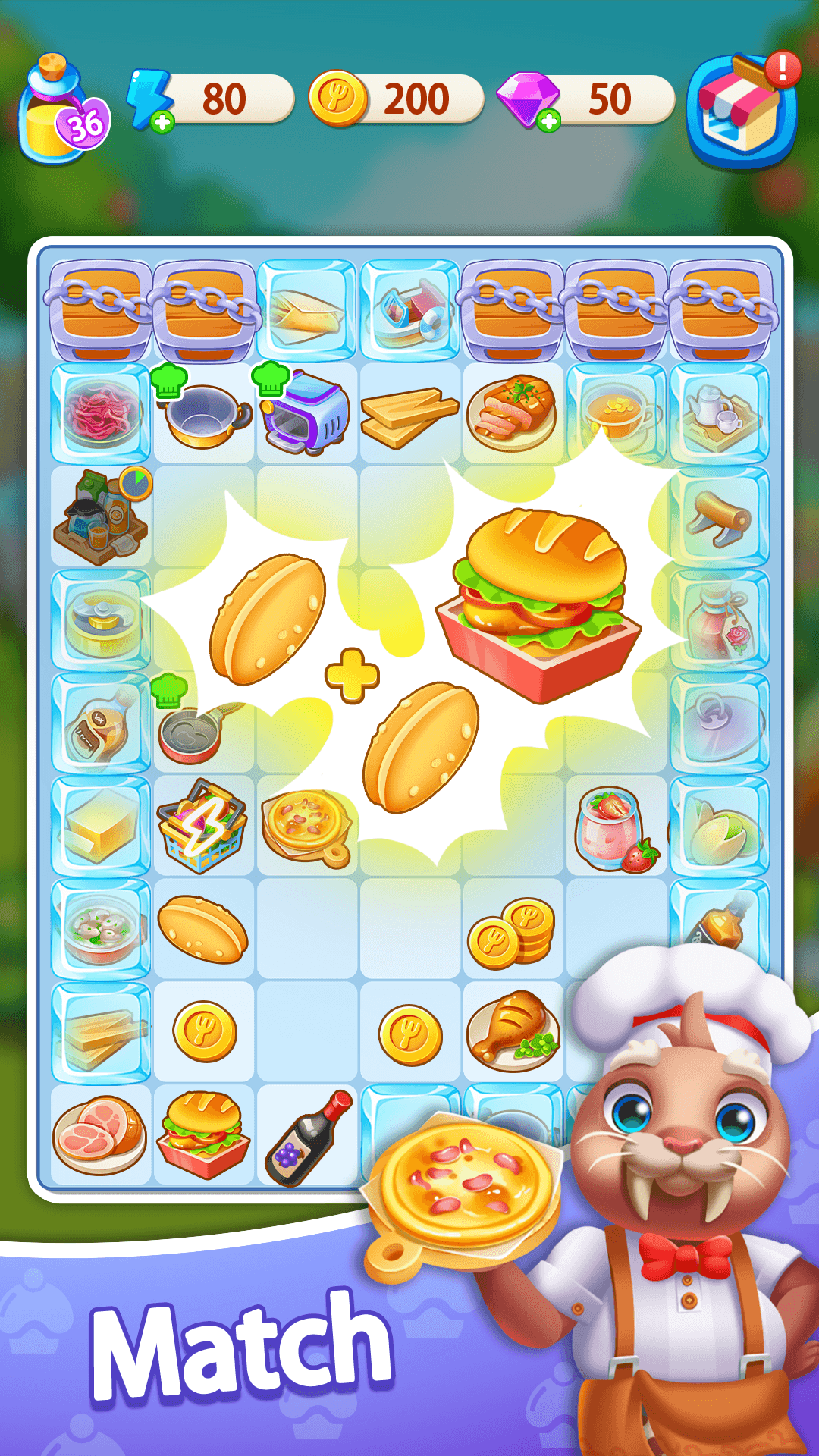
Merge Food - Merge & Cooking is a Casual game developed by BMS GAME STUDIOS. LDPlayer is the best platform for playing Merge Food - Merge & Cooking on Windows PC, offering powerful features to enhance your immersive experience in Merge Food - Merge & Cooking.
When playing Merge Food - Merge & Cooking on your computer, if you find repetitive actions or tasks tedious and time-consuming, fret not! Macro can alleviate your concerns. Simply record your actions with a click of the screen recording feature and let macros take care of the rest. Macros automate your operations, allowing you to effortlessly conquer the game with minimal effort! Start downloading and playing Merge Food - Merge & Cooking on your computer now!
A storm has devastated the village, and you are the only one who can bring it back to life. Clear merge puzzles, serve customers, and uncover the hidden mysteries of the village as you work to rebuild the restaurant!◆ Merge Items, Solve Fun Puzzles◆
Merge two identical items to unlock new and exciting objects! Simple mechanics make this game easy to play, but the puzzles get more challenging as you progress. How far can you go?
◆ Serve Delicious Dishes to Save the Restaurant◆
The restaurant is counting on you! Welcome customers, serve their meals, and increase sales to help revive the business. Can you turn this place around and save it from bankruptcy?
◆ Revive the Village with Your Restaurant◆
Use your puzzle-solving skills to upgrade your restaurant and other key locations in the village! Hire employees, and gather a following to make the village thrive once again!
◆ Uncover the Mystery of the Ruins◆
A storm uncovered mysterious ruins hidden deep within the mountains. What are they, and who built them? Solve puzzles and unravel the hidden stories of the village’s past!
◆ A Relaxing Puzzle Experience◆
No pressure—just relaxing puzzle-solving fun! Enjoy the simple pleasure of merging items, creating new ones, and exploring at your own pace. Perfect for players looking to enjoy a stress-free, leisurely game.
Perfect for Casual Gamers!
Food Fever is the ideal game to kill time, whether you’re commuting, waiting, or just relaxing. Enjoy a fun, free-to-play game with easy-to-understand gameplay and endless hours of entertainment!
◆ Perfect for Players Who:
-Love merge and puzzle games
-Want a relaxing game to play in their free time
-Enjoy games without time limits or pressure
-Are looking for a simple, beginner-friendly game
-Want to play a game while on the go
-Are looking for free, short-session games