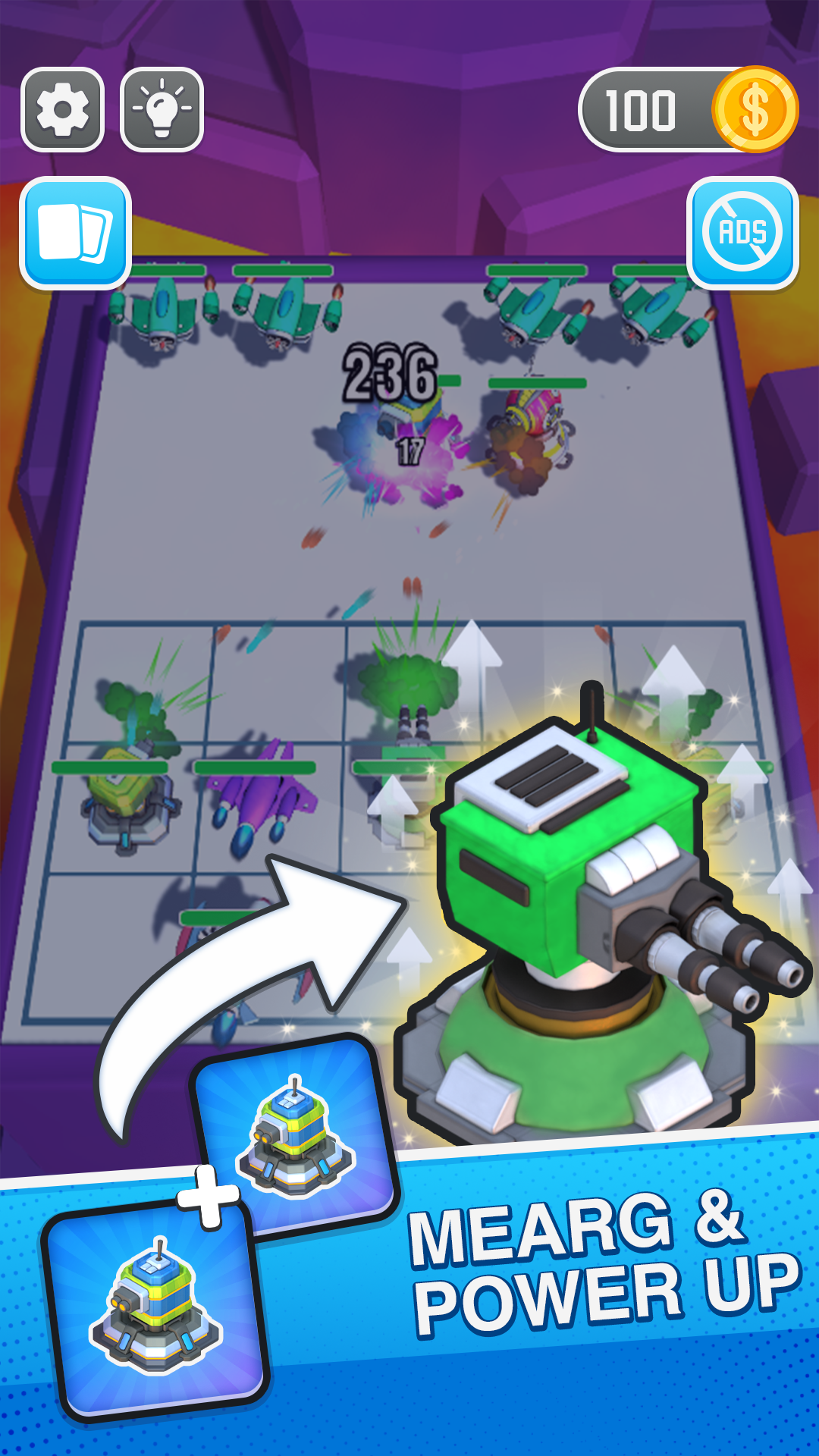
Merge Master : Tank Merge is a Puzzle application developed by DreamGames Studio, but with the best Android emulator-LDPlayer, you can download and play Merge Master : Tank Merge on your computer.
Running Merge Master : Tank Merge on your computer allows you to browse clearly on a large screen, and controlling the application with a mouse and keyboard is much faster than using touchscreen, all while never having to worry about device battery issues.
With multi-instance and synchronization features, you can even run multiple applications and accounts on your PC.
And file sharing makes sharing images, videos, and files incredibly easy.
Download Merge Master : Tank Merge and run it on your PC. Enjoy the large screen and high-definition quality on your PC!
Hello Soldiers, Master of Merge, are you ready to lead your troops to win this epic tank battle Simulator?Your task is very simple: use your strategies to combine the tanks and planes on your battlefield and fight against the enemies!
Merge Tank is a fun real-time strategy game for everyone.
The main goal of the game is to beat all the enemies by merging your troops. Attack to take over the enemy location. Make a decision in no time to strategize your attack on the enemy. Use your tactics to win the battle and move to the next level.
Unlock new and more powerful troops by merging!
Only some of the players unlock all the troops and win the challenge. Are you up for it?
The higher the level of the troops, the stronger you attack and defend. Power up your troops by merging them. Use your finger to draw the right combination and evolve your troops.
Play for free. Challenge yourself to be the emperor of the world.
List of the features of your new free casual game:
- 100% free game
- Beautiful 3D graphics
- Easy control
- Fun and Challenge
- For kids and adults
- Game for girls and boys
- Many troops to merge and fight enemies
HOW TO PLAY:
- Merge two similar troops to unlock new and more powerful troops.
- Use tactics to defeat the enemy.
- Choose carefully the directions where you want to move. If you don’t evolve faster, the other big enemies will crush you.
- Arrange strategically to beat enemies.
- Evolve fast, and fight all the enemies.
- Be brave and fight the enemies. Become the strongest team and conquer the world.