Miffy - Play along with Miffy is a Educational application developed by Azerion Casual, but with the best Android emulator-LDPlayer, you can download and play Miffy - Play along with Miffy on your computer.
Running Miffy - Play along with Miffy on your computer allows you to browse clearly on a large screen, and controlling the application with a mouse and keyboard is much faster than using touchscreen, all while never having to worry about device battery issues.
With multi-instance and synchronization features, you can even run multiple applications and accounts on your PC.
And file sharing makes sharing images, videos, and files incredibly easy.
Download Miffy - Play along with Miffy and run it on your PC. Enjoy the large screen and high-definition quality on your PC!
Play with Miffy in 15 educational games that develop intelligence, encourage creativity and teach children important skills in a fun and entertaining way. These Miffy educational games are designed for children up to the age of 6.* Learn to count from 1 to 10
* Solve Miffy puzzles
* Play pairs (memo)
* Develop spatial intelligence by pairing shapes and objects
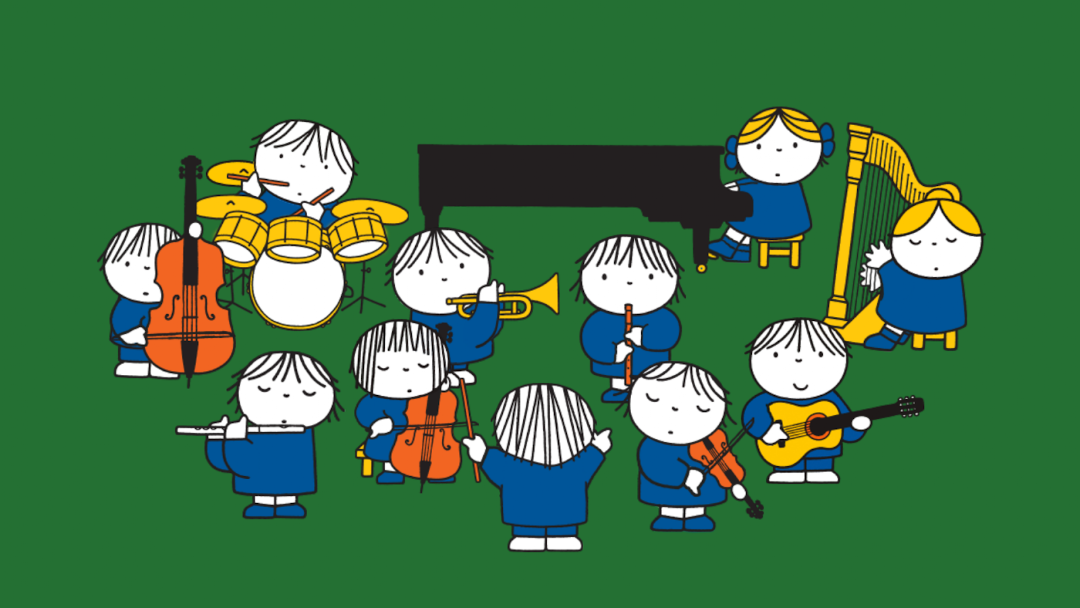
* Make music and sounds
* Learning about numbers and letters
* Learning to complete the words
* Colouring cute pictures and encourage creativity
* Enjoy free children games: puzzle, make music and letter placement
* Free educational games
* And much more!
These Miffy educational games help children boost their intelligence and develop cognitive skills such as learning numbers, learning letters, linking words, matching shapes and objects, finishing words, and recognising quantities and colours. This collection of educational games will boost the intelligence and creativity of children and includes playful elements such as Miffy colouring pages, puzzles, and a game in which children learn to recognise different musical instruments. These are perfect games for toddlers and children.
learn letters
Learning letters by matching the letters with the right objects.
learn numbers
Learning numbers by matching the numbers with the right quantities.
shapes
Develop spatial intelligence by pairing up the matching items.
colouring
Encourage creativity with colouring pictures of Miffy using lots of different colours.
letter placement
Complete the words by picking up the right letters.
counting
Count the items and learn to recognise the numbers.
memo
Find the matching cards.
counting apples
Collect the apples and learn to count.
spot the differences
Find the differences between the two pictures.
simon says
Remember the sounds and repeat the sequence.
puzzle
Complete the jigsaw puzzles by connecting the pieces.
whack-a-mole
Collect the right vegetables and learn to count.
connecting letters
Find the matching uppercase and lowercase letters.
cooking
Prepare all kinds of meals for Miffy and her friends.
make music
Help the orchestra make some music and learn about the different musical instruments.
About Dick Bruna
Dick Bruna, (Utrecht 1927-2017), is one of the Netherlands’ most celebrated artists. His worldwide recognition is largely due to his character miffy, a bunny-rabbit drawn in clear, simple lines. Miffy’s everyday adventures have appealed to the creativity and imaginations of generations of toddlers and young children.
Licensed by Mercis bv – www.miffy.com
Illustrations Dick Bruna © copyright Mercis bv, 1953-2022