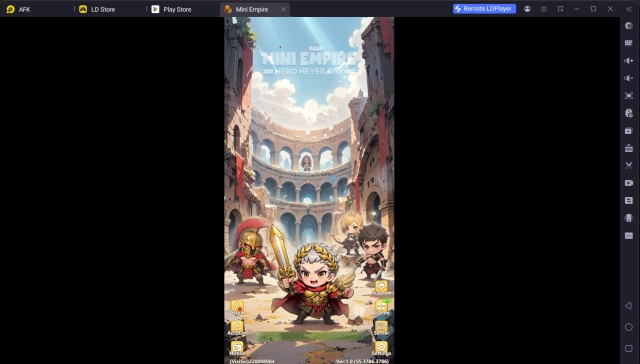
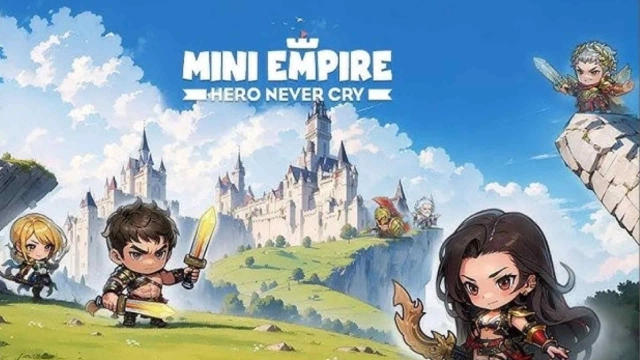
Let’s step into the enchanting world of Mini Empire: Hero Never Cry, an RPG anime game that combines strategic card battles with a rich fantasy setting. With its dynamic duels and an extensive roster of unique heroes, this game offers an exciting challenge at every turn. To truly elevate your experience, LDPlayer provides the tools you need for smoother, more immersive gameplay.
Effortless Summoning with Multi-Instance Sync
Building a formidable team of heroes is key to conquering the epic battles in Mini Empire: Hero Never Cry. The game features a summoning system where heroes of varying rarities: SSR, SR, and R are acquired. Heroes like Alexander, Archimedes, Arminius, Dido, and Houjou stand out for their exceptional abilities, but obtaining them can be difficult due to random pulls. With LDPlayer’s Multi-Instance Sync, you can run multiple instances of the game simultaneously, allowing you to perform multiple summons at once. This increases your chances of acquiring top-tier SSR heroes, ensuring your team is always battle-ready.
Enhanced Visuals for a Richer Experience
The vibrant graphics and detailed animations of Mini Empire: Hero Never Cry deserve a larger canvas. Managing epic duels, coordinating with friends, and strategizing for victories can become cumbersome on a small mobile screen. LDPlayer offers high-definition visuals on a larger display, bringing every character design and battle effect to life with stunning clarity. The horizontal view and enhanced details make every moment in the game more engaging and immersive.
Consistent Performance for Long Sessions
Extended gaming sessions on mobile devices often lead to lag, overheating, or battery concerns, challenges especially prominent in graphically intensive games like Mini Empire: Hero Never Cry. Playing on PC with LDPlayer eliminates these issues. The emulator ensures stable, consistent performance, so you can focus on building your empire and overcoming challenges without interruptions.
Ready to master the fantasy world of Mini Empire: Hero Never Cry? With LDPlayer, you’ll enjoy efficient summoning, breathtaking visuals, and seamless gameplay that mobile devices simply can’t match. It’s time to conquer the game’s epic challenges and create your ultimate hero team. Play Mini Empire: Hero Never Cry on PC with LDPlayer now for making it the ultimate gaming experience.