

MiniDrivers is a Racing game developed by Ivanovich Games. LDPlayer is the best platform for playing MiniDrivers on Windows PC, providing robust features to help you achieve an immersive experience in MiniDrivers.
When playing MiniDrivers on your computer, if you prefer using your own gamepad to control the game, LDPlayer's automatic gamepad detection can assist you in customizing controls with just a few simple clicks, allowing you to enjoy more realistic racing scenes and challenges.
With support for high frame rates, the game's diverse track designs and rich terrain and environmental changes become even more lifelike and detailed.
Additionally, the video recording feature makes it easy for you to capture all the exciting and amusing races and game content, making it convenient to share with friends or create videos. Start downloading and playing MiniDrivers on your computer now!
The craziest races are now on your hand with MiniDrivers! The animated serie which is loved by millions of people around the world has a new main character: You! Create your own stores or change the rules becoming World Champion.IS TIME TO RACE!
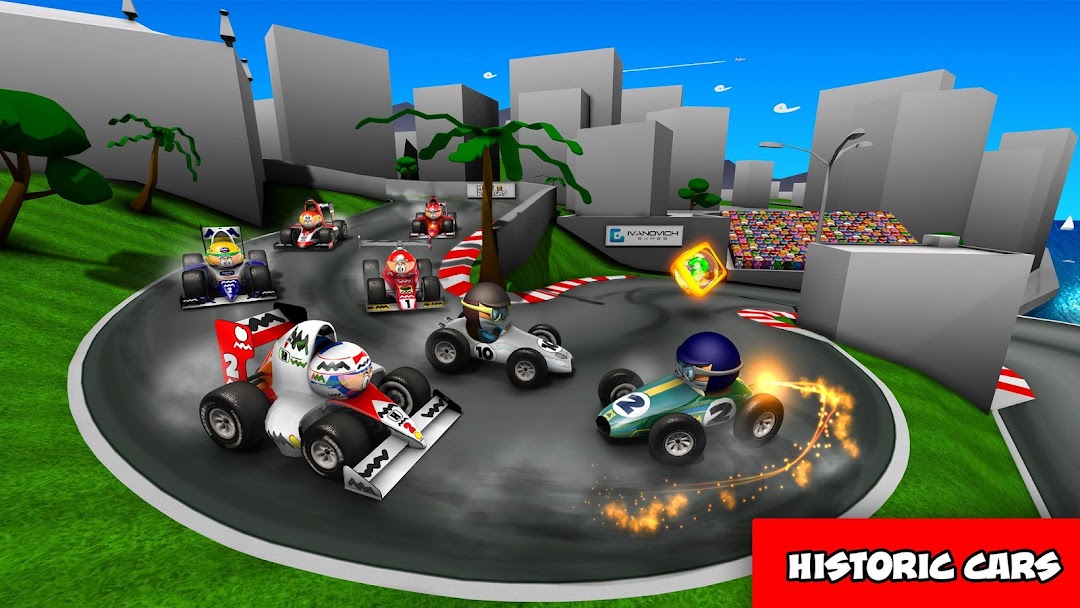
If something is peculiar with MiniDrivers is their way to see the sport. Who said races are boring? Surprises will be in every corner with the power-ups that you’ve seen on the animated series. Freeze your rivals with the Freeze-o-Kimi, throw a boomerang as the Australian drivers or smash your rivals as the most “shocking” driver does in real life. Create your own formula to win.
Enjoy three different game modes, like the Tournament that will make you show that you’re the best driver. The season mode will allow you become the 2016 MiniDrivers World Champion and the online tournament that will allow you to show everyone that you’re the best driver with the weekly challenges against your friends around the world. Also you can enjoy the chapter of your favorite cartoons and see all the chapters from our app.
A SEASON TO REMEMBER
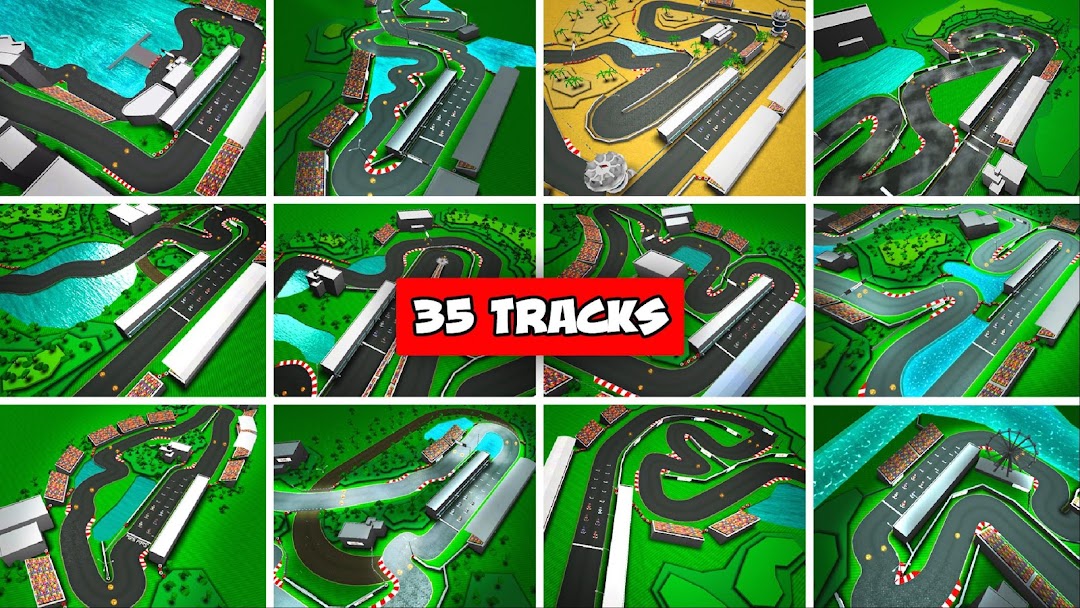
Race on the 35 most known tracks of the series full of details and surprises that will shock you with the full grid for this 2016 season of MiniDrivers. Will you be able to beat Minicedes with your favorite driver? Now you can do it! Change the story and specially… Change the rules!
MINIDRIVERS AS YOU HAVE NEVER SEEN BEFORE
Realistic graphics adapted to all the devices. Also you will be able to change the amount of detail. You will see everything!
BE THE NUMBER ONE IS THE BEST FORMULA
Realistic physics for the most exigent drivers with an arcade handling for the little ones. All the people can race at MiniDrivers the videogame! But don’t forget to upgrade your car if you want to be on top and beat your rivals.
COMPLETELY FREE
To enjoy as much as you can the game we offer the game completely free with inApp purchases that are optional. Put your seatbelt and press the acceleration because the championship has started!