Miraïbo GO is a Adventure application developed by DREAMCUBE, but with the best Android emulator-LDPlayer, you can download and play Miraïbo GO on your computer.
Running Miraïbo GO on your computer allows you to browse clearly on a large screen, and controlling the application with a mouse and keyboard is much faster than using touchscreen, all while never having to worry about device battery issues.
With multi-instance and synchronization features, you can even run multiple applications and accounts on your PC.
And file sharing makes sharing images, videos, and files incredibly easy.
Download Miraïbo GO and run it on your PC. Enjoy the large screen and high-definition quality on your PC!
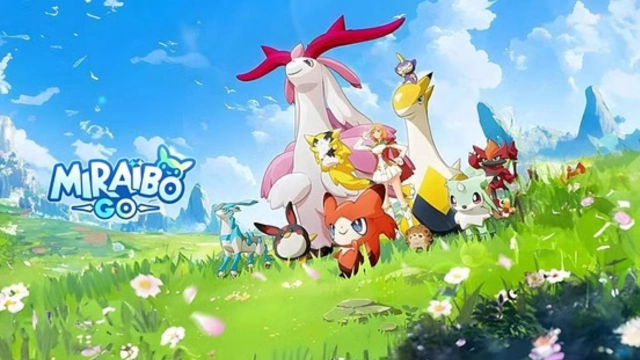
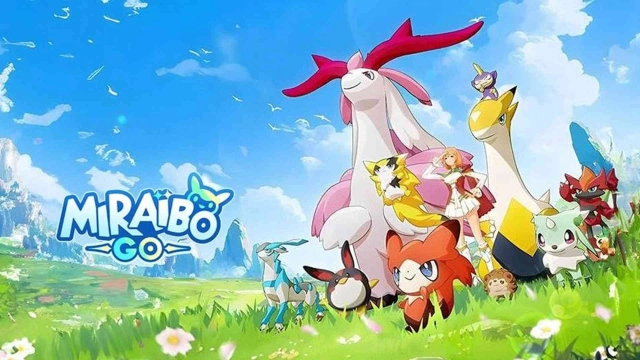
Miraïbo GO -- Mobile monster-themed open world survival game! Get ready to tame various monsters with your friends and explore the world anytime anywhere! Hundreds of classic monsters await you in this exciting adventure!Explore the world, capture monsters, fight enemies, build a base, and establish a new monster utopia together! More ways to play are waiting for you to discover!
Tame Monsters Hundreds of monsters await you!
More than 100 classic monsters with different skills and elements will accompany you on your adventure! Worried about not being powerful enough? Defeat bosses to improve your team strength!
Base Construction Let your monsters manage automatic production!
Lead monsters to implement automatic construction and production in your base! Assign different monsters to different tasks based on their specialties and characteristics, including farming, gathering and production! Oh, and don't forget to prepare enough food and water for them, and give them enough time to rest and play! As the saying goes, all work and no play makes Jack a dull boy!
Mounted Exploration Fight alongside your tame monsters!
From the simplest wooden stick to the most powerful modern weaponry, there's plenty of equipment to help you take on the fiercest bosses! Throw the sphere to capture them when they are weak and make them be a member of your monster team. Use their unique skills and abilities to survive in this perilous world!
Multiplayer Battle Explore and adventure with your friends!
Invite your friends to build a base and survive together in the open world, while defeating bosses and enjoying the fun of fighting and exploring! But don't forget to stay alert, for your friends may turn against you at any time to plunder resources! There are no permanent enemies, and no permanent friends, only permanent interests!