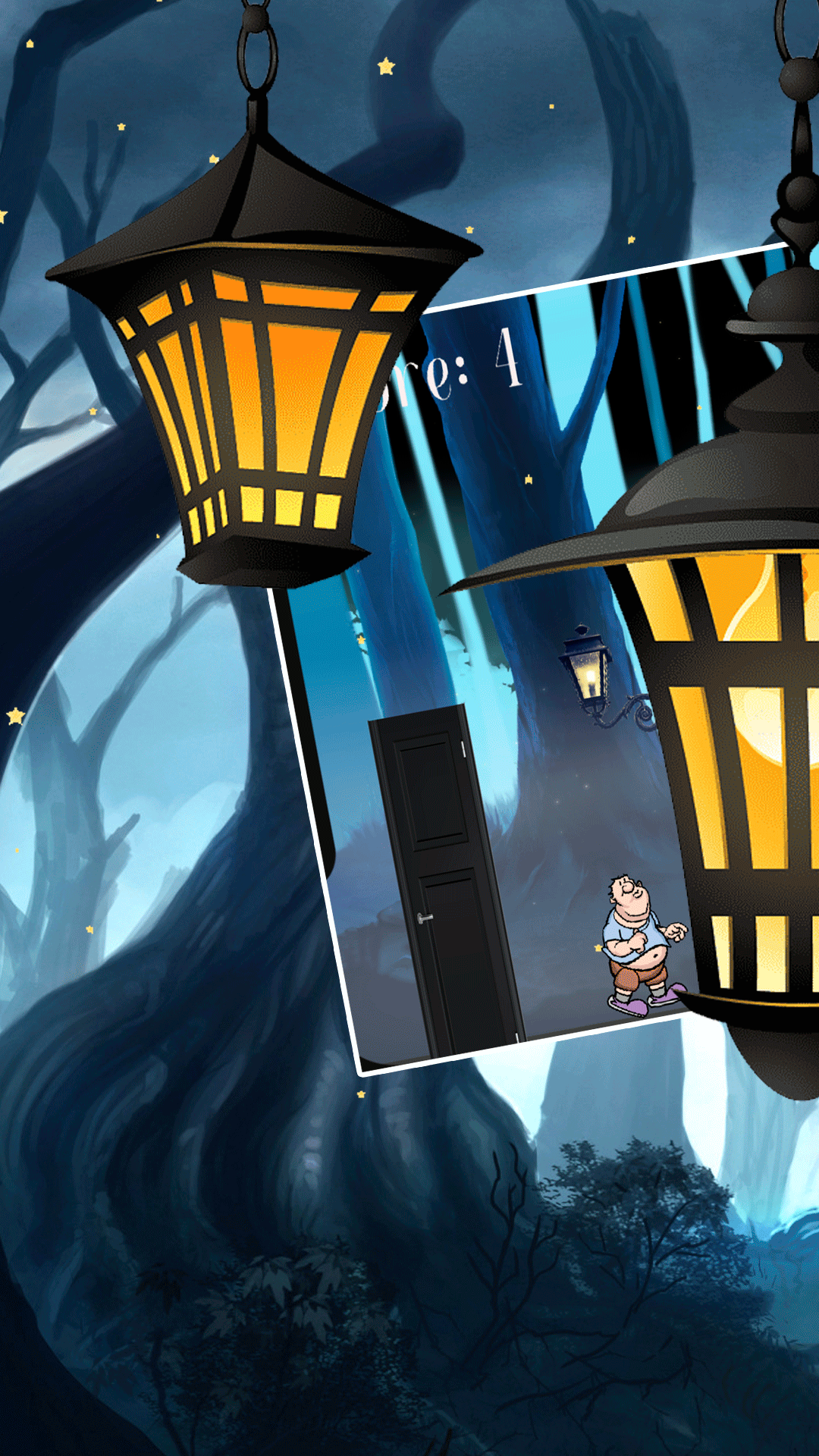


Misty Walk is a Arcade application developed by WISE IT, but with the best Android emulator-LDPlayer, you can download and play Misty Walk on your computer.
Running Misty Walk on your computer allows you to browse clearly on a large screen, and controlling the application with a mouse and keyboard is much faster than using touchscreen, all while never having to worry about device battery issues.
With multi-instance and synchronization features, you can even run multiple applications and accounts on your PC.
And file sharing makes sharing images, videos, and files incredibly easy.
Download Misty Walk and run it on your PC. Enjoy the large screen and high-definition quality on your PC!
Embark on an exhilarating journey in Misty Walk, the ultimate endless runner game that tests your agility, reflexes, and quick thinking. In a world where light and shadow coexist, your survival depends on your ability to swiftly switch between states with a simple tap.Game Features:
Endless Runner Excitement: Dash through a beautifully designed urban landscape, filled with dynamic obstacles and challenges that keep you on your toes.
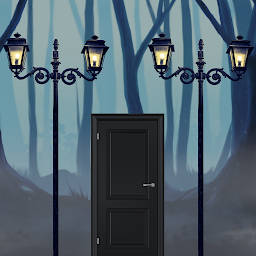
Light and Dark States: Tap to switch between light and dark states. Navigate through brightly lit streets in your light form and slip through shadowy black doors in your dark form.
Immersive Visuals: Experience stunning graphics with contrasting environments that bring the light and dark theme to life.
How to Play:
Tap to Switch: A simple tap switches your state between light and dark. Time your taps to perfectly align with the upcoming obstacles.
Navigate Obstacles: In light state, pass through street lights and avoid dark traps. In dark state, slip through black doors and dodge bright hazards.
Stay Focused: The longer you run, the faster and more challenging the game becomes. Stay sharp and keep switching to survive!
Misty Walk offers endless fun and excitement for players of all ages. Are you ready to take on the challenge and become the ultimate misty walk? Download now and dive into the duality of light and dark!
Download Misty Walk today and start your endless journey!