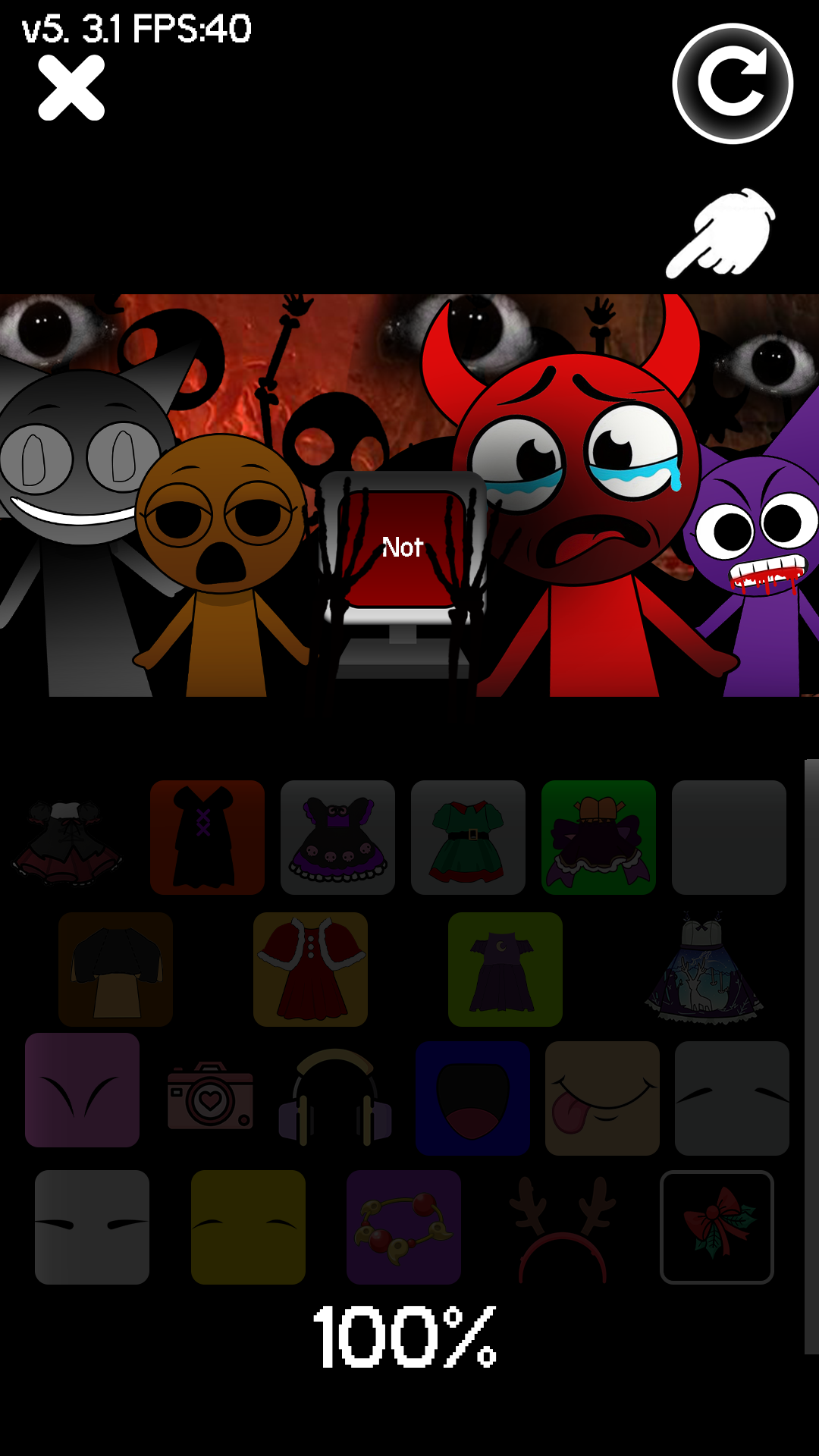
Mix Beatbox Fun Time Makeover is a Music application developed by Instant Play, but with the best Android emulator-LDPlayer, you can download and play Mix Beatbox Fun Time Makeover on your computer.
Running Mix Beatbox Fun Time Makeover on your computer allows you to browse clearly on a large screen, and controlling the application with a mouse and keyboard is much faster than using touchscreen, all while never having to worry about device battery issues.
With multi-instance and synchronization features, you can even run multiple applications and accounts on your PC.
And file sharing makes sharing images, videos, and files incredibly easy.
Download Mix Beatbox Fun Time Makeover and run it on your PC. Enjoy the large screen and high-definition quality on your PC!
Get ready to immerse yourself in a world of style and rhythm with Sprunk Horror Game! This exciting Fun Time Sprunk Scary game blends beauty transformations with dynamic music experiences, letting you create the perfect look while grooving to the beats. Express your creativity through stunning makeovers, choosing from a vast range of makeup, hairstyles, and outfits. As you perfect your style, new scary Sprunk BeatBox music tracks and vibrant environments to elevate the fun. Whether you’re a beauty enthusiast or a music lover, Sprunki Fun time scary Beatbox Music Game lets you combine both passions in an engaging, interactive way!Mix Beatbox Fun Time Makeover Horror Game Features:
Transform your all horror characters as you expected.
Unlock diverse Scary tracks to set the vibe and match your style.
Drag and drop your chosen sounds onto horror Sprunk characters to start play..
Engage with rhythm-based challenges to unlock new rewards.
Your look evolves as you keep up with the Sprunki BeatBox.
Gameplay of Mix Makeover Fun time Sprunk Horror Game:
-Pick from a variety of Scary beats, chilling effects, haunting melodies, and creepy voices to craft your soundscape.
-Drag and drop your selected sounds onto different horror Combination, triggering unique reactions and gameplay elements.
-Experiment with different combinations of sounds to see how they blend, resulting in personalized music that shapes your horror experience.
-Once you’ve crafted your perfect chilling track, share it with friends and challenge them to create their own eerie masterpieces.